You've set up a calendar that looks perfectly workable: a few posts, one social account, and a clear date for everything. Then a client asks to review a draft, you add another platform, or your team discovers the price changes with every extra channel or user. That's when content calendar software stops being a tidy grid and starts being a real workflow decision.
This guide compares ten tools by the work they're suited to, from solo publishing to client approvals. It also looks at what happens when a free plan no longer fits, and how pricing by channel, workspace, or seat can change the cost of growing. Product details and plan limits can change, so check each vendor's current terms before committing.
Table of Contents
- 1. SleekPost
- 2. Buffer
- 3. Metricool
- 4. Later
- 5. Hootsuite
- 6. Loomly
- 7. Planable
- 8. SocialPilot
- 9. CoSchedule
- 10. Zoho Social
- How the 10 content calendar tools compare on price, free options, and best-fit users
- Matching Your Calendar to How Your Content Actually Gets Approved
1. SleekPost
A creator scheduling a week of posts across a few networks has a simple need: plan it once, adapt it per platform, publish. SleekPost covers that ground well for creators and small businesses that do not want to pay for a full marketing suite. The calendar combines scheduling with platform-specific post customization, and it handles carousels, videos, and reels, which removes the handoffs between a planning view and the publishing tool.
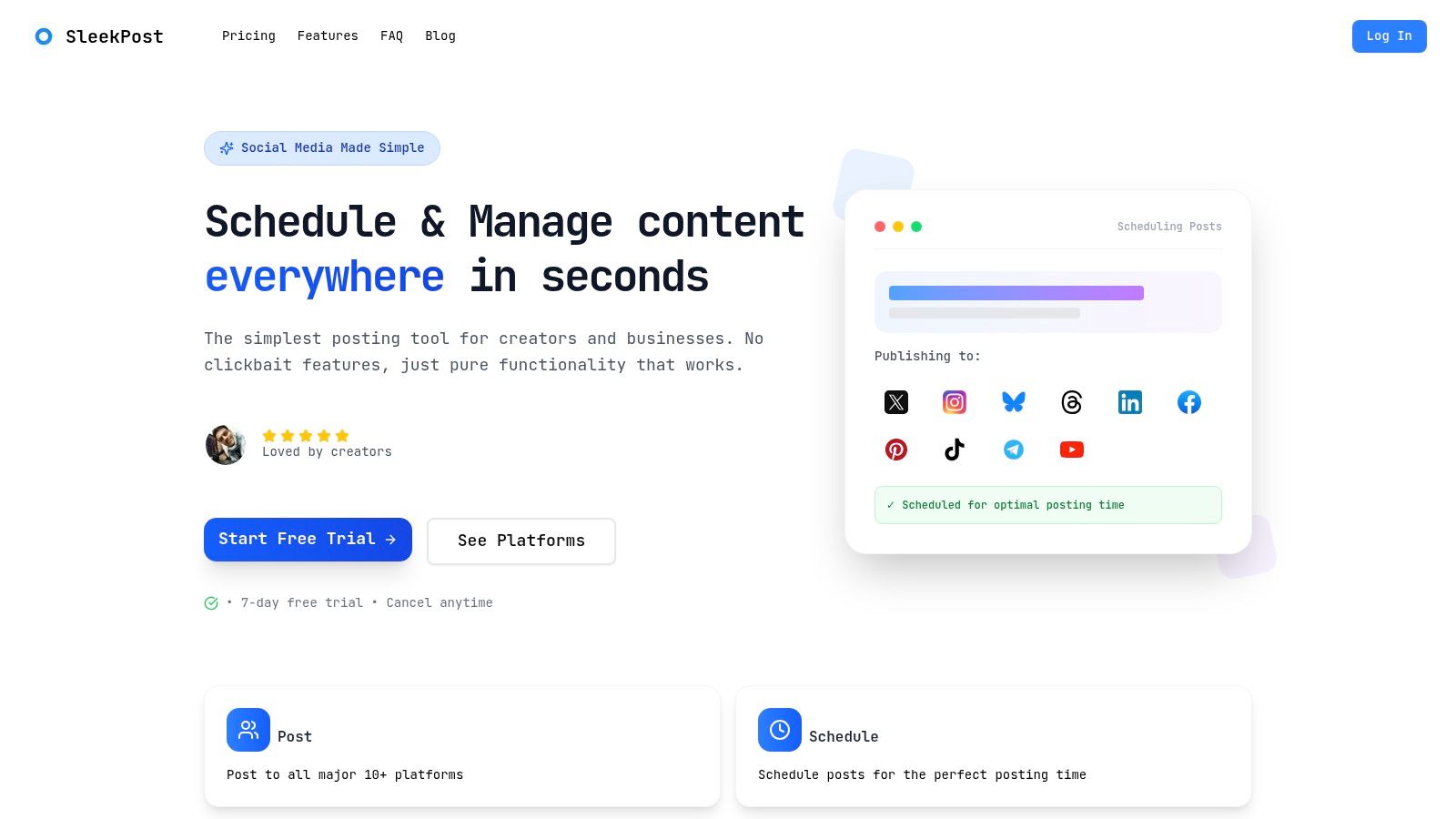
Pricing runs as flat tiers rather than per channel. Annual billing starts at $5.40 per month for Starter, $11.40 for Pro, and $23.40 for Premium, with a seven-day trial. Paid plans include unlimited posts. Pro and Premium add recurring posts and auto-reposts, while only Premium includes the AI Content Generator for turning prompts or links into drafts. The catch sits in the connected-account limits. A low sticker price stops being cheap if your actual profile mix forces a tier upgrade, so check the account cap on the plan you are considering before the trial ends.
Practical rule: Test the calendar with your real platform mix, not a sample account. Draft one post for each channel and check whether the copy and media can be adapted without duplicating work.
Where SleekPost thins out is agency-style work. Layered client sign-offs and complex campaign task management are not its strengths, and the vendor notes that AI output quality can vary. For a solo creator or a small team that wants recurring content and a media library at a flat monthly price, that is a reasonable trade. Teams billing clients against approvals and cross-account reporting will feel the ceiling quickly.
2. Buffer
Buffer makes sense for a solo creator or small business that wants a clear publishing calendar and doesn't need a full campaign-management workspace. Its free plan supports up to three channels, which lets a small operation test the workflow before paying. The paid plans use per-channel pricing, so you can begin with a limited set of accounts and add more as your publishing footprint grows.
Buffer's Essentials plan is listed from $5 per channel per month, and Team from $10 per channel per month, with annual billing. That model is easy to understand when one person manages a few profiles. It can become less appealing as you add channels, because each addition affects the subscription rather than merely expanding a shared workspace.
The tool combines a visual calendar and scheduled-post queue with idea storage, an AI Assistant, and performance summaries. Team adds members and approval workflows, so a small business can bring a reviewer into the process without replacing the publishing tool. But those team controls aren't part of the basic solo setup.
Trade-off: Buffer's simplicity helps keep day-to-day scheduling manageable. It's focused on social publishing, so teams coordinating blog production, campaign tasks, and cross-functional approvals may still need another system.
Before moving off the free plan, count the channels you actively use and the ones you might add soon. Then check whether the Team plan's collaboration features are worth the per-channel bill for your team.
3. Metricool
Metricool makes most sense when reporting is part of the calendar job, not an export you rebuild elsewhere. Consultants and small agencies can draft, preview, schedule, and review performance in one product, with paid plans adding multiple brands and collaboration features. That matters when client questions arrive as often as publishing deadlines.
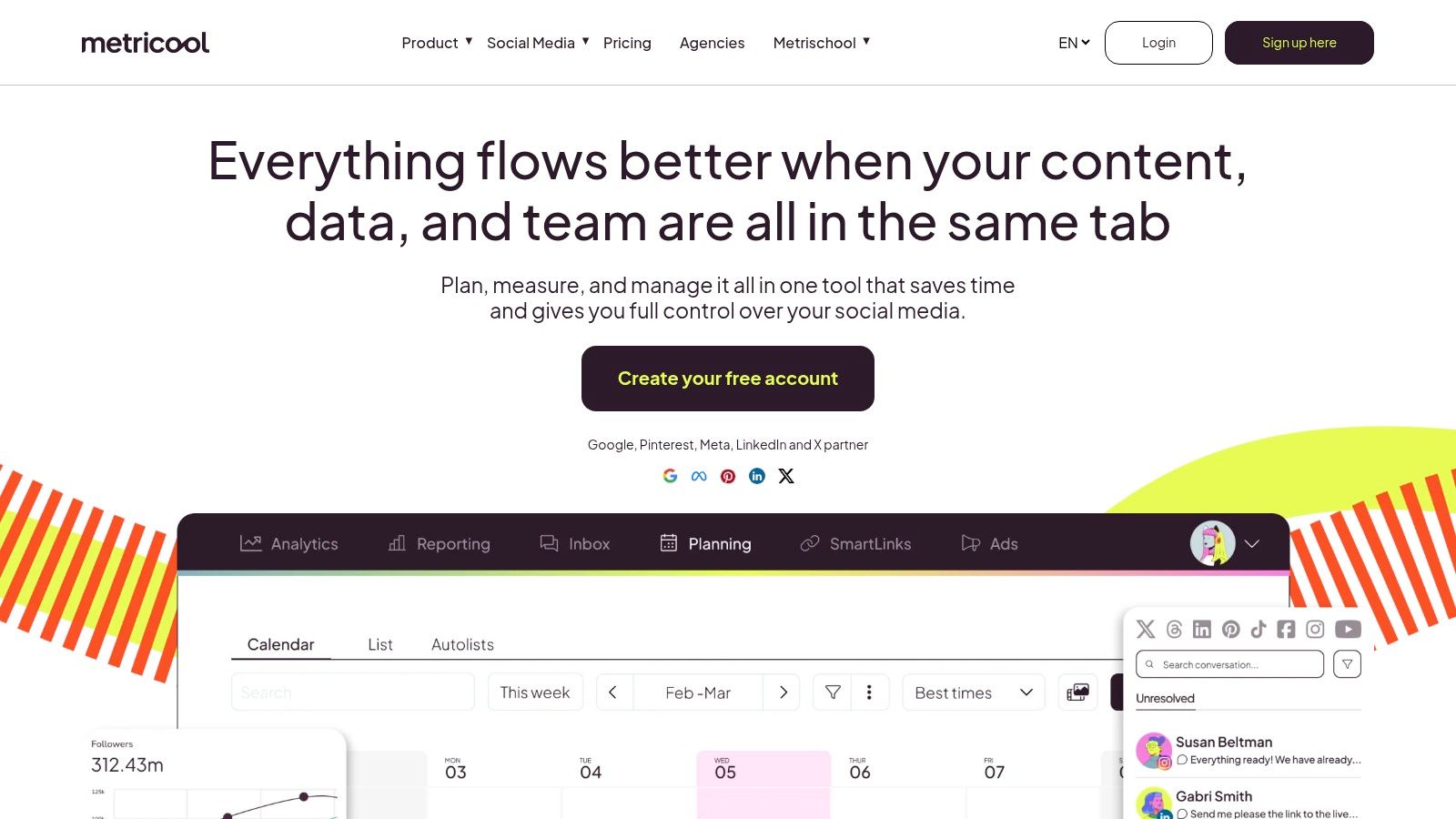
The free plan can prove the workflow, but treat it as a test unless your volume is low. Monthly scheduled-post limits and network exclusions can force an upgrade sooner than expected. X is listed as an add-on, so count it if that channel is required. Starter is listed from $20 per month with annual billing in the US; before budgeting for client work, confirm the current brand, user, and network limits at your tier.
Bulk CSV scheduling and duplication across brands are useful for repeatable formats, and Canva plus Google Drive integrations on eligible plans reduce asset hunting. The limit is editorial: duplicated posts still need platform-specific copy, timing, and creative checks.
The deciding question is approval and reporting load. A calendar that shows scheduled items will not automatically answer a client's “what changed?” question. Define the few metrics you must defend each month, then compare Metricool's reports against that list. For a practical way to structure those measures, use social media reporting best practices.
4. Later
A creator planning two weeks of Instagram content usually cares about one thing first: how the grid looks. Later was built around that problem. Its media library and visual calendar show upcoming posts the way they will appear, and auto-publishing covers supported profiles. Link-in-bio tools and creator collaboration features extend it beyond scheduling alone.

Later prices by "social set" rather than per seat, and that changes the math compared to per-user tools. The listed annual plans are Starter at $16.67 per month and Growth at $30 per month, with a fourteen-day trial. Each tier caps posts per profile, social sets, users, and AI credits. A solo creator running one set may fit comfortably on Starter. An agency managing five client brands could hit the social set ceiling long before hitting any seat limit, so map your client roster to sets before budgeting.
The visual planner earns its cost when layout drives editorial decisions, such as balancing product shots against short-form video. If your calendar is mostly text posts and you only need reliable scheduling, you are paying for a view you will rarely open.
Client review is the other limit worth checking. A shared calendar shows what is scheduled, but the depth of approval workflow varies by tier, so confirm what reviewers can do at your price level. If Instagram carries most of your publishing, work through a practical Instagram content calendar guide to define your requirements before comparing plans.
5. Hootsuite
A social team that publishes in the morning and answers customer messages all afternoon uses a calendar differently than a creator batching a week of posts. Hootsuite is built for the first group: a social media management platform where the calendar shares space with analytics, monitoring streams, and a unified inbox on eligible plans.
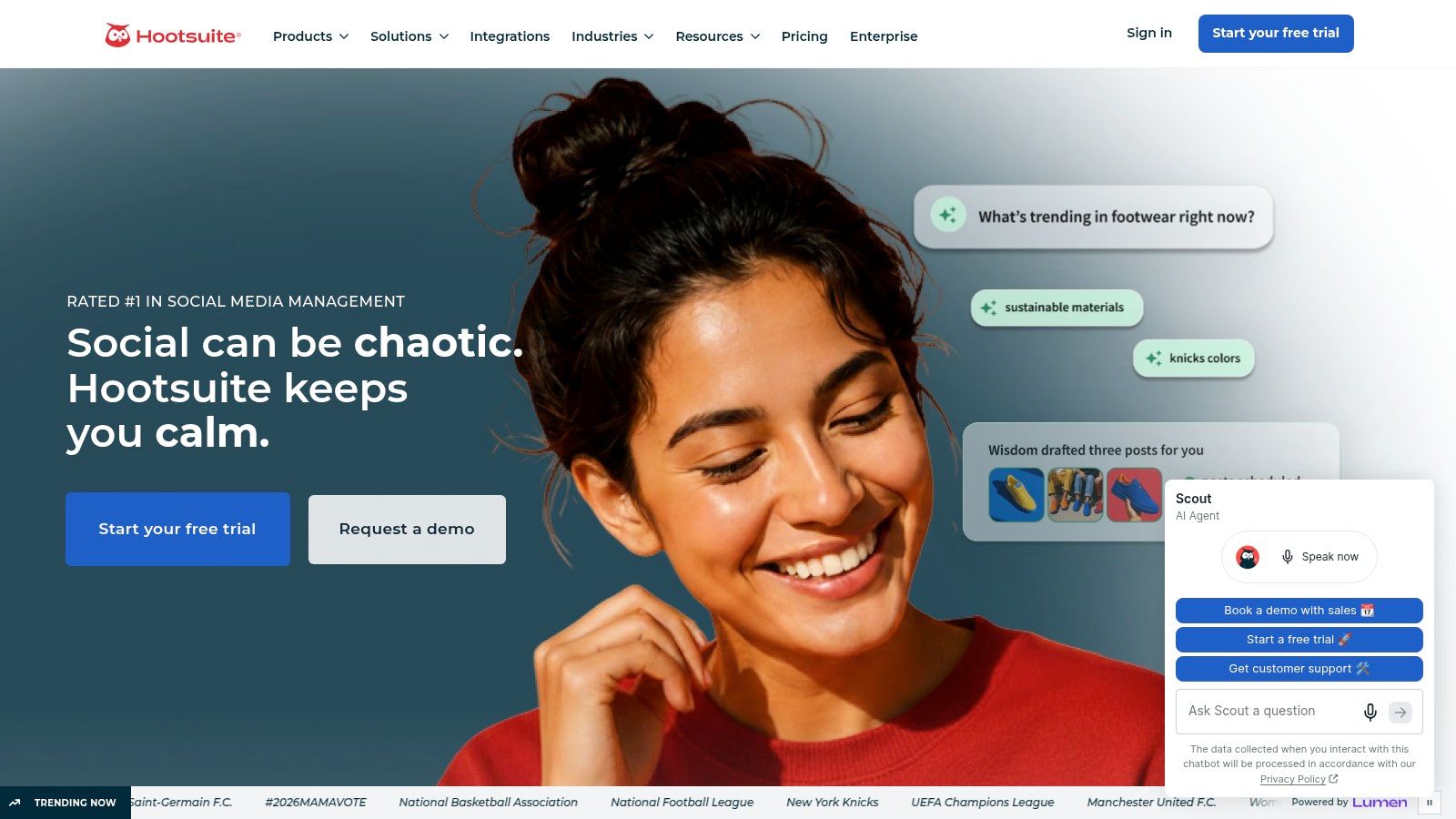
The calendar itself shows scheduled posts across networks in weekly and monthly views, and Hootsuite's materials describe drafting posts directly into a day, drag-and-drop rescheduling, suggested times to publish, and bulk scheduling for larger batches. Drafts and approval statuses sit inside the same view, so a reviewer can see what is queued without a separate spreadsheet.
Hootsuite has no permanent free plan. Pricing is sold per user, with entry plans listed around $99 per month on annual billing and a 30-day trial on offer, though plan names and rates change often enough that you should confirm current terms on Hootsuite's site. Per-seat pricing matters here: adding two teammates to the calendar can move the bill faster than adding channels.
Where the platform earns its cost is coordination. An agency handling community replies for clients will touch the inbox and analytics daily, so paying for them alongside scheduling is defensible. A small business that only needs Monday's batch of posts queued gets a capable planner plus a set of features that sit unused.
A useful test: Count how often your team opens anything beyond the scheduler in a normal week. If the answer is rarely, a dedicated calendar tool will cost less per seat than a full management suite.
For teams weighing that agency use case, the trade-offs between client approvals, inbox access, and seat pricing are compared in this guide to social media management tools for agencies.
6. Loomly
Loomly bundles social accounts and users into each plan tier, which changes the math for small teams. Starter already includes multiple accounts and multiple users, so adding a teammate or an outside reviewer doesn't add a line item the way a per-seat tool would. For a small business where a marketing generalist, a founder, and a freelancer all touch the calendar, that model is easier to budget than a seat-based service.
The catch is the tier jump. Starter is listed at $49 per month billed yearly or $65 monthly, while Beyond is listed at $249 per month billed yearly or $332 monthly. Agencies and growing teams should confirm which approval controls and account capacities sit behind the higher tier before assuming Starter covers their review process.
That gap is steep for a solo creator paying out of pocket.
On features, the listed plans include calendar views, user roles, post previews, unlimited scheduling, and an AI Assistant, while advanced analytics and some workflow controls depend on plan level. Bulk posting and recurring posts cut repetitive work, but neither substitutes for knowing who signs off. Decide who drafts, who gives feedback, and who holds final approval before you configure roles.
The key question is whether your reviewers will work inside the calendar. If a client still approves by email, you're paying for workflow features nobody uses. Define statuses and handoffs first; the content calendar best-practices guide can help set that up before you commit to a tier.
7. Planable
Planable is a strong fit when the bottleneck is feedback, not scheduling. Its workspace-based setup separates content by client or brand, while comments, review steps, and approvals keep discussion attached to the post. That's a practical distinction for freelancers and agencies that otherwise chase client feedback across email, chat, and shared documents.
Planable's free use includes the first 50 posts with no time limit. Once you need more, listed Basic pricing is $33 per workspace per month, and Pro is $49 per workspace per month. Both listed paid plans include unlimited users, so a large reviewer group doesn't necessarily add a seat charge. Instead, pay attention to the workspace and monthly post limits, which can shape the cost as you take on more clients or publish more often.
Feed and calendar views support day-to-day planning, with additional views available on higher plans. Analytics, social inbox, and social listening may require separate add-ons. That separation keeps the basic product focused on planning and approval, but it means you should price the full workflow if reporting or engagement management is part of the job.
Planable's workspace model can be easier to budget for than a seat-based service when many people need to review content. It may be less efficient if you manage a high number of small client workspaces, so map your accounts and posting volume before upgrading. Don't assume that unlimited users also means unlimited posts or unlimited workspaces.
8. SocialPilot
SocialPilot suits solo professionals, small teams, and agencies that want scheduling paired with client-facing workflow tools. The calendar, content library, bulk import, and analytics cover recurring publishing. Higher tiers add client approval and white-label reporting, which matters if you deliver reports under your own brand.
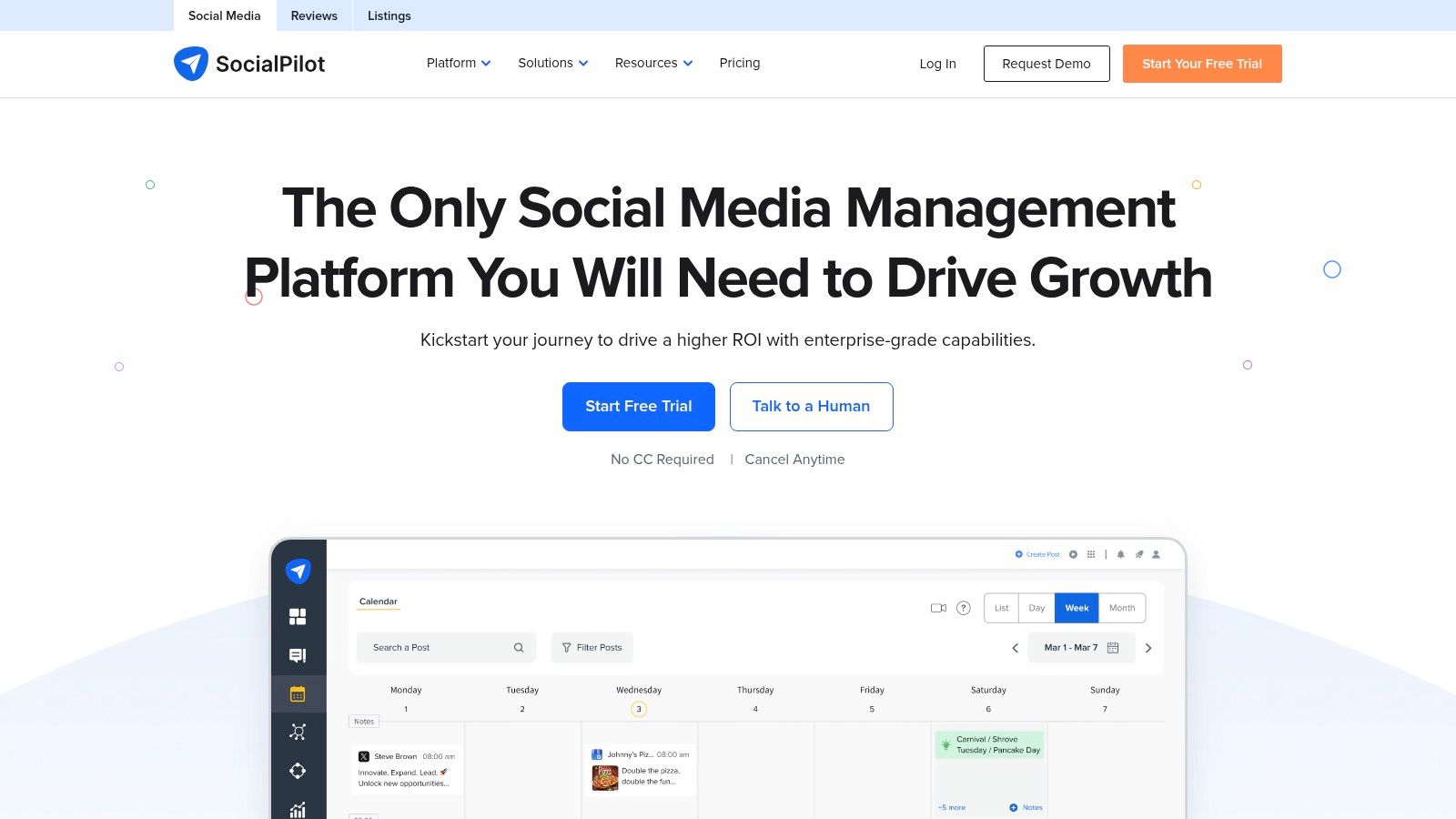
Essentials is listed at $17 per month with annual billing for five accounts and one user. Above it sit the Standard, Premium, and Ultimate plans, listed between $34 and $170 per month on annual billing, with account and user limits that rise per tier. An individual can assess the entry plan quickly. Agency buyers face a different question: does the tier your roster requires include approvals and white-label reports, or are those locked higher up? Check before you commit.
Bulk publishing and repeat-post options help when you reuse established content formats. Volume scheduling alone does not manage client work well. A clear approval step, defined ownership, and reliable reporting matter more than filling the calendar fast.
SocialPilot advertises a fourteen-day trial with no credit card required. Confirm trial terms and current pricing on SocialPilot's pricing page before signing up, since vendors adjust both. During the trial, run a real client workflow: connect the accounts you manage, build a draft, request a review, and export a report. Two weeks of hands-on use tells you more about fit than any third-party rating.
9. CoSchedule
A product launch where the blog post, the email, and the social queue all have to land in the same week is the scenario CoSchedule is built around. It pairs social scheduling with a broader marketing calendar, which suits teams whose posts depend on other assets going live first. Solo creators who only need to queue social content will pay for planning surface they never use.
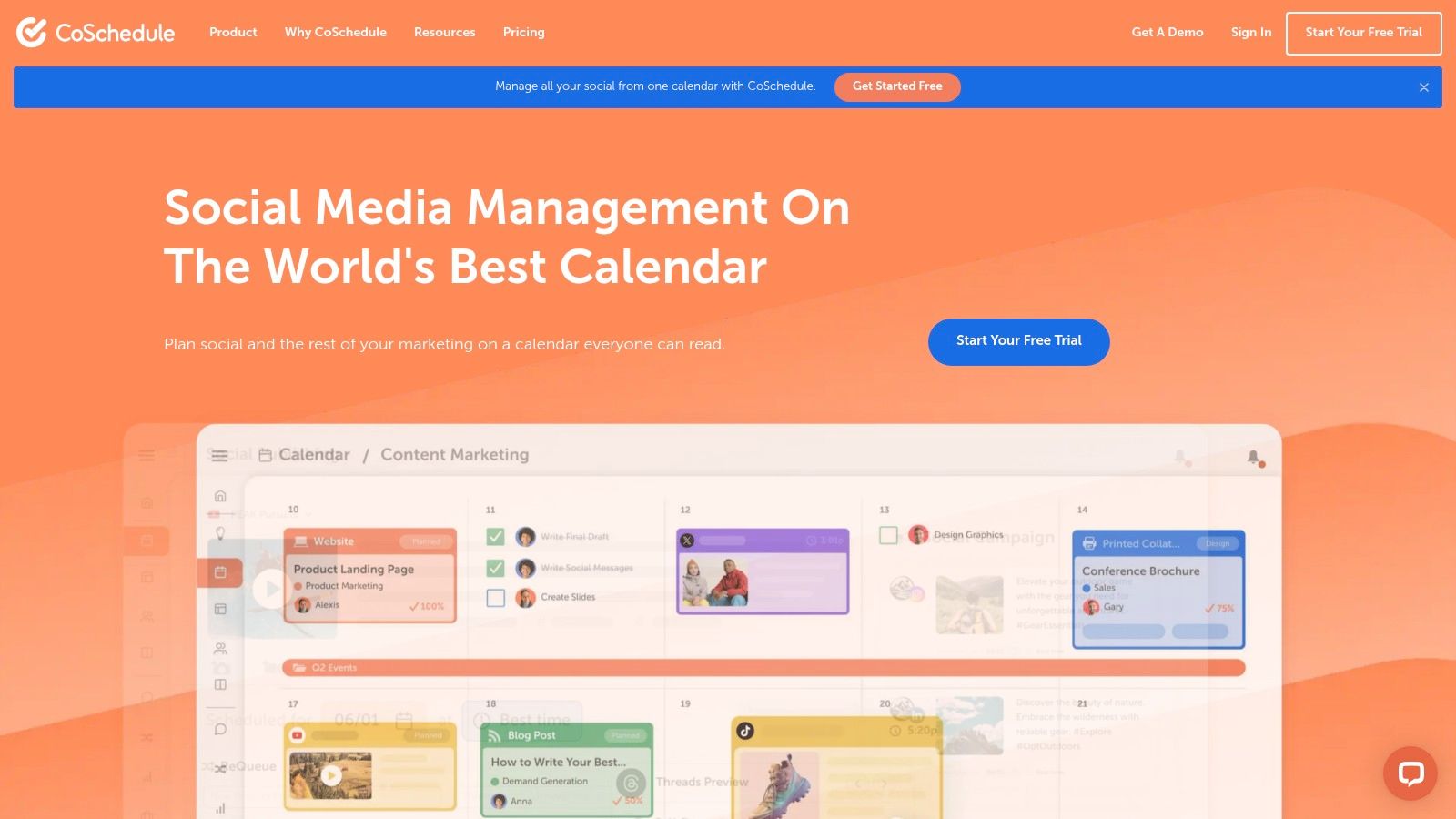
The free calendar supports up to 15 scheduled posts per profile. Listed annual plans include Starter at $29 per month and Professional at $49 per month, and paid plans include unlimited social publishing. Two costs sit outside those headline figures: the entry tier lacks some team collaboration features, and publishing to X is a paid add-on even on paid plans. Confirm how many users each tier covers before committing, since the bill changes quickly once a small team grows.
ReQueue groups and reusable social templates help fill gaps with evergreen posts. That convenience carries a review cost.
A queue that refills itself still needs a human checking that the content stays accurate and timely. I've seen evergreen groups keep pushing promotions that expired weeks earlier, so build a review pass into your routine rather than letting the queue run unattended.
Integrations with WordPress, HubSpot, Canva, and Google Drive can support a connected content operation. If your team needs a shared definition of what counts as planned versus published, this explanation of what a content calendar covers is a useful starting point before deciding between a marketing calendar and a dedicated social scheduler.
10. Zoho Social
Zoho Social fits teams that already run on Zoho and want scheduling, drafts, weekly and monthly calendar views, monitoring, and multi-brand management in one place. It is less convincing as a calendar-only buy. If your operation is a solo creator queueing posts, the monitoring and brand structure can sit unused while you still pay for a higher tier once the trial ends.
The 15-day trial is useful for testing publishing flow, and the forever-free plan can show whether the interface suits a small setup. Treat that free plan as a capability check until you confirm current limits on brands, connected profiles, users, scheduled posts, networks, and monitoring on Zoho Social's pricing page. Those limits decide whether it stays free or becomes a paid seat problem.
Pricing needs the same check because Zoho's tiers vary by plan and billing cycle, and multi-brand use can change the bill faster than a simple channel count suggests. Compare it against per-channel tools by listing profiles and client brands first, then map them to the tier that allows approvals and the account types you publish to.
For agencies, run one client calendar through the approval path before rollout. For a Zoho shop, the draw is consolidation; for everyone else, choose it when monitoring plus planning beats a leaner scheduler.
How the 10 content calendar tools compare on price, free options, and best-fit users
Read the starting prices with the billing unit in mind. Per-channel, per-workspace, and per-seat models produce different bills at similar sticker prices once you add accounts or reviewers.
| Tool | Starting Price | Free Option | Best For |
|---|---|---|---|
| SleekPost | $5.40/month, billed yearly | 7-day free trial | Affordable cross-platform scheduling |
| Buffer | $5/channel/month, billed yearly | Free plan for up to 3 channels | Solo users and small channel sets |
| Metricool | $20/month, billed yearly (US Starter rate) | Free plan available | Scheduling with analytics |
| Later | $16.67/month, billed yearly | 14-day free trial | Visual, photo- and video-led planning |
| Hootsuite | Check current plan page | Not specified in this guide | Combined publishing, engagement, and analytics |
| Loomly | $49/month, billed yearly | Not specified in this guide | Approval workflows and team collaboration |
| Planable | $33/workspace/month | Free for up to 50 posts | Client and brand content collaboration |
| SocialPilot | $17/month, billed yearly | 14-day free trial | Professionals and agencies |
| CoSchedule | $29/month, billed yearly | Free calendar available | Social posts alongside broader marketing work |
| Zoho Social | Varies by plan and billing cycle | Forever-free plan | Zoho users and multi-brand publishing |
The free column mixes timed trials, post caps, and forever-free plans, so treat it as a way to test the workflow. Check which limit triggers the first paid upgrade before you commit.
Matching Your Calendar to How Your Content Actually Gets Approved
A calendar can look tidy in a demo and still fail on the Thursday when a client swaps a caption, legal asks for a softer claim, and three posts are due before lunch. Judge the tool by that week and treat the feature grid as background.
Demos hide this.
For a solo creator, the test is direct: can you plan, adapt each post by channel, and publish without maintaining the calendar like a second job? Price the lowest plan that covers your real accounts, then read the limit line for what happens after the trial. Free plans are useful for rehearsal; they are less honest once a channel cap, queue limit, or missing recurring-post option forces the first paid upgrade.
Small businesses have a different failure point. If one person drafts and another signs off, the review step has to live in the plan you can afford, not in an enterprise tier named during a sales call. Clear draft, pending, and approved states prevent a half-finished post from slipping into the queue, but they cannot decide who owns the final yes. Set that owner before migration, because the calendar will expose the gap faster than it will solve it.
Agencies should count workspaces, seats, accounts, and client-facing reports before comparing any monthly number. Per-seat pricing punishes every added reviewer. Per-channel pricing punishes broad but shallow client lists. Per-workspace pricing looks neat until one client needs separate brand kits and another wants white-label reporting.
Run a two-week rehearsal with live assets. Route drafts through the actual approvers, reschedule when a date moves, and note the exact moment the tool charges more, hides an account, or turns a routine approval into screenshots and side chats.
The workflow does not need to be long-range to deserve structure. A 2025 survey cited by Planable found that 38% of marketers planned social media content only one week ahead (Planable's survey summary). If that is your rhythm, fast rescheduling and a clean queue matter more than a layered campaign view.
Pick the system that shortens the path from idea to approved post and still behaves during the heavy week. If SleekPost is on the shortlist from the earlier review, apply the same check to its recurring posts, auto-reposts on eligible plans, and the point where added channels change the bill.