You're a solo founder at 9 a.m. with one product update, five tabs open, and an hour disappearing into rewriting the same idea for LinkedIn, Instagram, X, TikTok, and Threads. That's the problem AI social media marketing tools need to solve. It's not a lack of ideas. It's the daily cost of resizing, rewording, scheduling, and checking whether anything posted.
The market's moving fast enough that this isn't a niche workflow anymore. The CMO Survey's Spring 2025 study surveyed 281 marketing leaders at U.S. for-profit companies, and those leaders reported that artificial intelligence powered 17.2% of marketing activities in 2025, representing a 100% increase from 2022.
How this list is organized
I grouped these 10 tools by job, not feature count. Some fit solo creators who batch posts on a Sunday. Others fit small businesses recycling evergreen content, agencies juggling client approvals, or analytics-first marketers who care more about reporting than drafting speed.
- Match the workflow first: Decide whether you need drafting, scheduling, approvals, inbox management, or measurement most.
- Check the pricing unit: Per channel, per user, per workspace, and per brand plans scale very differently.
- Expect to edit: AI drafts save starting time, but they don't remove your judgment about voice, claims, and timing.
Even creators weighing automation against hands-on control face the same trade-off, much like choosing manual scheduling for stream clips when timing matters more than volume. Pick for your week, not your wishlist.
Table of Contents
- How this list is organized
- 1. SleekPost
- 2. Buffer
- 3. SocialBee
- 4. Metricool
- 5. Later
- 6. Hootsuite
- 7. Sprout Social
- 8. Loomly
- 9. Planable
- 10. Agorapulse
- Starting prices, free options, and best-fit users for the 10 AI social media marketing tools
- Test Two Tools on Real Posts Before Committing
1. SleekPost
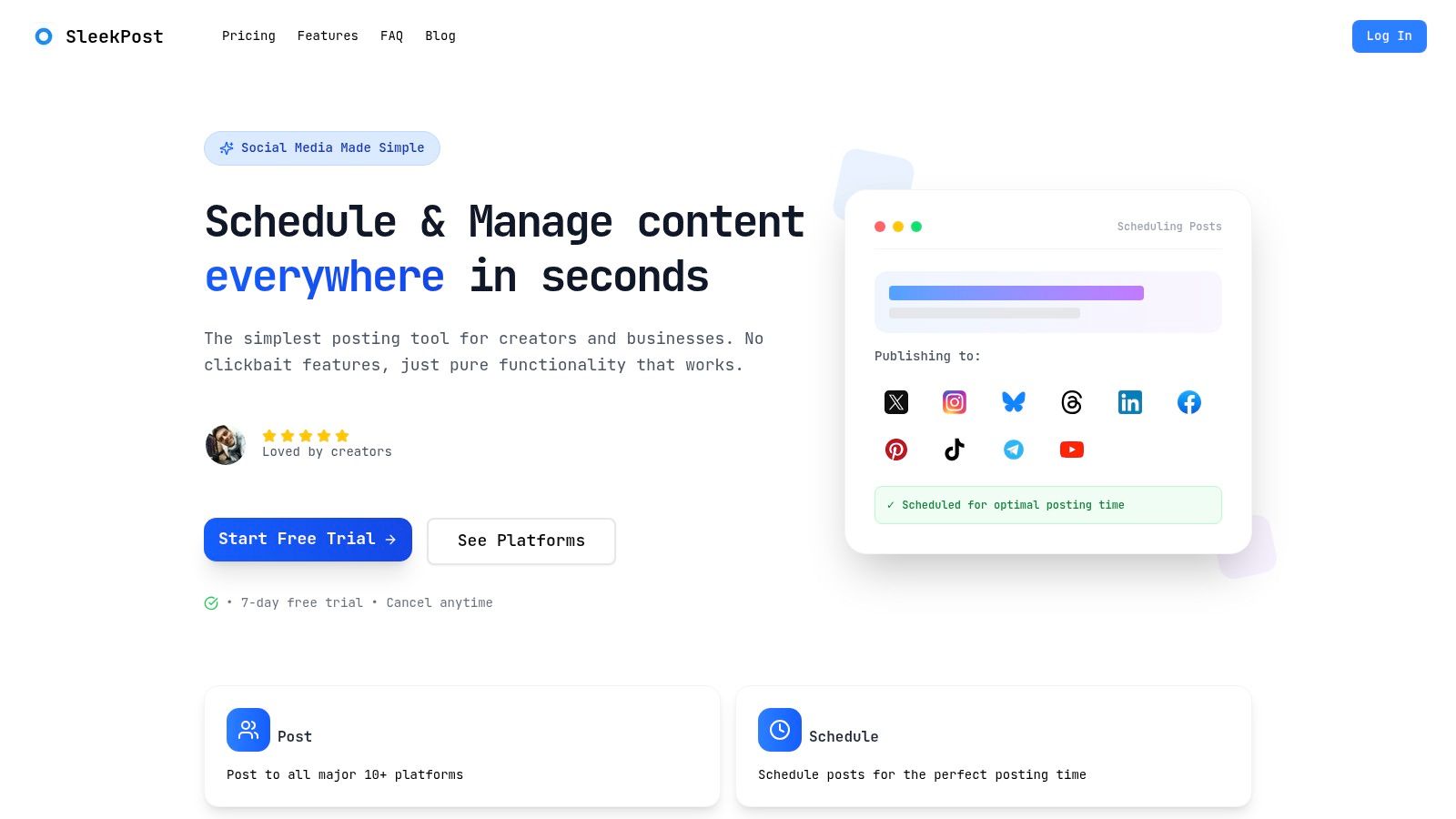
A campaign can be ready to publish and still eat up time as you adapt it for each network. SleekPost brings publishing for Facebook, Instagram, Twitter, YouTube, TikTok, LinkedIn, Bluesky, Threads, Pinterest, and Telegram into one dashboard. Customize each post by platform, rather than sending identical copy everywhere.
For a weekly workflow, draft posts in the content calendar, adapt each version, and store photos and videos in the media library. Schedule videos, images, text posts, carousels, and reels. Recurring posts and auto-reposts can keep regular updates in rotation, while scheduling lets you choose when content goes live, including a best posting time.
Where the AI helps, and where it doesn't
The AI Content Generator can turn a topic, brief, or instructions into platform-optimized drafts. It can also use links to YouTube videos, articles, TikTok, or Instagram, and optional uploaded images. That makes it useful for turning one source into several starting points. Review the copy before publishing: check claims, sharpen the opening, and add details specific to your audience.
Practical rule: Use the generated draft for structure and length. Keep the example and call to action specific to your post.
The 2025 State of Marketing AI survey surveyed 1,882 respondents. 40% said they were actively experimenting with AI, while 74% considered it “very important” or “critically important” to marketing success over the following 12 months. Those figures make a useful case for testing AI in a bounded task, not handing it the final say on brand voice.
Free users can create and schedule 5 posts per month; paying users get unlimited posts. The Starter plan includes five connected social accounts, unlimited scheduled posts, and media library access. Pro adds unlimited connected accounts and a team member seat. An account limit can matter if you manage several profiles on one network: Starter's five accounts can be all on TikTok or split across platforms. A 7-day free trial and cancel-anytime flexibility make it possible to try the workflow before settling on a plan.
One user describes SleekPost as a tool that makes scheduling less frustrating and costs less than Buffer. For creators and small businesses, the practical question is whether its focused publishing workflow covers the channels and formats you use. Check current plan details on the SleekPost website.
2. Buffer
Buffer suits solo creators and small teams that want a calm publishing queue with AI help inside the composer. Its AI Assistant brainstorms ideas, drafts posts, and reworks copy for different channels, so you don't start from a blank box for every network. It's strongest when you already know what you want to say and need faster variations.
That channel-by-channel adaptation matches how many marketers already work. HubSpot's cited State of Marketing data on the HubSpot marketing statistics page found that 48% of social media marketers share similar or repurposed content across platforms with minor adaptations. Buffer is built for that middle path, not for posting identical copy everywhere and not for writing every post from scratch.
Workflow and pricing reality
A practical weekly flow is simple. Drop raw ideas into drafts during the week, use the assistant to expand the best ones, then tailor each version in the composer before queuing. Scheduling, queues, drafts, and analytics cover the basics without forcing you into an enterprise workspace.
- Channels supported: Instagram, TikTok, LinkedIn, Facebook, YouTube, X, Threads, Pinterest, and Bluesky.
- Free plan: Includes up to three channels and AI Assistant access.
- Paid entry point: Essentials starts at $5 per channel per month when billed annually.
That per-channel model is both the appeal and the trap. It's cheap for two or three profiles. It adds up when you manage multiple brands or every network for several clients. Teams that need deep approvals, social listening, or enterprise reporting will also outgrow it. If you're comparing free starting points, this guide to the best free social media management software is worth checking before you commit. You can review current tiers on the Buffer website.
3. SocialBee
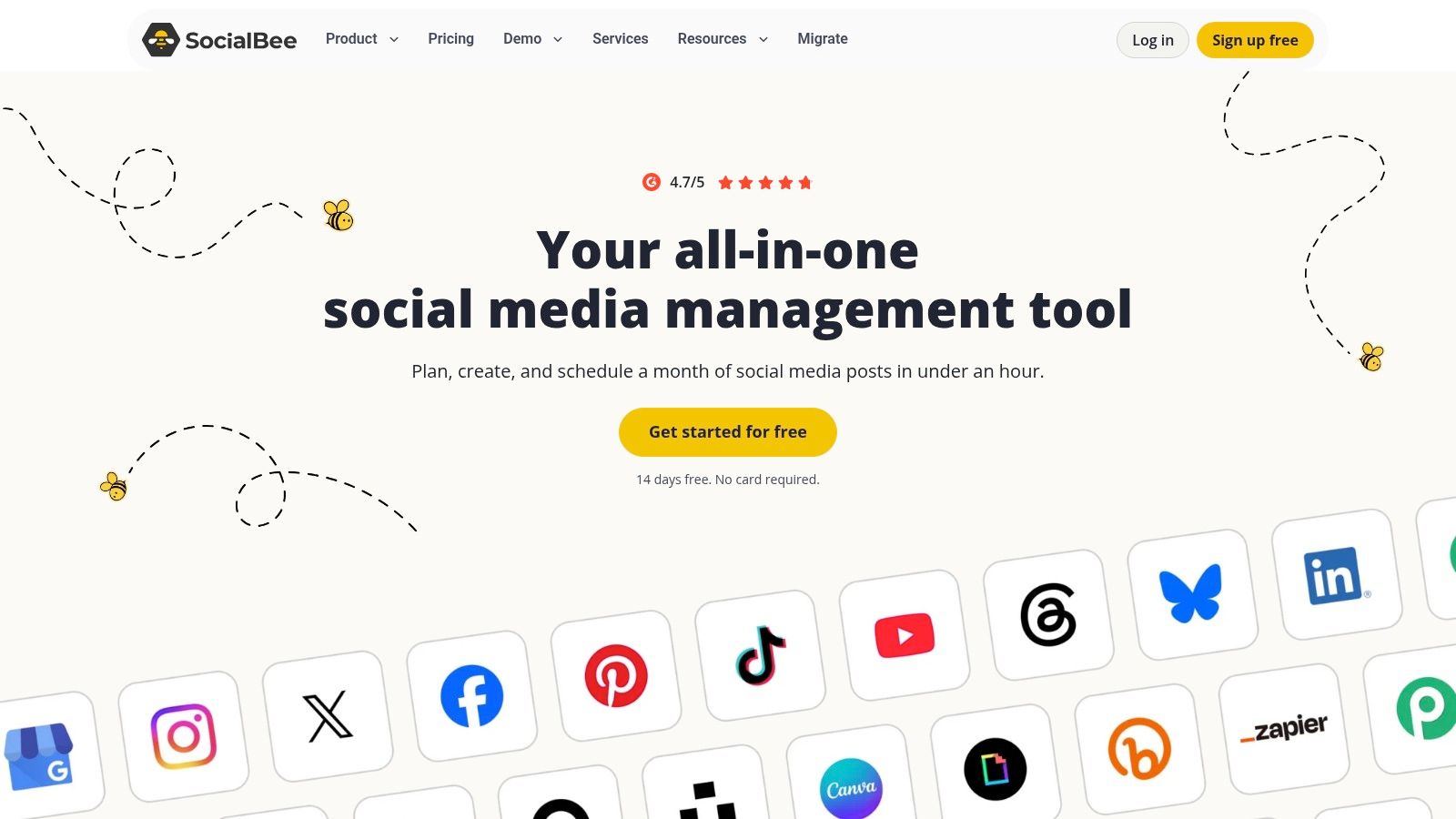
SocialBee works best if your content falls into repeatable buckets, like tips, testimonials, promotions, blog shares, and community questions. Instead of planning every post as a one-off, you organize posts into content categories and let category-based queues keep the calendar filled. For a small business with evergreen topics, that structure prevents the familiar Tuesday panic.
Its AI tools generate social content and act as a planning assistant, while recurring and recycled posts keep proven material in circulation. That recycling is the differentiator. A good how-to post from March can return in June with a fresh intro, instead of dying after one publish date.
Best fit and limits
- Evergreen recycling: Keeps repeatable topics rotating without manual rescheduling.
- Broad network support: Facebook, Instagram, Threads, X, LinkedIn, Pinterest, TikTok, YouTube, Bluesky, and Google Business Profile.
- Team features: Bulk editing, analytics, and approval workflows on eligible plans.
Paid plans start at $29 per month, and there's a 14-day free trial. That's reasonable if you post often and reuse content deliberately. It's less appealing if you post occasionally, because category planning can feel more structured than you need. Profile, workspace, and user limits also vary by plan, so check those caps before a trial ends.
I recommend it for owner-led businesses that sell the same core services all year. If that sounds like you, compare it against the criteria in this roundup of the best social media management tool for small business options. Current plan details are on the SocialBee website.
4. Metricool
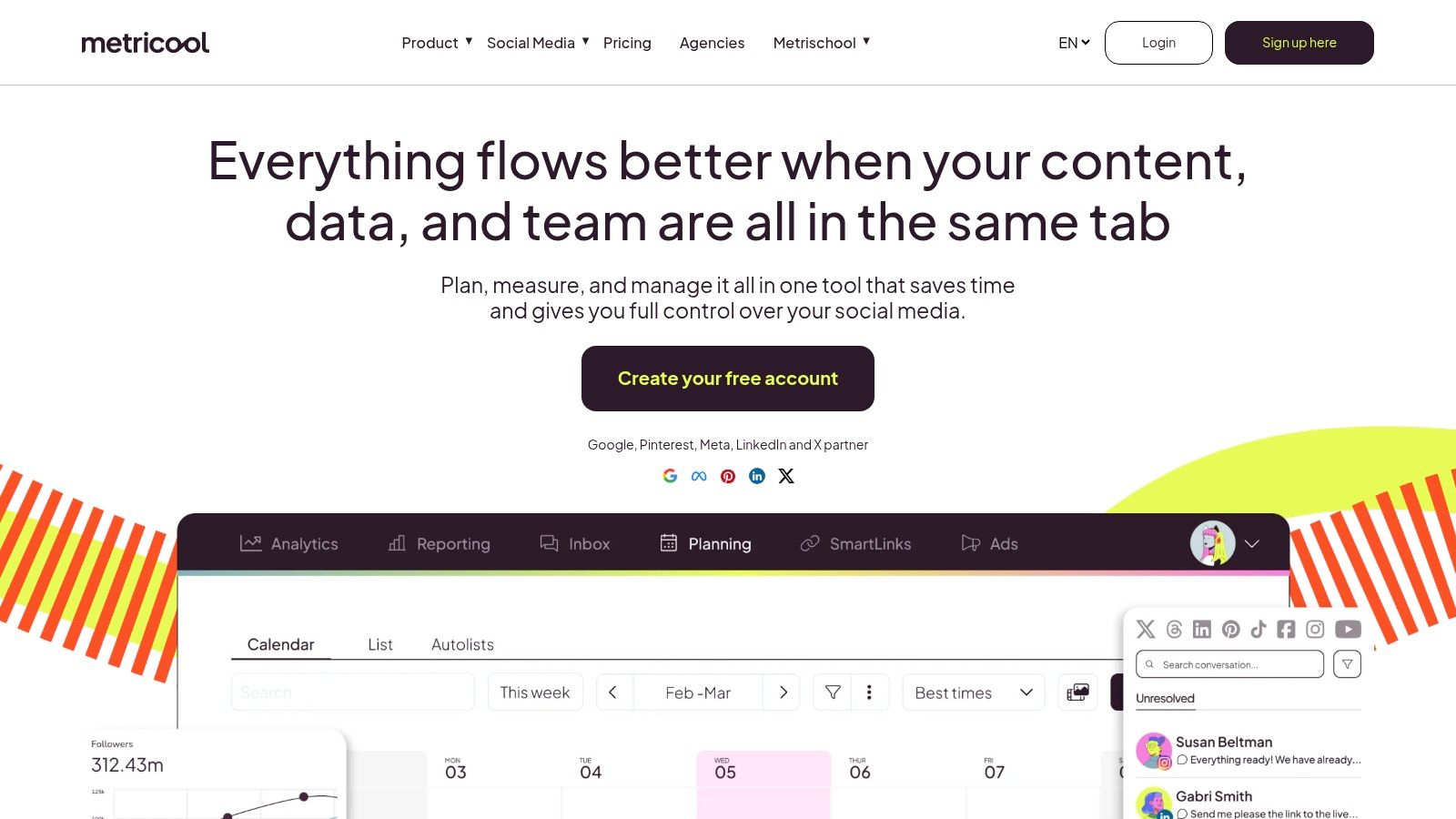
Pick Metricool when measurement matters as much as publishing. It combines scheduling and analytics with an AI social media assistant for copy support, plus competitor analysis and reporting. For a freelancer reporting to clients, that mix can matter more than a slightly faster caption generator.
The free plan makes testing low risk. You get one brand and up to 20 scheduled posts per month, which is enough to test whether the planning and AI features fit your routine. Paid plans add brands, extended analytics, reporting, and team features.
A useful weekly test
Draft a week of posts with the assistant, schedule them, then compare performance by platform at the end of the week. Look at which drafts needed heavy rewrites and which formats earned saves, clicks, or replies. That tells you whether the AI is saving production time or moving the work into editing.
- Starter pricing: Begins at $20 per month when billed annually and supports up to five brands.
- Analytics value: Competitor tracking and reporting go beyond basic drafting.
- Free plan caveat: Some platform connections and capabilities are excluded.
Advanced reporting and team workflows require higher tiers or add-ons, so the entry price isn't the whole story for agencies. Still, for multi-brand users on a budget, the value is strong. If reporting is your deciding factor, this primer on how to track social media performance helps you define what to measure before buying. See current options on the Metricool website.
5. Later
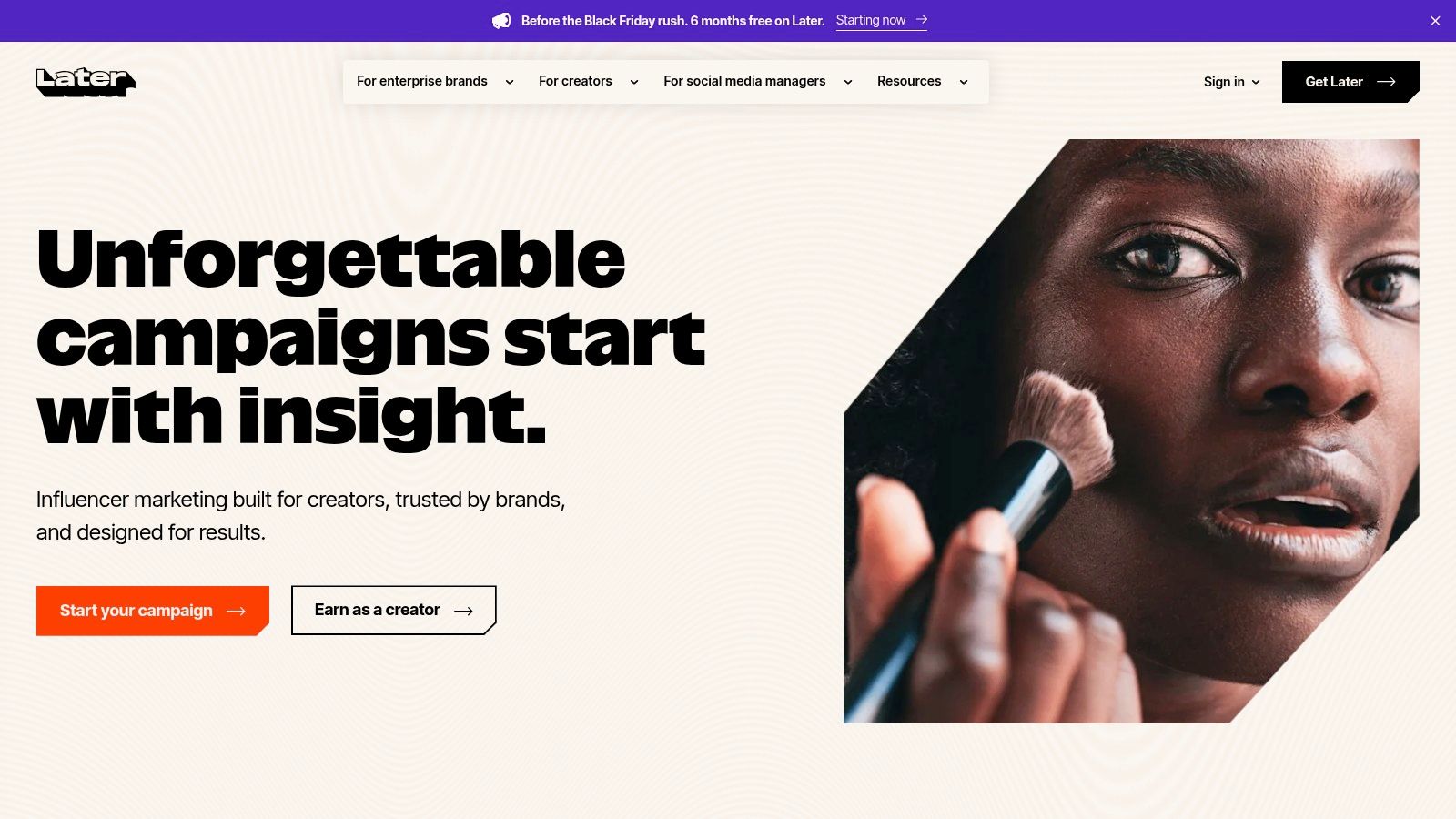
Later is the visual planner on this list. Its calendar and media library suit Instagram and TikTok-led brands that plan by looking at images and video, not by reading a text queue. If your approval process starts with "how does the grid look," you'll feel at home quickly.
The AI Caption Writer and content-idea tools sit inside that planning flow. You can select media, generate a caption draft, adjust it for the channel, and schedule supported formats for auto-publishing. Link-in-bio tools, analytics, and collaboration features appear on qualifying plans, which helps small ecommerce and creator teams connect posts to product pages.
Watch the credits and post caps
Plans start at $18.75 per month when billed yearly, with a 14-day free trial. That sounds straightforward, but two limits shape the total cost. AI usage is credit-limited by plan, so heavy caption generation can run into a ceiling. Lower tiers also have monthly post limits, and unlimited posting is available only on Scale.
- Visual planning strength: Organizes image and video calendars clearly.
- Channel coverage: Instagram, TikTok, Facebook, Threads, YouTube, Pinterest, LinkedIn, and Snapchat.
- Best audience: Creators and brands where media selection drives the calendar.
I wouldn't choose it mainly for text-heavy LinkedIn or X workflows. There are cheaper, faster drafting tools for that job. I would choose it when a small team needs to preview, approve, and schedule visual campaigns in one place. Check plan limits carefully on the Later website before migrating a full calendar.
6. Hootsuite
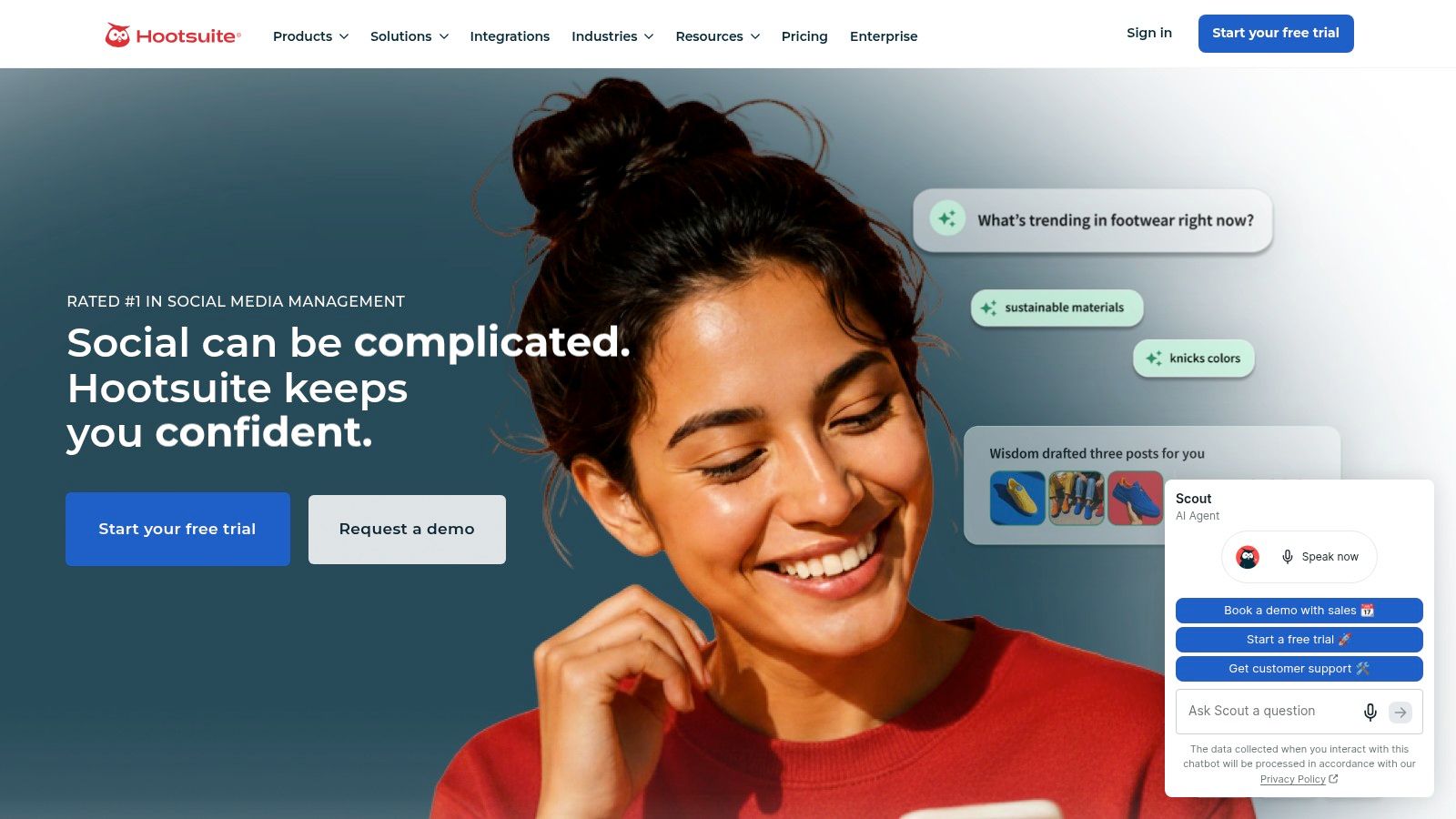
Hootsuite is for organizations that have outgrown a scheduler. Publishing sits alongside a unified inbox, customer care tools, analytics, reporting, and social listening that varies by plan. Its AI assistant, branded Wisdom, supports content work inside that broader system rather than acting as the whole product.
That breadth has a clear use case. Say a support team handles comments, a marketing team schedules campaigns, and a manager needs monthly reporting across regions. Keeping those jobs in one platform reduces handoffs, even if no single feature feels as lightweight as a creator-focused tool.
Cost is the deciding factor
Paid plans start at $99 per user per month for Standard when billed annually, and a 14-day trial is available without a credit card. Per-user pricing changes the maths quickly. A five-person team isn't paying a small creator bill anymore, and tier differences can push costs higher when you need specific listening or reporting capabilities.
Pay for Hootsuite when inbox, listening, and reporting are daily work. Don't pay for it just to schedule three posts a week.
- Broad functionality: Suits teams needing publishing, engagement, and measurement together.
- Scalability: Supports multiple users and larger organizations.
- Main drawback: Considerably more expensive than lightweight alternatives.
For a growing business with real governance needs, that price can be justified. For a solo creator, it's usually overkill. Compare the Standard tier against your actual seat count on the Hootsuite website before starting the trial.
7. Sprout Social
Sprout Social fits teams that treat social as a service channel, not just a publishing channel. Scheduling and a content calendar come with a unified inbox, monitoring, review management, and reporting. AI support for drafting posts and replies depends on plan, so the value is less about generating captions and more about coordinating responses and performance data.
Think about a business with several locations and a steady flow of reviews, comments, and direct messages. In that setting, a missed complaint costs more than a slow caption. Sprout's shared inbox and monitoring tools address that operational risk directly.
Pricing and team fit
Essentials is listed at $79 per seat per month when billed annually, and a 30-day trial is available. That's a generous trial for testing real workflows with your team. Use it to run actual inbox shifts and reporting cycles, not just to click through the composer.
- Publishing plus engagement: Brings scheduling, inbox work, and reporting together.
- Higher tiers: Support broader profile management and team workflows.
- Per-seat risk: Costs climb as more teammates need access.
Independent creators will likely find the starting price hard to justify. A small team with client reporting or customer care responsibilities may reach the opposite conclusion. The key test is whether multiple people will log in daily. If only one person posts and nobody else touches the inbox, you're buying capacity you won't use. Review seat costs on the Sprout Social website.
8. Loomly
Loomly is built around calendars and collaboration. Its AI Assistant chat and caption generation help with drafting, but the stronger reason to buy it is coordination. Approval workflows, roles, multiple calendars, recurring posts, and direct publishing make it practical for small teams and agencies that can't let drafts go live without review.
A typical setup is one calendar per brand or client. A writer drafts posts, a manager checks copy and media, and a client approves the final version before scheduling. Analytics, hashtag tools, and post inspiration support that process without turning the tool into a full enterprise suite.
Plan value and the jump to watch
Starter is $49 per month when billed yearly, includes 12 social accounts and three users, and the free trial doesn't require a credit card. For a small agency, that's a workable starting bundle. The caution is the next step. Beyond can be a significant price jump when you need more accounts or users, and AI use is limited by plan.
- Collaboration strength: Approvals and roles are central, not bolted on.
- Drafting help: AI chat supports captions and post generation.
- Trial advantage: No credit card required to test the workflow.
If your bottleneck is client sign-off rather than idea generation, Loomly deserves a trial. This overview of content calendar software can help you compare calendar-first tools by approval needs. Confirm the account and user limits for your team size on the Loomly website.
9. Planable
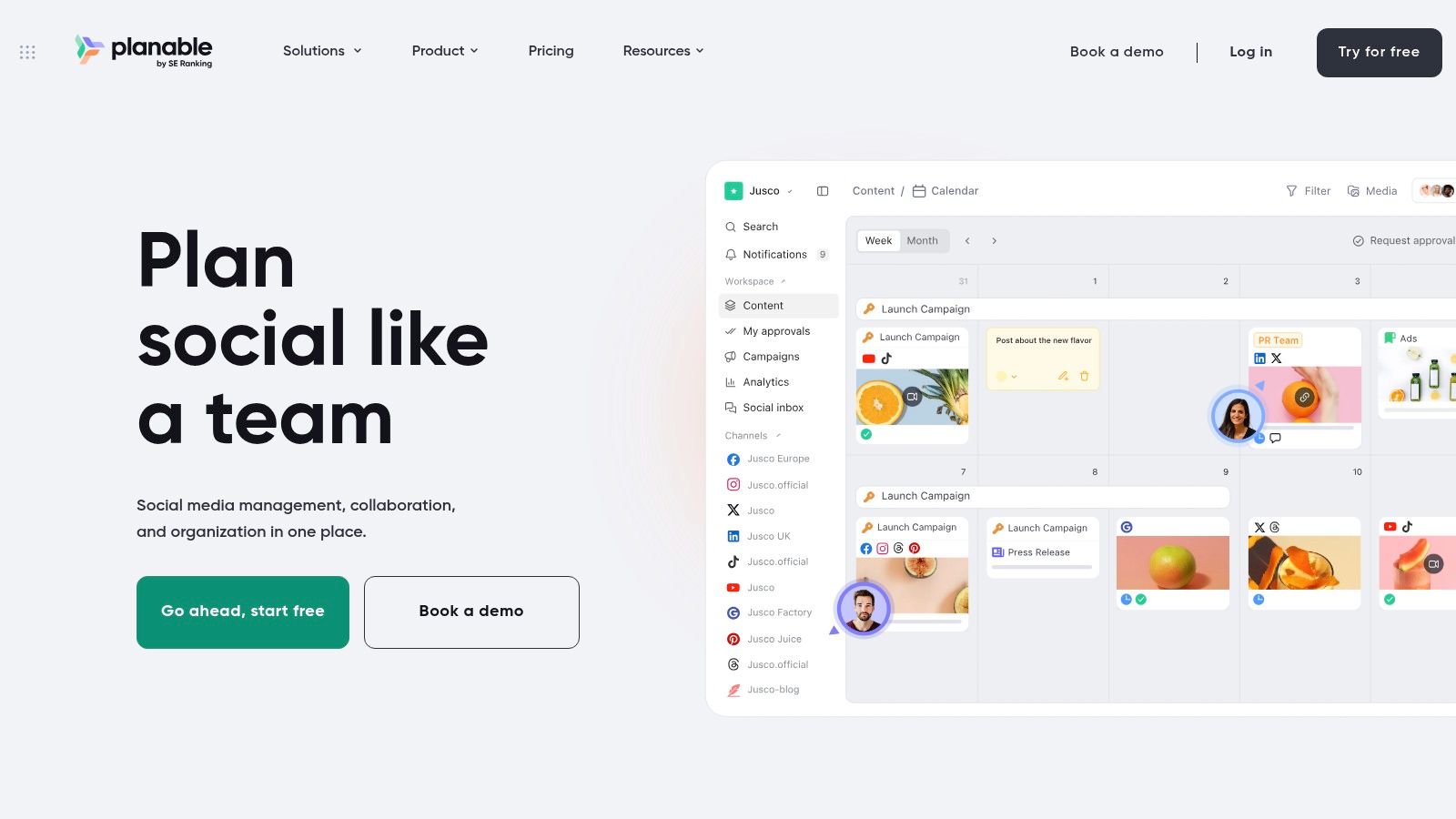
Planable is collaboration-first. AI supports content creation, including an AI connector for supported workflows, but the central value is how cleanly it organizes reviews, feedback, and publishing by brand or client. Shared calendars, post previews, comments, and approvals keep discussion attached to the exact post being reviewed.
That matters when clients approve by looking, not by reading spreadsheets. A preview that resembles the final Facebook, Instagram, LinkedIn, X, YouTube, TikTok, Pinterest, Google Business Profile, or Threads post reduces misunderstandings about cropping, line breaks, and link placement. Separate workspaces keep each brand's drafts and comments from bleeding into another client's calendar.
Pricing model agencies should notice
The pricing page lists Basic at $33 per workspace per month and Pro at $49 per workspace per month. Listed Basic and Pro plans include unlimited users, which can be cheaper than per-seat tools when many stakeholders only comment occasionally. The trial allows up to 50 posts without a time limit or credit card, so you can test with a real client cycle.
- Workspace structure: Keeps client and brand work separated.
- Review flow: Previews, comments, and approvals sit in one place.
- Add-on caveat: Analytics and social inbox are paid add-ons on standard plans.
A solo creator probably doesn't need this much review infrastructure. An agency sending weekly batches for approval might save hours of email threads. Check whether the add-ons change your total on the Planable website.
10. Agorapulse
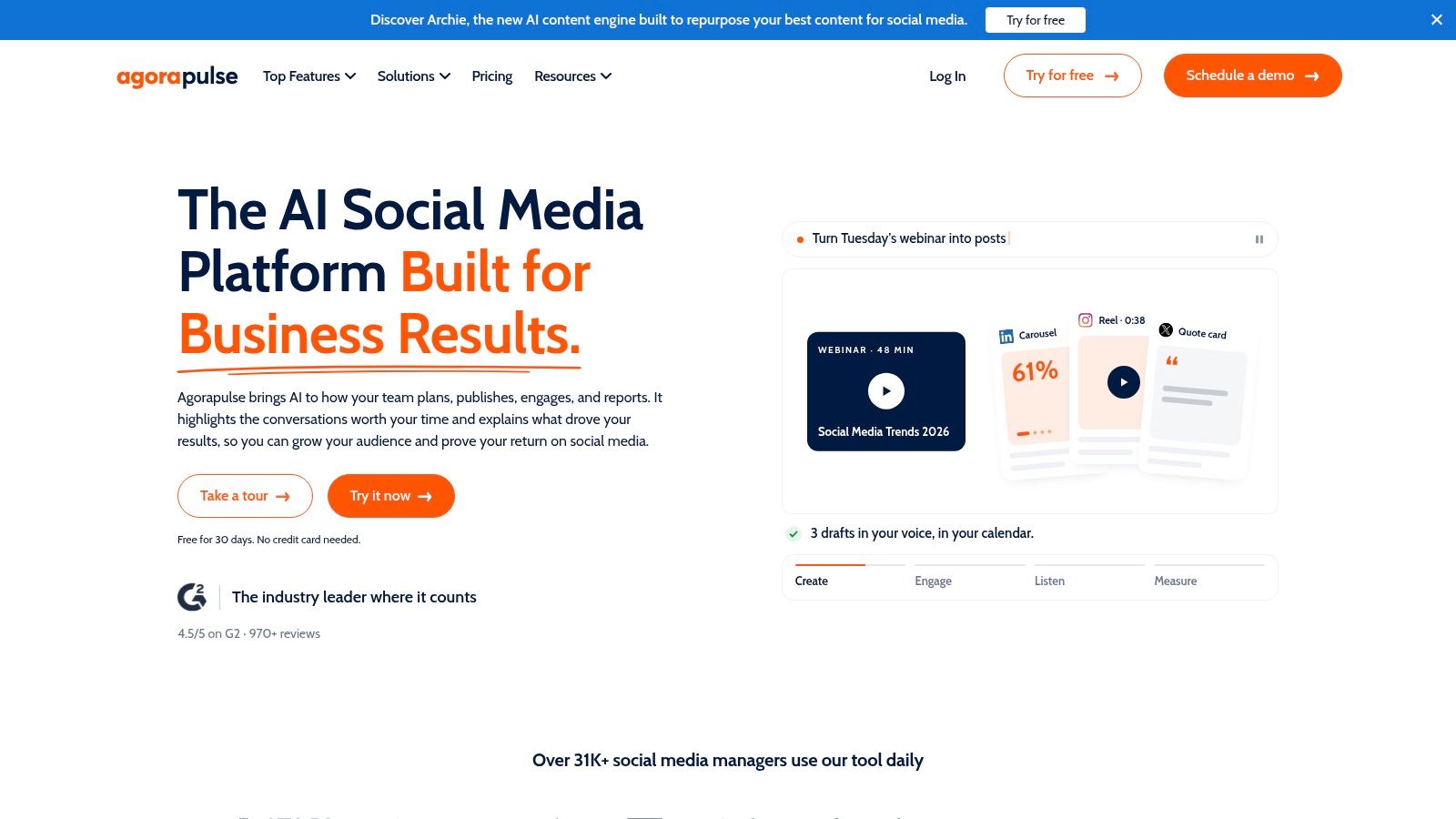
Agorapulse combines publishing with inbox management, moderation, and reporting. Its AI features include a Writing Assistant, AI alt text generation, and AI summaries, so the automation extends beyond outgoing posts. For teams handling comments and messages daily, summaries and alt text can save as much time as caption drafting.
The platform supports Facebook, Instagram, Threads, X, LinkedIn, YouTube, Pinterest, Google Business Profile, TikTok, Bluesky, and Reddit. That breadth helps teams whose audiences don't live on one or two networks. A unified inbox keeps messages and comments in one queue, while reporting expands on higher tiers with ROI and team reports.
Trial it with real inbox volume
There's a free plan for limited use and a 30-day trial without a credit card. Paid Standard pricing starts at $79 per user per month when billed annually. Use the trial during a normal, busy week. If your team barely receives comments, the inbox value won't show up in testing.
- Integrated AI: Writing help, alt text, and summaries support publishing and engagement.
- Moderation focus: Useful when comments need consistent handling.
- Scaling cost: Per-user pricing grows with the team, and advanced reporting needs higher plans.
Agencies should model the full seat count before falling for the trial experience. This guide to social media management tools for agencies is a useful cross-check on approval and reporting needs. Current tiers are listed on the Agorapulse website.
Starting prices, free options, and best-fit users for the 10 AI social media marketing tools
| Tool | Starting price | Free option or trial | Best for |
|---|---|---|---|
| SleekPost | Affordable paid plans, with annual billing available | Free plan with 5 posts per month; 7-day free trial | Scheduling and customizing posts across 10 platforms |
| Buffer | $5/channel/month, billed annually | Free plan for up to 3 channels | Solo creators and small businesses |
| SocialBee | $29/month | 14-day free trial | Category-based planning and evergreen recycling |
| Metricool | $20/month, billed annually | Free plan with 1 brand and 20 scheduled posts/month | Scheduling with analytics and competitor tracking |
| Later | $18.75/month, billed annually | 14-day free trial | Visual planning for Instagram- and TikTok-led brands |
| Hootsuite | $99/user/month, billed annually | 14-day free trial | Organizations needing publishing, inbox, analytics, and listening |
| Sprout Social | $79/seat/month, billed annually | 30-day free trial | Teams combining publishing, engagement, and reporting |
| Loomly | $49/month, billed annually | Free trial; no credit card required | Small teams and agencies needing calendars and approvals |
| Planable | $33/workspace/month | Trial with up to 50 posts | Teams coordinating content reviews and approvals |
| Agorapulse | $79/user/month, billed annually | Limited free plan; 30-day free trial | Teams managing publishing, inbox, and moderation |
SleekPost's free plan lets users create and schedule 5 posts per month. Paying users get unlimited posts, and its Starter plan includes 5 connected accounts, which can be multiple accounts on the same platform or a mix of platforms. For pricing, compare the billing unit as well as the starting price: some tools charge per channel, seat, or workspace, so costs can rise as your team or account list grows.
Test Two Tools on Real Posts Before Committing
Don't choose from a feature page. Pick the two AI social media marketing tools that match your team size, connect the same accounts to both, and run a two-week test with your real calendar. Use the same source material in each tool, like one article, one product update, and one short video, so you're comparing workflow rather than content quality.
Track a small set of operational numbers. The SurveyMonkey AI marketing statistics page reports that 51% of marketers use AI to optimize content and 50% use it to create content. That makes editing time the honest test. Record minutes per post, how much AI copy you rewrite, approval-cycle time, and how many publish-ready posts you get from one source asset.
What to measure in week one and week two
- Draft quality: Count posts you can publish after light edits versus posts that need a full rewrite.
- Platform fit: Check whether hooks, length, hashtags, and media change by channel.
- Reliability: Confirm scheduled posts publish correctly with the right crop, link, and first comment where needed.
- Team friction: Note where reviewers get confused, miss notifications, or ask for screenshots outside the tool.
Pay attention to authenticity while you test. HubSpot's 2026 survey, covered in the HubSpot social media marketing report, reported that only 13.54% of marketers use AI for social listening and trend monitoring, even though 77% said authenticity matters more than production value. Many organizations still use AI mainly to produce posts, not to understand audiences better.
That's a gap you can exploit with a simple routine. Each Friday, collect recurring comments, customer questions, saves, and clicks from the week. Ask your tool, or your own notes, to surface repeated themes. Then turn one real audience question into next week's lead post. You'll sound less generic because the idea came from your buyers, not from a trend template.
My recommendation: Score tools on publish-ready rate and minutes saved per post. Ignore any AI feature you wouldn't use every week.
Disclosure deserves the same practical treatment. A study in the Journal of Consumer Research found that AI-generated-content disclosures on TikTok reduced consumer engagement, while noting the effect may matter more for smaller creators. Follow platform and legal requirements, but distinguish light AI editing from fully generated media, and measure saves, comments, and conversions rather than reach alone.
Finally, check the unglamorous details before paying. Confirm account limits, AI credits, seat costs, export options, and what happens to scheduled posts if you cancel. Look at your profile assets with the same care, whether that's a clear logo, consistent banners, or professional headshots from Secta Labs for founder-led accounts. The right tool is the one your team still uses in week eight, because it keeps posting consistent without becoming a second full-time job.
If you want one clean dashboard to draft, customize, and schedule posts across your main platforms without paying for enterprise features you won't touch, start a free trial and run your next week of real posts through it. Visit SleekPost to set up your accounts, batch your first campaign, and see how much of that daily reposting hour you get back.