You sit down on Sunday night to schedule a week of posts. Instagram gets the product photos, LinkedIn gets the founder update, and X gets the launch thread. By Wednesday, you're posting manually again because you've hit a free-plan cap or discovered that your most important network isn't included.
That's where free plans break down before you expect them to. A scheduler can look generous until you connect another account, queue a campaign, or try to review older results. The best free social media management software is the tool whose limits fit your actual workload, not the one with the longest feature list.
The workload is real. In a survey of 600 small and midsize businesses, 54% said they struggled to keep up with content needs across multiple social media channels, according to Marketing Dive.
Before connecting your accounts, distinguish between these offers:
- Ongoing free plans let you keep publishing within defined limits.
- Trials and limited free starts help you evaluate a paid workflow.
- Native dashboards manage their own networks rather than your whole social presence.
You can also explore no-cost social media management options to compare approaches. The practical question remains the same: can you publish your planned content without rebuilding the workflow halfway through the week?
The options below make sense for different account counts, posting habits, and upgrade points.
Table of Contents
- 1. SleekPost
- 2. Buffer
- 3. Metricool
- 4. Publer
- 5. Zoho Social
- 6. Meta Business Suite
- 7. Planable
- 8. Tailwind
- 9. TikTok Studio
- 10. YouTube Studio
- Free plan limits and best-for fit at a glance
- Matching Your Free Plan to Your Accounts and Upgrade Point
1. SleekPost
Best for testing a lightweight cross-platform publishing workflow.
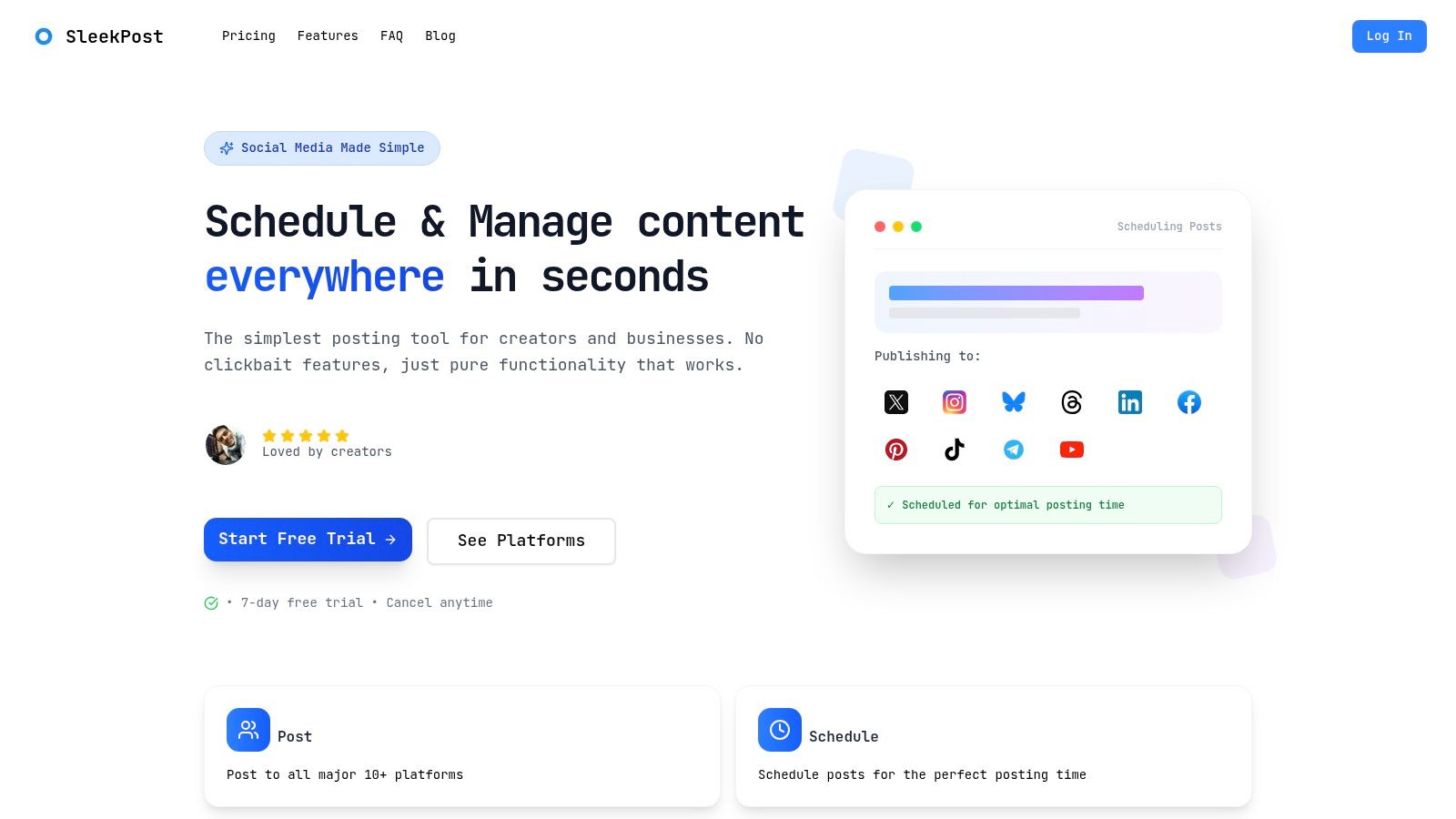
Our free plan lets you create and schedule 5 posts per month. That's suitable for occasional announcements or testing how cross-platform publishing fits your routine. It isn't enough for a creator who publishes frequently throughout the week.
We support 10 platforms: Facebook, Instagram, X, YouTube, TikTok, LinkedIn, Bluesky, Threads, Pinterest, and Telegram. You can customize each post for its destination instead of sending identical copy everywhere.
The dashboard brings together a content calendar, drafts, per-platform variants, and a media library. Supported formats include videos, images, text posts, carousels, and reels, although you should test the particular format-and-network combinations you intend to use.
Where the Free Plan Stops Being Enough
The clearest upgrade trigger is publishing volume, not a desire to collect more features. If your planned calendar exceeds the free allowance, unlimited publishing becomes a practical requirement.
- Starter includes 5 connected social accounts, unlimited posts and scheduled posts, unlimited carousel posts, and media-library access.
- Account flexibility lets you connect multiple accounts on the same platform rather than requiring a different network for every connection.
- Pro adds unlimited connected accounts, a team member seat, integration access controls, unlimited recurring posts, and unlimited auto-reposts.
Our scheduling sends posts and media through the networks' official APIs. You can review scheduled and past posts together and edit content that hasn't published yet.
The AI Content Generator can turn an article link, YouTube link, or described topic into platform-optimized drafts. Treat those drafts as starting points: check claims, adjust the voice, and make sure each version gives its audience a reason to care.
Choose the free plan for a small publishing workload or a focused evaluation. Upgrade when you need a dependable ongoing calendar beyond its monthly allowance.
2. Buffer
Buffer is the straightforward choice for a solo creator who wants a queue rather than a larger marketing workspace. Its appeal is the daily workflow: save an idea, prepare a post, and add it to the appropriate channel.
The Buffer free plan supports 3 social channels and 10 scheduled posts per channel at a time. That last distinction matters. You're managing queue capacity, not spending a fixed monthly publishing allowance.
Say you prepare a short batch of updates, let them publish, and refill the queue regularly. That workflow can fit comfortably. Preparing a long campaign in advance creates a different problem, even if your monthly posting volume is modest.
Practical rule: Judge a queue cap by how far ahead you need to schedule, not just how often you publish.
Buffer also offers saved ideas, an AI Assistant, and basic performance insights. Those features help with drafting and routine planning, but they don't turn a solo free account into a shared editorial operation.
The free plan works best when you own the whole process, from writing to final review. If a client needs to approve posts or a colleague needs separate access, evaluate collaboration requirements before moving your calendar.
Upgrade trigger: you need another connected channel, a longer unattended queue, or collaboration features. Paying makes sense when you're repeatedly interrupting other work to refill the scheduler, not just because an upgrade button is visible.
3. Metricool
Metricool suits a business that wants to understand performance alongside planning content. It's a better fit for measured, selective publishing than for filling every network with frequent updates.
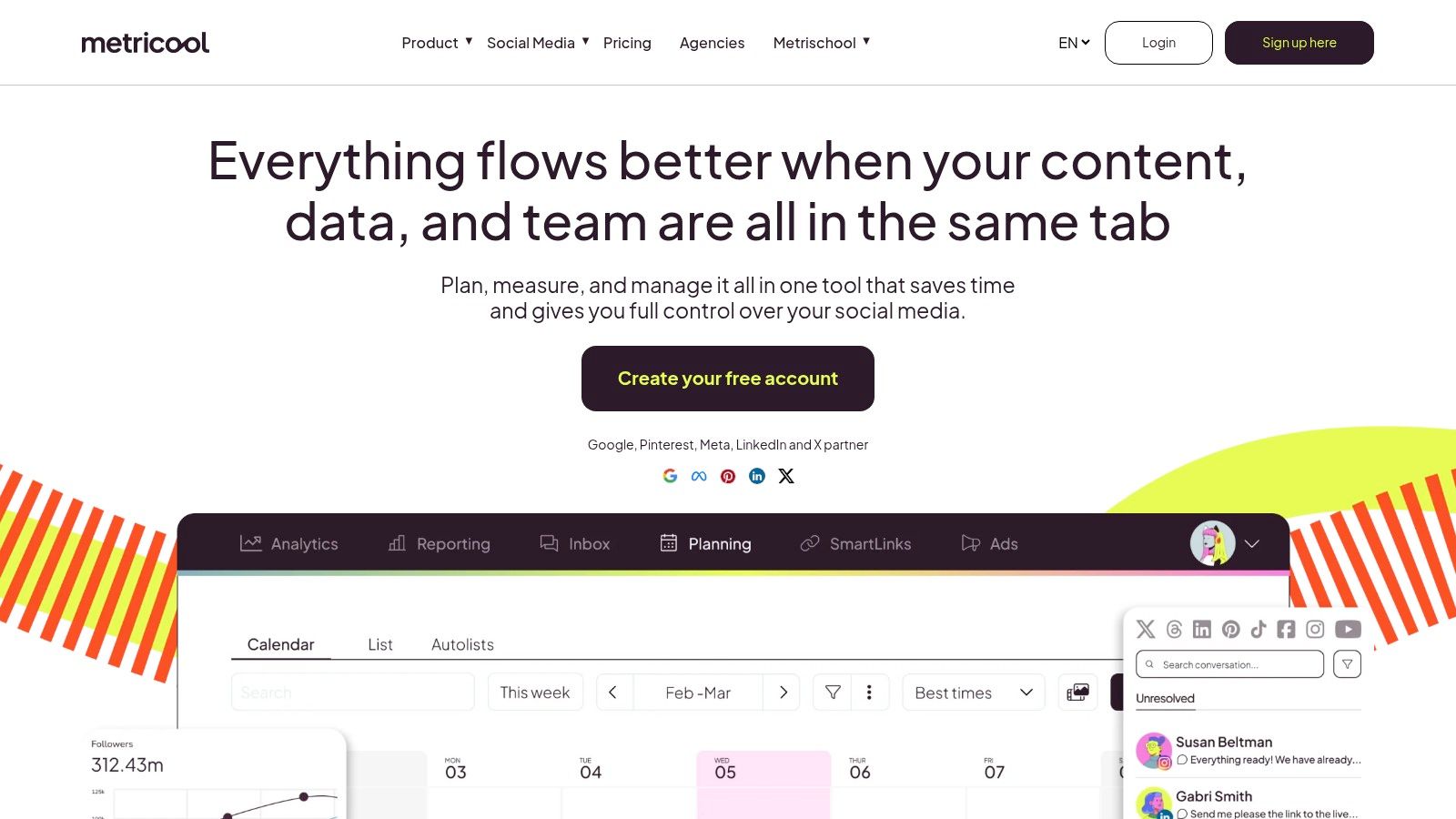
The Metricool free plan includes 1 brand, up to 20 published posts per month, and 30 days of analytics history, while LinkedIn and X are excluded. Those restrictions deserve attention before you spend time connecting everything else.
A brand allowance isn't the same as unlimited accounts. Within the free brand, you can connect a profile for each supported social network. That suits a single business presence better than an agency juggling separate clients.
Analytics Help, but History Matters
The calendar, cross-channel performance views, and competitor tracking make Metricool useful when your next publishing decision depends on what worked recently. You can review content performance without treating scheduling and measurement as unrelated tasks.
The trade-offs are specific:
- Monthly publishing allowance: frequent cross-network distribution can exhaust it even when you have relatively few original ideas.
- Short analytics window: longer-term comparisons need more history than the free plan retains.
- Platform exclusions: a LinkedIn-led consultancy or X-focused founder shouldn't choose it as a complete free publishing solution.
Upgrade trigger: you need an excluded network, another brand, more publishing capacity, or longer reporting history. If analytics are the reason you chose Metricool, pay attention to the history limit before a reporting deadline, not after it.
4. Publer
A caption that works on Instagram can feel awkward on LinkedIn. Publer is worth considering when adapting posts matters as much as scheduling them.
The Publer free plan includes 1 user, 1 workspace, 3 social accounts, and up to 10 scheduled posts per account at a time; X is excluded, and published-post history is limited to 24 hours. That combination makes it useful for small-scale preparation but less suitable as your permanent publishing record.
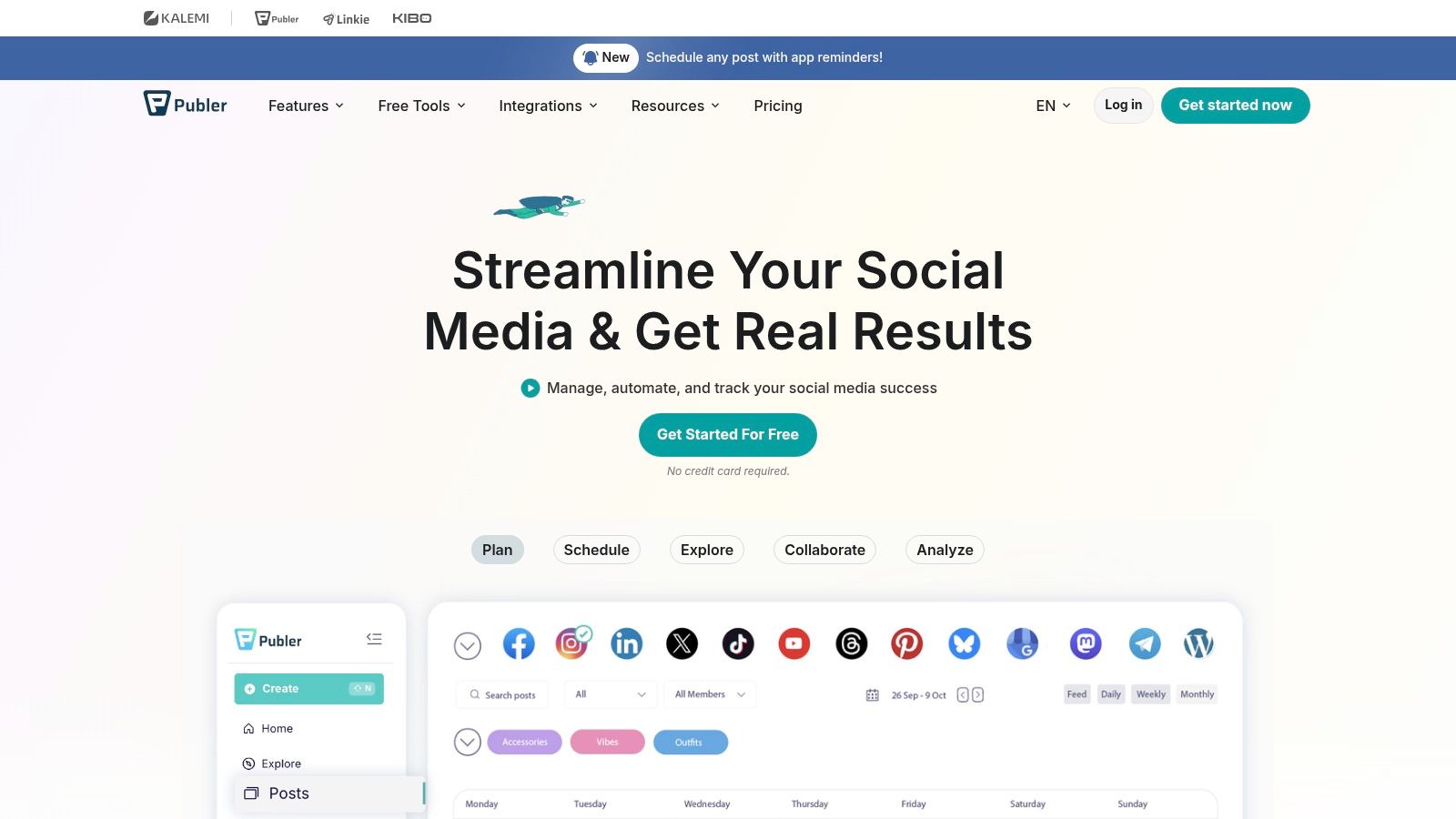
Post previews and network-specific customization help you catch awkward formatting before publication. Photo editing, Canva integration, link shortening, saved drafts, and a content calendar reduce the need to keep switching between creation and planning tools.
The Easily Missed Limitation
The short published-post history matters if you expect the scheduler to answer questions about previous campaigns. Keep your approved copy and creative assets somewhere durable rather than assuming the free dashboard is an archive.
The scheduling cap creates a separate constraint. You can work within it by refilling the queue, but that becomes inconvenient when you want to prepare content before a holiday or a busy client period.
Upgrade trigger: you need X, longer publishing history, analytics, team features, or unlimited scheduling. Publer's free plan makes sense for trying its customization workflow. It stops being enough when reviewing past activity becomes part of your regular job.
5. Zoho Social
Zoho Social deserves a look when your business needs professional networks and local visibility, not just visual feeds. Google Business Profile is especially relevant for businesses that publish service updates, opening information, and local announcements.
Zoho Social offers a free plan for a single brand with a defined channel set that includes Facebook, Instagram, LinkedIn, X, and Google Business Profile. Check the current eligibility of your exact account types before setup, particularly the distinction between personal profiles and business pages.
The core workflow covers publishing, supported post formats, recent-post performance, and mobile access. Video and Instagram Reels support can make it useful beyond a text-only business calendar.
- Good fit: a small business managing its own established accounts.
- Main constraint: the free plan's defined brand and channel coverage isn't a flexible agency account pool.
- Reporting caution: recent engagement metrics shouldn't be confused with a complete client-reporting workflow.
For a local consultancy, the channel mix may matter more than a larger menu of creative extras. If LinkedIn and Google Business Profile are central to the business, eliminating manual posting there can be more valuable than gaining another design feature.
Upgrade trigger: you need broader reporting, team participation, or management beyond the free brand allowance. Before paying, confirm that the higher plan solves that exact restriction. Don't upgrade on the assumption that every advanced workflow is included in every paid tier.
6. Meta Business Suite
Native dashboard for Facebook and Instagram, not a general cross-platform scheduler.
If your customers find you through Facebook and Instagram, Meta Business Suite may be enough. It provides a no-cost way to manage eligible Meta business accounts without adding a separate social-management subscription.
Its usefulness depends on account setup. Confirm that the right Facebook Page and Instagram business account are connected and that you have the required permissions before building the calendar.
For the publishing steps, use this guide to schedule a Facebook post. Test a representative post format rather than assuming that successfully connecting an account means every planned format is available.
A native dashboard isn't a compromise when it covers every network your business actually uses.
Business Suite also lets you review platform-specific performance and handle parts of your Meta business activity. If you're researching advertising separately, understanding Meta ads library features can complement that work, but ad research isn't a replacement for publishing management.
The upgrade trigger is expansion outside Meta. There isn't a cross-platform paid tier of Business Suite that suddenly manages LinkedIn, Pinterest, or TikTok.
Keep using it when Facebook and Instagram are your whole operation. Add a cross-platform scheduler when maintaining separate calendars causes missed posts, duplicate work, or unclear ownership. You can retain the native dashboard for Meta-specific tasks rather than replacing it completely.
7. Planable
The expensive part of publishing isn't always the scheduling. Sometimes it's finding the approved caption after a client leaves feedback in email, a chat message, and a document.
Planable is a collaboration-first option, built around visual planning, post previews, feedback, and review. Planable offers limited free access, but confirm the current workspace, post, and publishing allowances before treating it as an ongoing free production system.
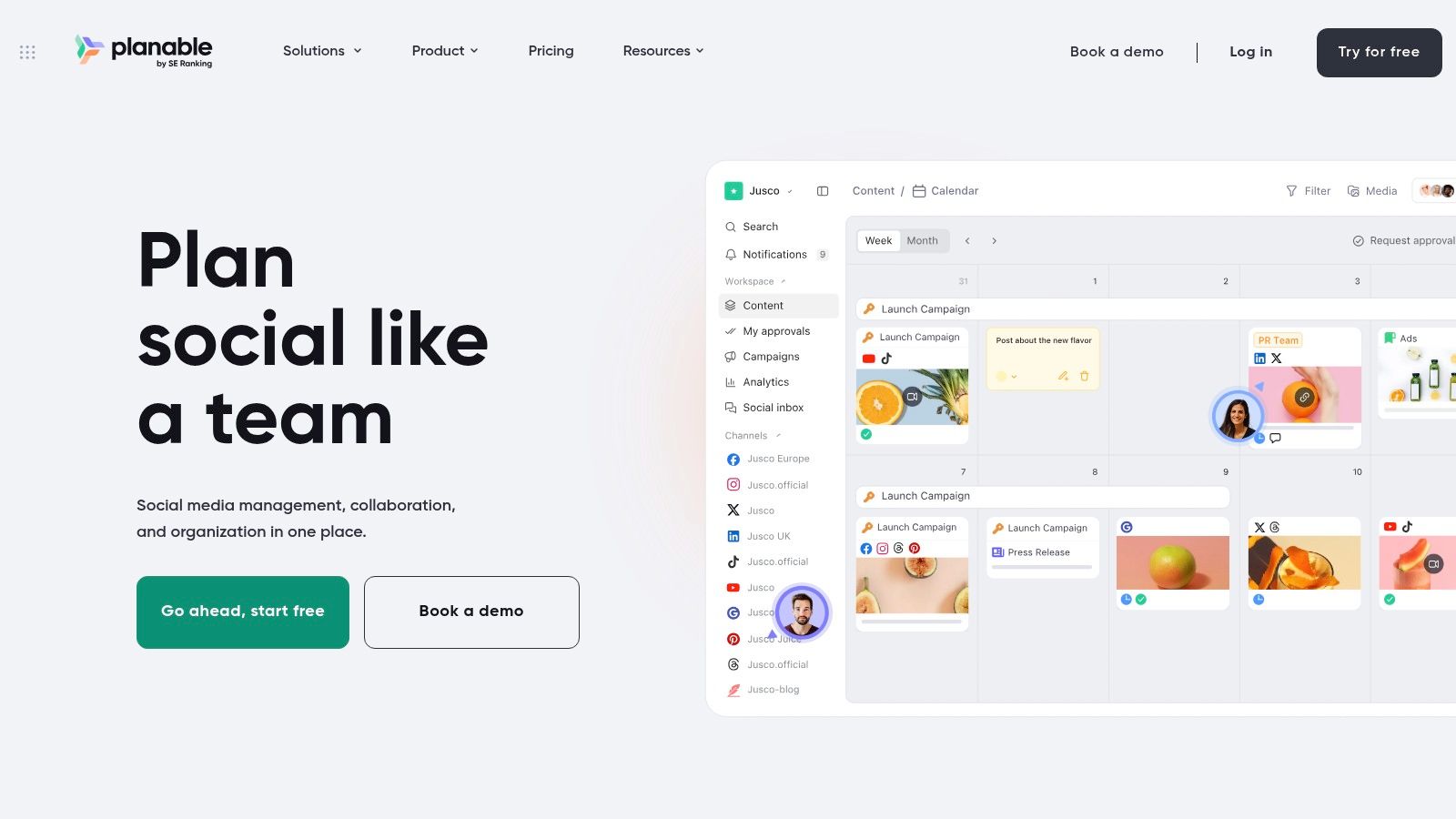
The shared calendar helps reviewers understand the surrounding campaign, not just an isolated caption. Canva integration also helps move creative assets into the review workflow.
Pay for Clear Decisions, Not Extra Discussion
A collaboration tool only helps if everyone knows who can approve a post. Define your content approval process before inviting reviewers, including who gives final sign-off and what happens after requested edits.
- Strong fit: freelancers and teams whose main bottleneck is client feedback.
- Weak fit: a solo creator who only needs to queue finished posts.
- Free-access caution: limited access should be evaluated as a workflow test unless its current allowance covers your continuing workload.
Upgrade trigger: your team relies on the review process and needs more content capacity or stronger approval controls than free access permits. The value isn't merely another place to write comments. It's having an agreed version, an identifiable approver, and a clear route from draft to publication.
8. Tailwind
Pinterest-focused specialist with a limited free start.
A blogger planning Pins for evergreen articles has different needs from a manager coordinating real-time updates across several networks. Tailwind is relevant to the former: its current plans focus on Pinterest scheduling, creation, and marketing.
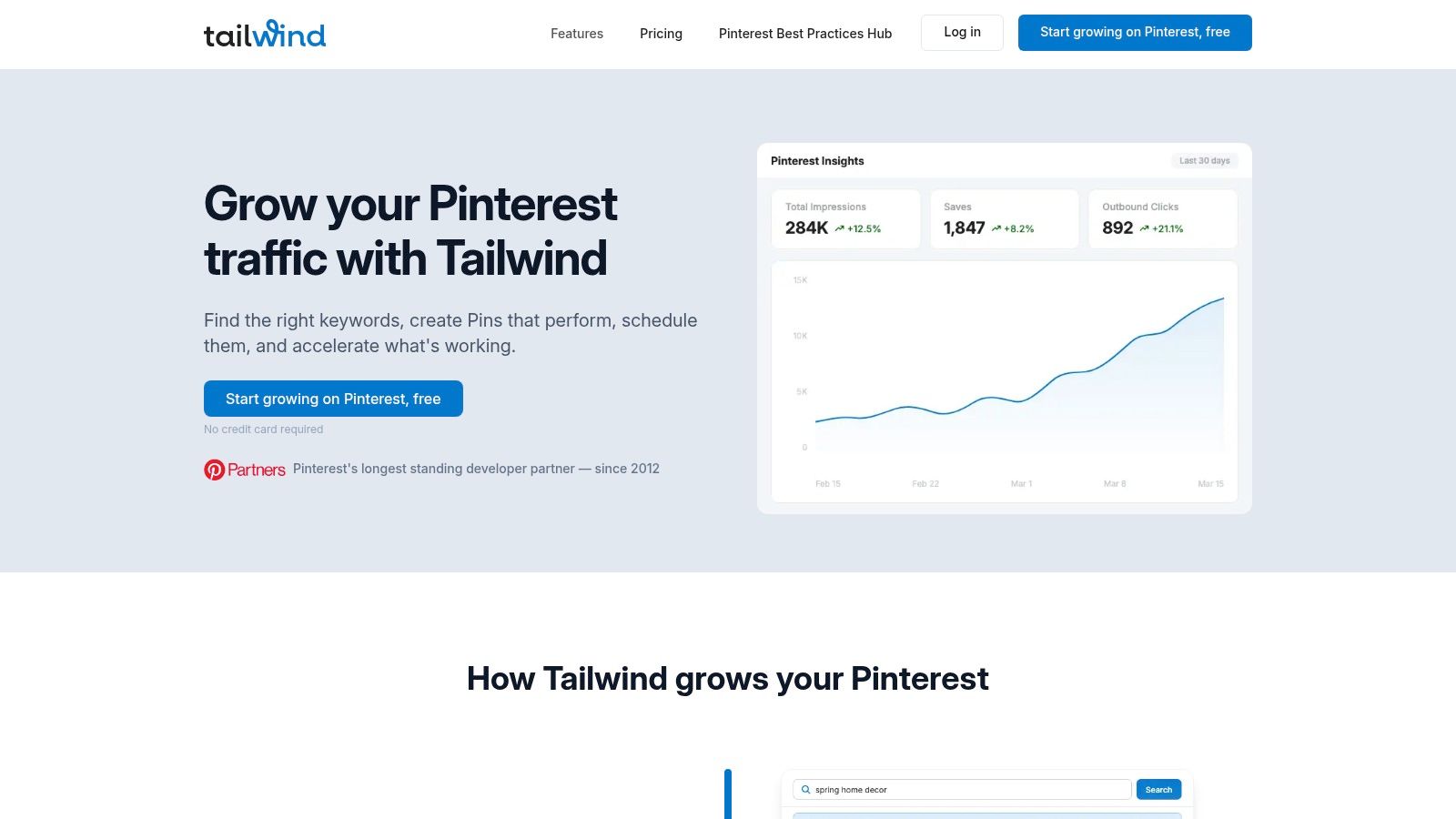
The free start lets you try scheduling Pins and selected features without a card. It isn't equivalent to an unlimited ongoing free scheduler, and new accounts use a Pinterest-only plan type. Instagram and Facebook connections belong to legacy arrangements, not a broad promise for new signups.
Evaluate It With Actual Pins
Use a real article or product collection for your test. Prepare the images, destination links, and descriptions you'd ordinarily publish, then follow a repeatable process to schedule Pinterest posts.
That reveals whether the specialist workflow saves effort where you need it. Testing with an unfinished image and a placeholder link tells you little about managing a real publishing calendar.
Upgrade trigger: Pinterest is an established distribution channel for your business, and you need ongoing capacity beyond the free actions. Paid tools can be purchased separately or bundled, so choose based on the work you'll do.
If Pinterest is only an occasional destination, a broader scheduler may be simpler. Tailwind is a focused choice, not a substitute for managing all your networks together.
9. TikTok Studio
TikTok Studio is a native creator toolset, not a cross-platform management plan. That makes its free access useful for a TikTok-centered creator and incomplete for a business distributing content elsewhere.
TikTok Studio brings together TikTok account and content management with creator-focused performance information. Availability and features can depend on account type, region, and the current product offering.
Start by checking which controls your account exposes. Don't build a process around a feature shown in someone else's tutorial until you can access it yourself.
- Use it for: TikTok-specific content management and performance review.
- Keep separately: a shared calendar if the campaign also runs on other networks.
- Watch for: access differences between the accounts you manage.
Managing a personal creator presence is different from coordinating brand and client profiles. If that's your workload, establish a clear process to manage multiple TikTok accounts, including which account owns each draft and who can publish it.
The upgrade trigger is workflow complexity, not just posting more TikToks. A paid external scheduler becomes worth evaluating when you need cross-network coordination, shared planning, or account management that the native tool doesn't cover.
Keep TikTok Studio available even then. A scheduler can coordinate publication without replacing every native creator function. Choose tools that divide responsibilities clearly rather than expecting an external dashboard to reproduce the entire TikTok experience.
10. YouTube Studio
For a creator whose work revolves around videos and Shorts, YouTube Studio is the natural free starting point. You don't need a general social-management subscription to manage a YouTube channel.
YouTube Studio combines native publishing controls, channel management, and video performance information. Its limitation is straightforward: it doesn't manage the rest of your social presence.
If your process is write, film, edit, upload, and review results, native management may cover the job. Follow a consistent workflow to schedule YouTube videos, including checking the final title, thumbnail, description, and intended publication time.
Pay for cross-platform coordination when you need it. Don't pay merely to put a different interface in front of a native workflow that already works.
Production tools solve a separate problem. You might make YouTube videos with AI to help prepare content, but generation doesn't replace editorial review, scheduling, or performance analysis.
The practical division is clear:
- YouTube Studio handles the channel's native publishing and management.
- Creation tools help produce or adapt assets.
- Cross-platform schedulers coordinate distribution beyond YouTube.
Upgrade trigger: each video launch requires coordinated posts elsewhere, and handling those separately causes delays or duplicated work. You may still keep Studio as your YouTube control center while using another tool for the surrounding campaign. That's often more sensible than forcing every task into the same application.
Free plan limits and best-for fit at a glance
| Item | Free plan | Key free-tier limit | Best for |
|---|---|---|---|
| SleekPost (recommended) | 7-day free trial | Trial is time-limited; ongoing use requires a paid plan | Creators and small businesses scheduling across 10+ platforms |
| Buffer | Permanent free plan | 3 channels and 10 scheduled posts per channel | Individuals managing a few channels |
| Metricool | Permanent free plan | 1 brand, 20 posts per month, and 30 days of analytics; excludes LinkedIn and X | Users who want scheduling with analytics |
| Publer | Free plan | 1 user, 1 workspace, 3 accounts, and 10 scheduled posts per account; excludes X | Individuals customizing posts for a few networks |
| Zoho Social | Free plan | Limited to 1 brand and listed channels | Small businesses using its supported channel mix |
| Meta Business Suite | No-cost option for eligible Meta business accounts | Facebook and Instagram only | Managing Facebook and Instagram activity |
| Planable | Limited free access | Current workspace, post, and publishing limits should be verified | Teams that need post review and approvals |
| Tailwind | Limited free start | Pinterest-focused; not a broad multi-platform plan | Marketers and businesses focused on Pinterest |
| TikTok Studio | Native tool available without a separate social-management subscription | TikTok only; features and access may vary | Creators focused primarily on TikTok |
| YouTube Studio | Free native tool | YouTube only | Creators managing YouTube videos and Shorts |
Matching Your Free Plan to Your Accounts and Upgrade Point
Start with your accounts, not the software. Write down every profile you actively publish to, including separate client accounts and additional profiles on the same network. Then map a normal week of content to those destinations.
Count publishing destinations as well as original ideas. A launch announcement adapted for several networks may use an allowance differently from a draft that never leaves your workspace. Check how each provider counts scheduled, published, failed, and cross-posted content before relying on its headline cap.
Choose a plan that can accommodate your next month of planned work without constant maintenance. A free queue that you can refill comfortably is useful. A free queue that makes you interrupt client work every few days may not be.
Match the Restriction to the Job
- For simple solo scheduling: Buffer offers an approachable queue, while Publer emphasizes customization.
- For selective publishing with measurement: Metricool makes sense if its platform exclusions and reporting window fit.
- For business-channel coverage: evaluate Zoho Social against your exact profile types.
- For review and approval: test Planable with the people who approve content.
- For platform-focused work: Meta Business Suite, TikTok Studio, and YouTube Studio may cover the job without another subscription.
- For Pinterest specialization: evaluate Tailwind as a focused tool with limited free access, not a broad free scheduler.
Set an upgrade trigger before you need it. That might be repeatedly reaching a post cap, connecting another client, needing a colleague's separate access, or requiring reporting history the free plan doesn't retain. A planned upgrade is easier to justify than an emergency purchase during a launch.
Reliability belongs in that decision too. Viraly's comparison of free social management tools highlights the problem with evaluating free tiers only as feature lists: platform exclusions and publishing restrictions can leave users doing substantial manual work.
Test the Whole Publishing Cycle
Run a real week of content through your shortlisted tool. Include the formats you regularly use, adapt the copy for each destination, and check the published result rather than stopping at a successful scheduling confirmation.
Inspect failure handling as well. Can you identify an unsuccessful post, understand the problem, and recover without creating a duplicate? Keep approved copy and original media somewhere you control so moving tools doesn't mean rebuilding your content library.
Finally, check current allowances directly on each provider's website. The best free social media management software is the one you can keep using predictably, with a clear reason to pay when your workload grows.
Our dashboard brings cross-platform scheduling, per-network customization, drafts, and a media library into a lightweight publishing workflow. Visit SleekPost to try the free publishing allowance with your own content, then move to unlimited posts when your calendar needs more capacity.