
Would you hand the same flyer to a neighbor, a conference room, and a crowded street and expect the same reaction?
People use several social platforms each month. Paste one caption, one crop, and one link into every account and the post often looks imported. Each network rewards a different length, format, and pace.
Cross-posting works like packing one story into several bags. The facts stay. The wrapping changes. Change only what the platform forces: length, media shape, tone, and whether someone can read or hear that version. Leave the core message alone. Skip those checks and you save a few minutes while the post goes to waste.
Table of Contents
- What Cross-Posting Means and Where the Term Came From
- Why One Post Rarely Fits Every Platform
- Benefits and Real Limits of Posting Everywhere
- How Much to Change for Each Platform
- How to Run a Cross-Posting Routine Step by Step
- Keep Accessibility Intact Across Every Version
- Common Questions About Cross-Posting
What Cross-Posting Means and Where the Term Came From
Where did the phrase come from, if the job now looks like four different posts?
Cross-posting is publishing your own core message on two or more channels, such as social networks, forums, or mailing lists. The phrase predates today's apps. On early internet discussion boards and mailing lists, it meant sending one message to several groups at once. That was syndication. One note, many inboxes. Nobody was resizing a video for a vertical feed.
From one copy to several versions
Networks split, and an identical copy stopped traveling well. You still start from one idea. Then you decide what has to change at each stop: text, format, length, hashtags, media size, or call to action. A local paper runs one story in print, on its site, and in its app. The facts stay. The headline and the length do not.
A workable rule is small on purpose. Keep the claim. Change the wrapper. If a reader on that platform would miss the point, or could not use the media, the version is not done.
Say a bakery announces a new loaf. On X it might be one short line and a link. On LinkedIn it might explain who the loaf is for. On Instagram it might be a carousel of the bake. On YouTube it might be a Short of the oven pull. Same launch, four wrappers. Each one still needs a check for access: alt text on the photos, captions on the video, and a description that works if the image never loads.
What people mix up
A repost borrows another account's post. Cross-posting is the coordinated distribution of your own material, so reach grows without writing four campaigns from scratch. The adaptation is the work. Copy-and-paste is only the starting file.
Reusable line: Cross-posting is publishing your own core message on two or more channels, adapted so each version fits that place, and checked so every version stays usable.
Why One Post Rarely Fits Every Platform
Audiences aren't sitting in one room. DataReportal reported 5.24 billion active social-media user identities worldwide in early 2025, equal to 63.9% of the global population, up 4.1% over the previous 12 months. The same report found that 94.2% of internet users use social media. Publishing once, on one network, leaves a large share of those people unreached. A multi-channel marketing strategy only works if the message can enter each of those rooms.
Nearly seven platforms a month also means nearly seven sets of rules. Copy, crops, video length, and calls to action bump into different feeds even when the brand line stays the same.
How to read the limits
The text limit is the hard ceiling. The media column is what that feed favors. The last column is the change most likely to matter. Check it before you schedule anything.
| Platform | Text limit | Preferred media | Adaptation focus |
|---|---|---|---|
| X (Twitter) | 280 characters | Image, short video, or text only | Cut to one hook and a link |
| Threads | 500 characters | Image or short video | Turn the point into a conversation question |
| Bluesky | 300 characters | Image or link card | Short claim with a clear link |
| 63,206 characters | Image, video, or link post | Prompt comments with a question | |
| 3,000 characters | Document, image, or video | Professional framing with a specific insight | |
| 2,200-character caption | 4:5 feed image, 9:16 Reel, or carousel | Visual-first; move hashtags into the caption | |
| YouTube Shorts | Up to 3 minutes of video | 9:16 vertical video | Hook in the first seconds |
| TikTok | 2,200-character caption | 9:16 vertical video | Trend-aware, native captioning |
A post written to X's 280 characters looks cramped if you drop it unchanged onto LinkedIn, where readers expect a specific insight. A long LinkedIn paragraph has to be cut before it fits Bluesky's 300-character limit. Instagram will bury a text-only announcement under a feed that wants a 4:5 image or a 9:16 Reel. Treat the table as a pre-flight check, not a style guide you'll remember later.
Benefits and Real Limits of Posting Everywhere
Done with a light edit, one idea can cover more ground than four ideas written from scratch. The gains are practical, and so are the failures.
- Wider reach: Different people live on different networks, so one campaign can meet more than one audience.
- Less production time: You write the core once, then adjust the wrapper instead of starting over.
- A steadier presence: Quieter accounts don't go dark between big campaigns.
- Spillover: A strong version on one network can send attention toward another.
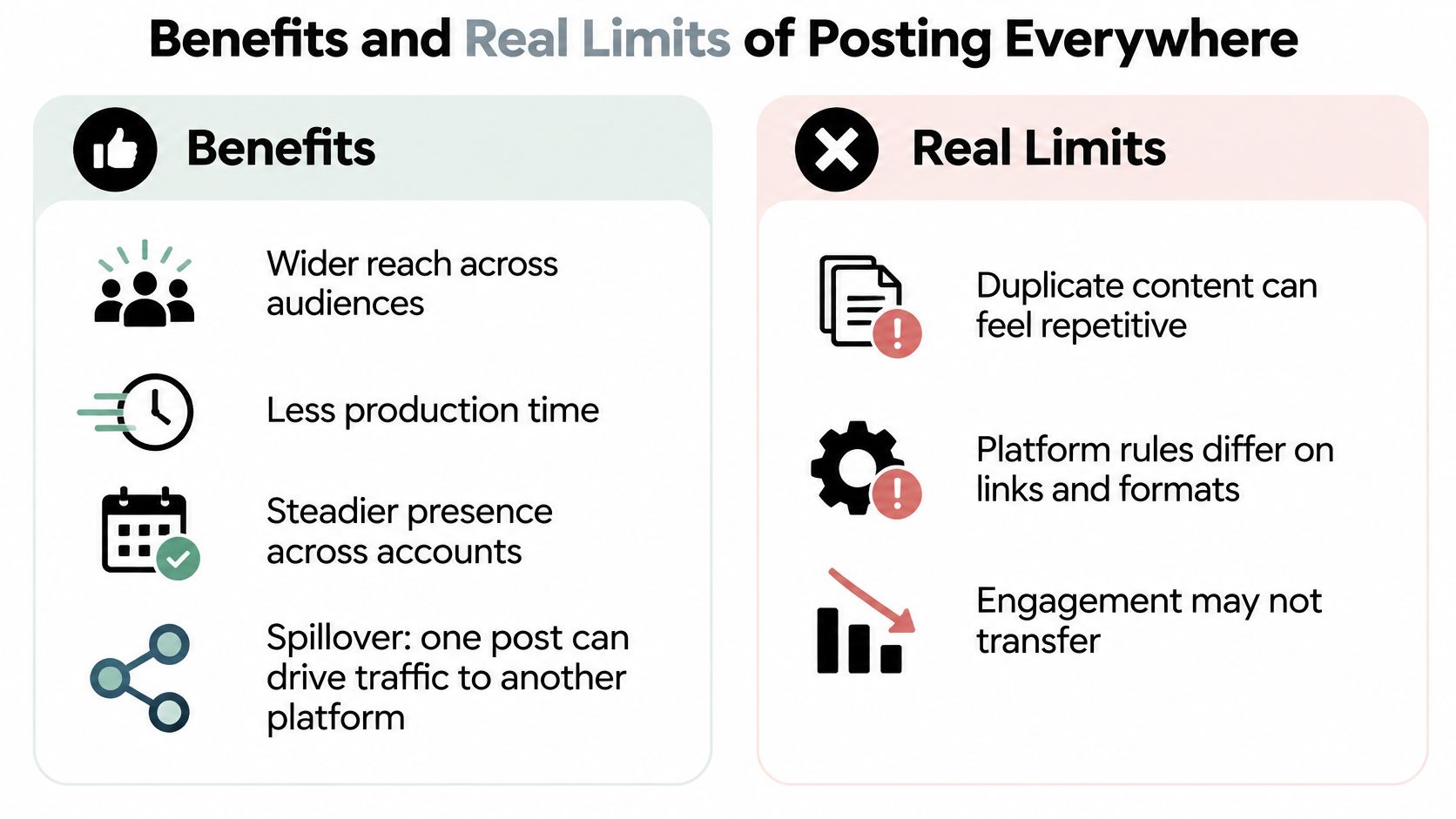
Those gains stop when you treat every network as a photocopy machine. A large-scale study analyzed 676,779 posts from 53 news organizations across Facebook, Instagram, Twitter, and YouTube, plus more than 31 million comments and 840 million likes. A post that did well on one platform did not reliably do well on another, even with similar copy. The cause is platform-context mismatch. Audiences, ranking signals, conversation habits, and media formats differ.
The same study also found that cross-sharing can lift engagement on another platform for particular content. Spillover is real. Uniform demand isn't.
The model that keeps the upside
Keep a shared core and build a platform-specific wrapper. The core is the campaign point. The wrapper is the hook, length, call to action, metadata, aspect ratio, and the question you ask people to answer.
Over-copying has a social cost too. Followers who see you on three networks notice the duplicate and start treating the accounts as one lazy feed. Automated sends that nobody rereads also miss a local detail or a reply that needed a human that afternoon. Judge each version with its own engagement rate, saves, shares, watch completion, or click-through rate. Adding raw likes across channels hides which wrapper worked. A simple way to track performance is to log those rates per network, not as one blended score.
How Much to Change for Each Platform
You don't need a new production for every network. You need a level. Pick it before you open the editor.

| Adaptation level | What stays | What changes | Best for |
|---|---|---|---|
| Identical redistribution | Full text and media | Nothing, or timing only | Low-context announcements |
| Light adaptation | Core idea and visuals | Opening line, length, call to action, hashtags | Educational or promotional posts |
| Full platform-native rewrite | Campaign goal only | Format, script, media, and tone | Trend-driven, community, or video-first content |
Identical redistribution fits a plain notice. "We're closed Monday" doesn't need a new metaphor. Light adaptation fits teaching and promotion. Keep the idea and the pictures, rewrite the first line, the length, the ask, and the tags. A full rewrite fits anything that lives on a trend, a community joke, or a vertical video. If the format carries the point, changing only the caption isn't enough.
In 2024, 47% of social media marketers said they shared similar content across platforms, while 19% said they reused the same content with no changes, in HubSpot's survey of more than 1,500 marketers. Similar is the common habit. Untouched copies are the smaller, riskier one.
Near-duplicates are everywhere. Research on political communication found that 57% of candidate images on Facebook were also cross-posted to Instagram, and 50% of Instagram candidate images also appeared on Facebook, according to a cross-platform study. Common isn't the same as effective. In a comparison of 30 video clips on Facebook, Instagram, and Twitter, adapted versions beat highly similar unchanged clips on Facebook, with the biggest gaps in likes and shares. On Twitter, adaptation improved comments and looked similar on several other measures. Gains aren't guaranteed on every network, so keep an original-versus-adapted test when you can.
If you only have time for a few edits, change the opening sentence, the aspect ratio, the length, and the call to action first.
For video, that ratio change is the whole job. A 16:9 file cropped badly loses faces and on-screen text. Vertical cuts for Shorts and Reels from ContentBuck are a practical reference when you're reframing one master into 9:16, and our note on vertical video dimensions covers the sizes those feeds expect.
How to Run a Cross-Posting Routine Step by Step
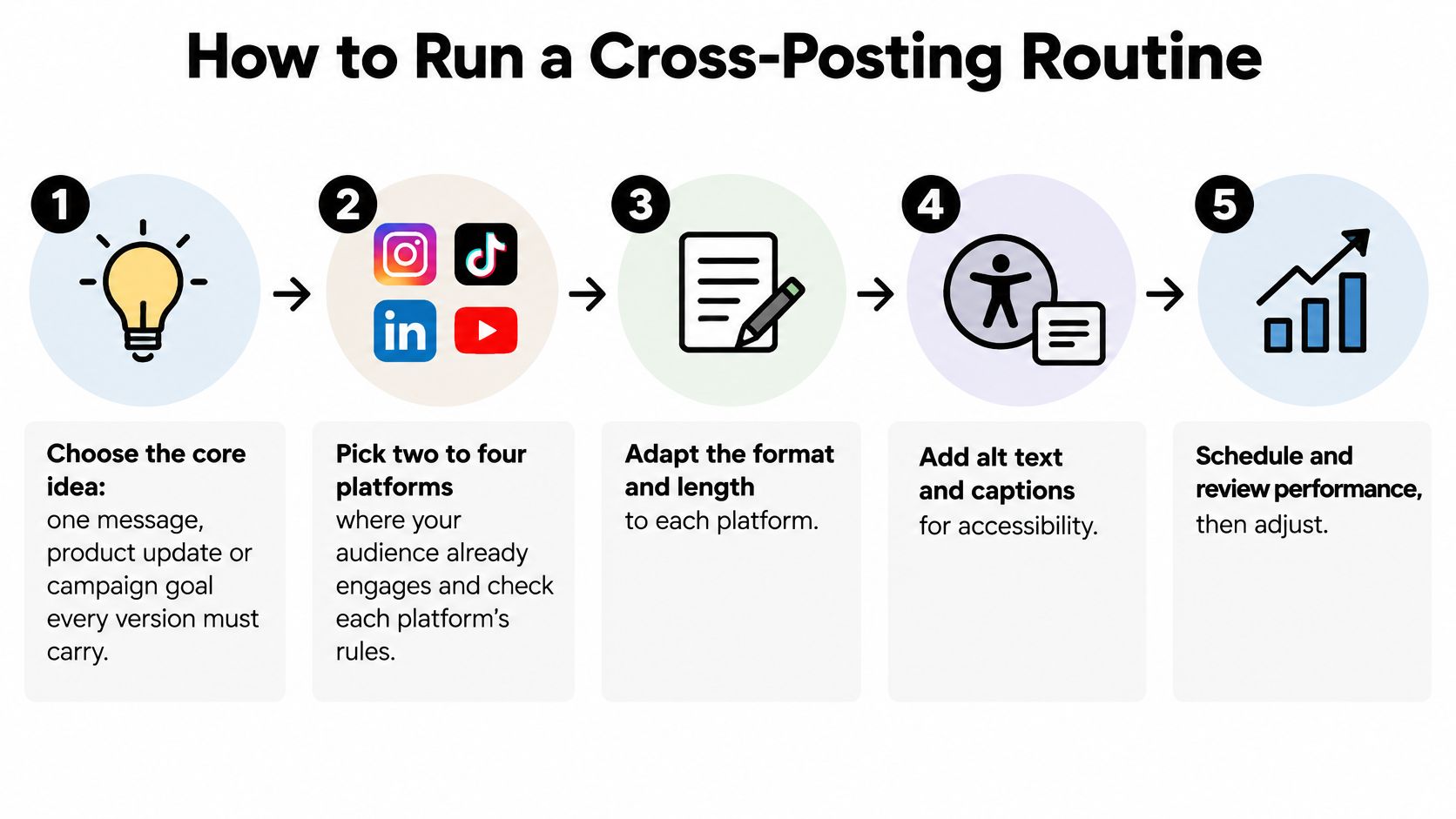
A routine beats a burst of inspiration on Monday and silence by Thursday. Work in this order.
- Choose the core idea. One message, product update, or campaign goal has to survive every version. If you can't say it in a sentence, you don't have a core yet. You're about to write four unrelated posts.
- Pick two to four platforms. Start where people already reply, save, or click. Checking limits before you write stops you from drafting a paragraph that two of those networks will cut off.
- Write a version per network. Match the level you chose. Rewrite the opening line, the length, and the ask. The usual slip is one caption pasted everywhere, including a "retweet this" line that makes no sense on Instagram.
- Prepare the media. Crop to the feed. A 4:5 image suits an Instagram feed post. A 9:16 file suits Reels, Shorts, and TikTok. Run the access checks in the next section before you queue anything. Batching the crops with the copy is easier than fixing one asset at a time, which is why content batching pairs well with this step.
- Schedule or publish. Send each version when that audience is online, not at one universal minute. Scheduling tools publish through official platform APIs. Good ones also post at the correct local time, so recheck the time zone before you trust the queue. SleekPost posts to multiple networks at the same time from one dashboard, sends each post and its media through the networks' official APIs, and scheduled posts have the same reach as posts made manually. Each version can still carry its own copy.
- Review and log. Compare engagement rate, saves, shares, or click-through rate per platform. A pile of likes from a huge Facebook page will always beat a small Threads account and tell you nothing.
- Start smaller than you want. This week, run one core message on two platforms for two weeks. Keep the version that earned replies. Drop the one people scrolled past.
The walkthrough below shows the same loop in motion, from the core line to separate publishes.
The tool is optional. The sequence isn't. If step 3 is a paste and step 6 is a vibe, you're not cross-posting. You're duplicating.
Keep Accessibility Intact Across Every Version
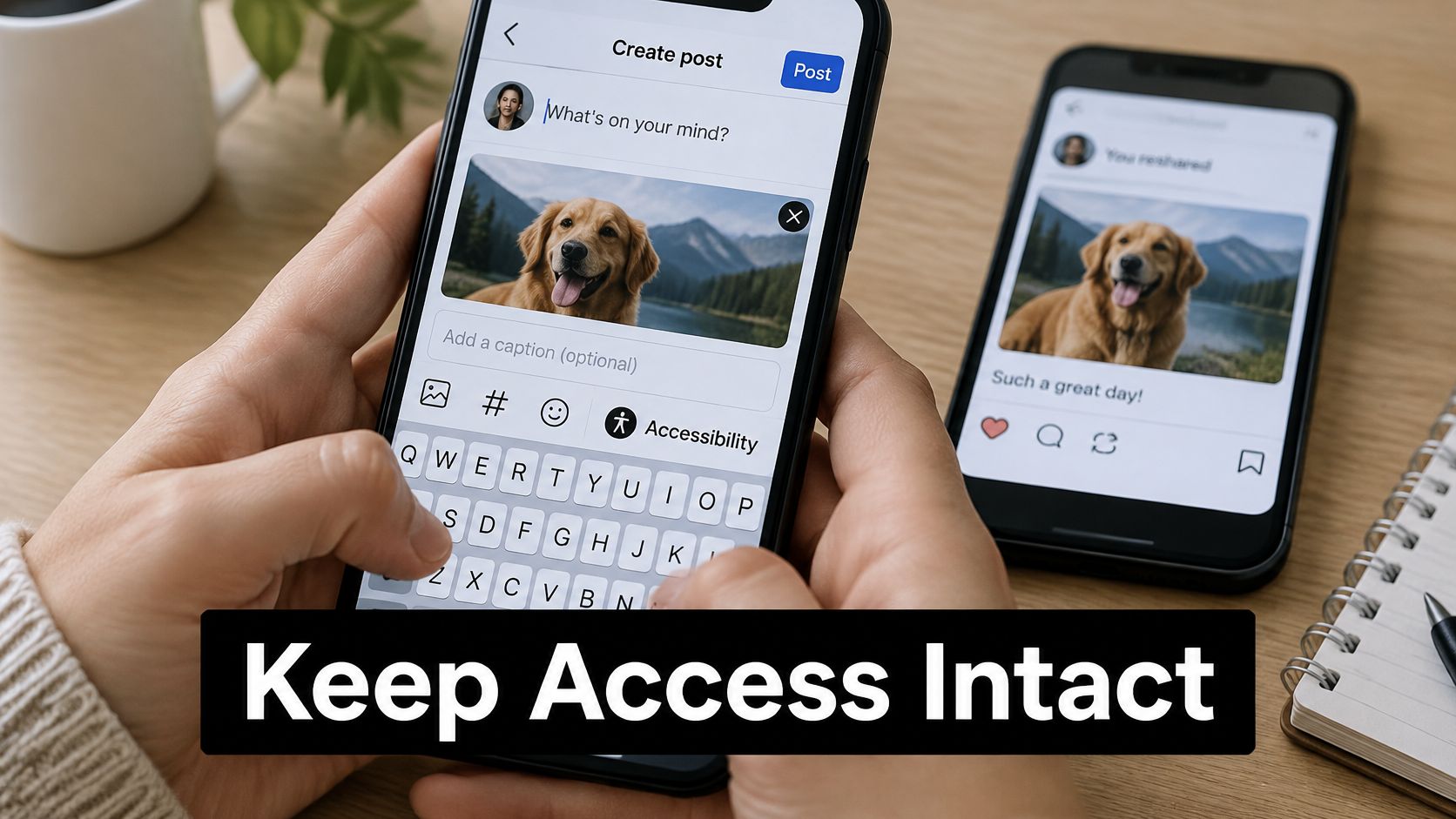
Copying one asset everywhere can delete the parts some people need in order to read it. Platforms don't carry alt text and caption files the same way. University of Minnesota accessibility guidance recommends descriptive alt text for images and captions for every video, and then shows why a single file isn't enough. Facebook and Instagram offer editable machine-generated alt text. LinkedIn supports descriptive image text. Closed-caption files often fail when a video is reshared or uploaded natively in a new format.
Open captions, burned into the picture, stay visible when a network strips the caption track. "One asset everywhere" can save you a click and shut out someone using a screen reader, watching with sound off, or loading a slow connection.
Checks before you hit schedule
- Write alt text per image. One shared sentence rarely matches a different crop. Describe what that version shows.
- Burn captions into video when you can. They survive a re-upload. Auto-captions are a backup, not the only copy.
- Check contrast and placement. White type on a bright sky disappears at feed size. Keep words inside the safe area so crops don't slice them.
- Test each carousel slide alone. If slide 3 only makes sense after slide 1, add a short line on the slide itself.
- Play one version with sound off, or with a screen reader. If the point vanishes, the wrapper isn't finished.
These checks aren't a compliance extra for public agencies. They're how a caption survives a commute and a muted office feed. On Facebook, where long text is easy to over-design, it also helps to format the post text so the accessible description and the visible caption aren't fighting each other.
Common Questions About Cross-Posting
Does cross-posting create duplicate content problems?
For social posts, duplicates mostly annoy people, not search engines. For a blog article republished on LinkedIn or Medium, link back to the original and set a canonical reference where the platform allows it. That tells search tools which page should keep the credit.
Do platforms penalize cross-posting?
Rules differ, so read each network's spam policy before you automate. In general, avoid posting only a bare link that pushes people off the app, and upload video natively instead of carrying another app's watermark. A thoughtful version is safer than a blast of lookalike posts on the same hashtag.
Should every post go everywhere?
No. Skip a network when the audience doesn't match, when the message depends on a live moment, or when you can't adapt the format without losing the point. A sensitive staff announcement doesn't belong in a trend sound.
Should every version go out at the same moment?
Not necessarily. Staggering by hours or a day lets each audience see the version written for them, and it makes the results easier to compare. Posting every account at 9:00 a.m. sharp is also the clearest sign the send was automatic.
If you want that routine without six browser tabs, SleekPost lets you customize copy and media per platform and publish from one dashboard. It's built for the adaptation decisions in this guide, not for blasting one caption everywhere. Visit SleekPost and schedule your next two versions side by side.