The usual advice to schedule Instagram Story posts is incomplete: upload your media, choose a time, and let the scheduler handle the rest. That works for a finished visual. It doesn't necessarily work for the poll, music, mention, or link sticker that makes the visual useful.
A dependable workflow separates automatic publishing from in-app finishing. Batch what can publish cleanly, assign a person to what needs Instagram's native tools, and check the live result rather than trusting a scheduled status.
Table of Contents
- Scheduling Stories Is Not the Same as Automating Them
- Why Stories Reward Planned Publishing
- Prerequisites That Decide Whether a Story Will Actually Publish
- Scheduling a Story Step by Step in SleekPost
- What Survives Scheduling and What Does Not
- Cadence, Timing, and the Completion-Rate Sweet Spot
- A Weekly Hybrid Workflow and Quality Checklist
Scheduling Stories Is Not the Same as Automating Them
A scheduled Story isn't automatically a hands-off campaign. The publication time might be automated while the final creative assembly, audience interaction, and response handling still require someone on their phone.
That distinction matters because a Story has two layers: the underlying image or video and the native elements attached to it. A scheduler may deliver the media successfully without supporting everything you'd add inside Instagram. A successful upload doesn't prove that the intended experience survived.
Stories became a substantial publishing channel after their global launch on August 2, 2016, reaching approximately 400 million daily users by June 2018 and later exceeding 500 million daily users, according to this historical Instagram Stories statistics overview. For a creator or business, that scale makes dependable publishing worth organizing, but it doesn't justify removing the interaction that gives a campaign its purpose.
Separate the delivery job from the campaign job
Treat scheduling as a delivery instruction. Planning decides what the viewer should understand, what they should do next, and who needs to be available when they respond. The distinction between scheduling and content planning is especially useful when client approvals and live community management involve different people.
Before queueing an asset, classify its intended outcome:
- Visibility: A finished product visual or announcement can often run without live assembly.
- Interaction: A question or audience choice needs a publishing route that preserves its native functionality.
- Conversation: A community prompt needs someone assigned to handle replies, even if the opening frame publishes automatically.
Operational principle: Automate the delivery of finished media, not the assumption that every campaign task is finished.
The practical question isn't whether to schedule everything. It's whether the chosen publishing route can preserve each frame's job. That decision should happen before production, not after a client asks why the scheduled poll can't be tapped.
Why Stories Reward Planned Publishing
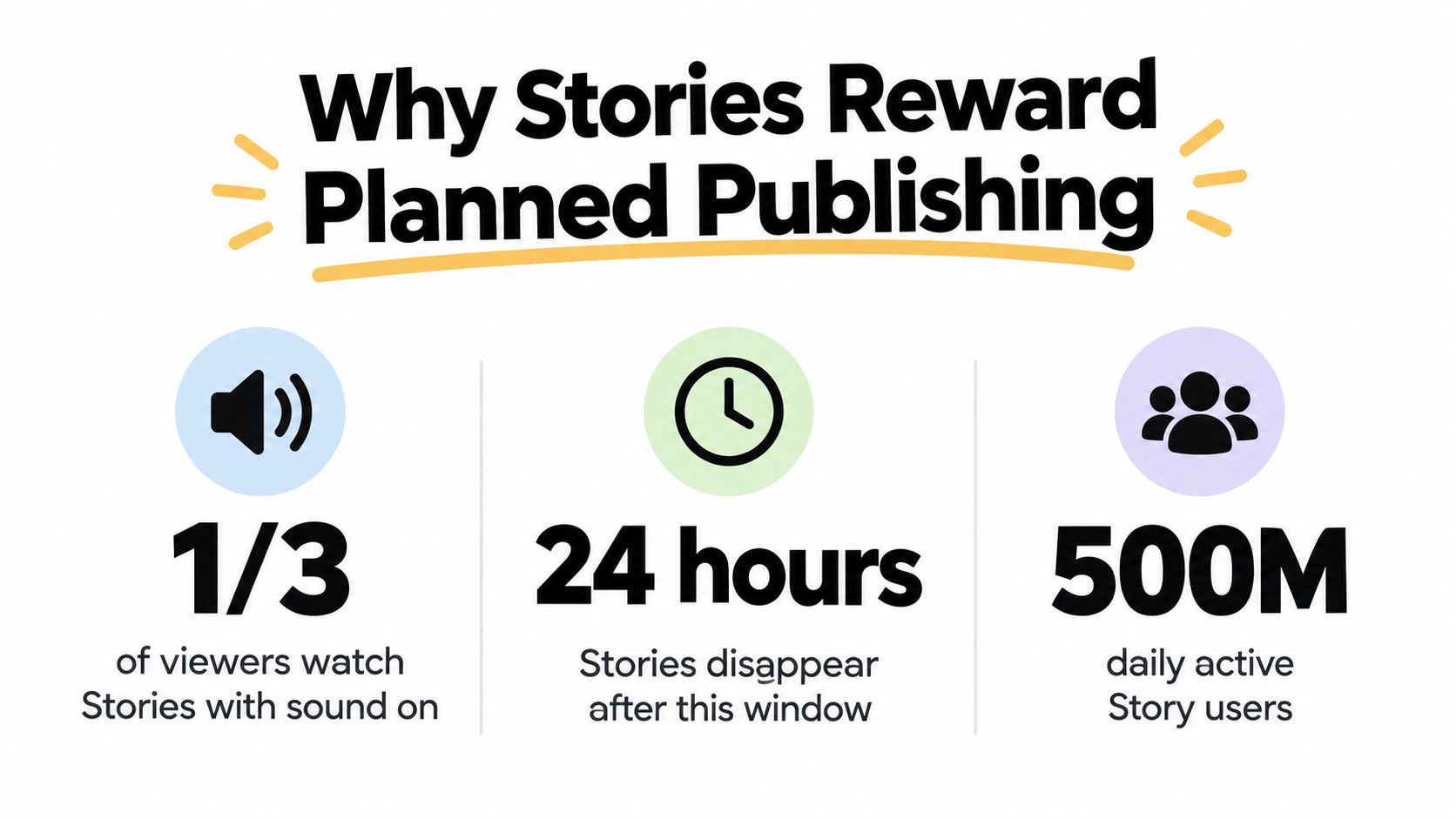
Stories disappear after 24 hours unless saved as a Highlight, making publication timing part of the editorial decision rather than an administrative detail. Historical business research also reported that one-third of the most-viewed Stories came from businesses, approximately one in five generated a direct message, and 58% of users watched Stories multiple times per day, as documented in the historical statistics overview cited above.
Those figures describe repeated viewing opportunities and potential conversations. They don't prove that every business should publish continuously, or that spreading every frame across the day improves results.
The visual below summarizes the format's scale and short lifespan. Treat its sound-on figure as illustrative rather than an established benchmark.
Batch production without breaking the narrative
A social media manager can prepare a product introduction, demonstration, and response prompt together without making them all publish at the same moment. But frames that depend on each other should remain close enough that viewers can understand the sequence. Distribute separate editorial moments, not fragments of an unfinished explanation.
For example, prepare a complete product demonstration as a coherent sequence, then reserve a separate community prompt for an audience-active window. This is a planning recommendation, not a guaranteed reach tactic.
Production consistency also helps prevent rushed design decisions. When catalog images need a cleaner presentation, the MerchLoom catalog background workflow provides a relevant resource to consult during asset preparation, before exports enter the publishing queue.
Use format selection deliberately:
- Choose a Story when the message belongs in a timely sequence or an audience conversation.
- Consider a Reel when the idea needs a different presentation, rather than forcing every asset into the same placement.
The Reels versus Stories comparison can support that editorial choice. Planned publishing works when the content fits the format, the sequence makes sense, and the team knows what happens after viewers respond.
Prerequisites That Decide Whether a Story Will Actually Publish
Account setup and file validation aren't glamorous, but they're where a usable schedule begins. Don't load a client campaign until you've confirmed that the connected profile can publish the intended media through the selected workflow.
Start by checking the account configuration in Instagram and the publishing connection in your scheduler.
Validate the account and exported files
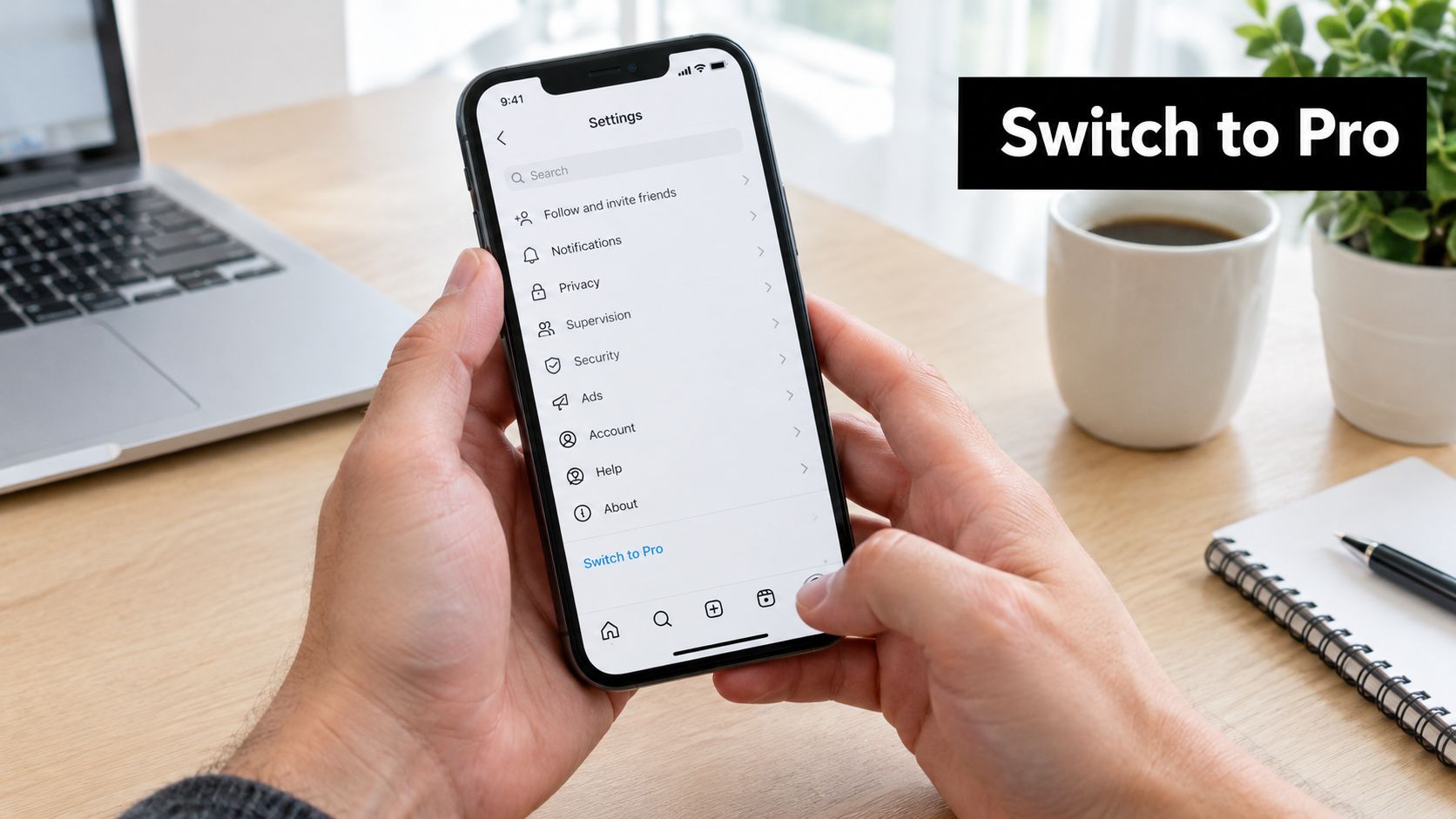
Use an Instagram Professional account, then confirm whether your actual connection supports automatic or notification-based publishing. Business and Creator profiles shouldn't be treated as interchangeable because both are professional account types.
A third-party summary of Instagram Story publishing requirements specifies a 9:16 vertical canvas, JPEG images up to 8 MB, and MP4 or MOV videos between 3 and 60 seconds, up to 100 MB. The same summary identifies an API allowance of 100 posts in a rolling 24-hour period.
These are implementation checks, not permanent guarantees. Because the summary interprets publishing documentation, verify current requirements before relying on them in production.
| Check | What to inspect before queueing |
|---|---|
| Account | Professional profile, valid connection, intended publishing mode |
| Image or video | Export format, dimensions, file size, video duration |
| Destination | Exact client profile, not just a familiar display name |
| Schedule | Timezone, publication timestamp, sequence order |
| Batch | Existing scheduled activity and available publishing allowance |
The Instagram Story specifications checklist is useful as a production handoff companion. Keep final exports separate from working files so an assistant doesn't accidentally upload an unfinished version.
Test the complete route
Publish a test asset to the target account before loading a large queue. Check the actual Story, not merely the scheduler's preview, and retain the result with the publishing record.
An account that connected successfully hasn't necessarily passed a publishing test.
If the test fails, isolate the problem before retrying the batch. Check eligibility and permissions, re-export incompatible media, inspect the destination, and confirm the timezone. Repeatedly pressing publish without diagnosing the failure makes it harder to distinguish a corrected job from a duplicate.
Scheduling a Story Step by Step in SleekPost
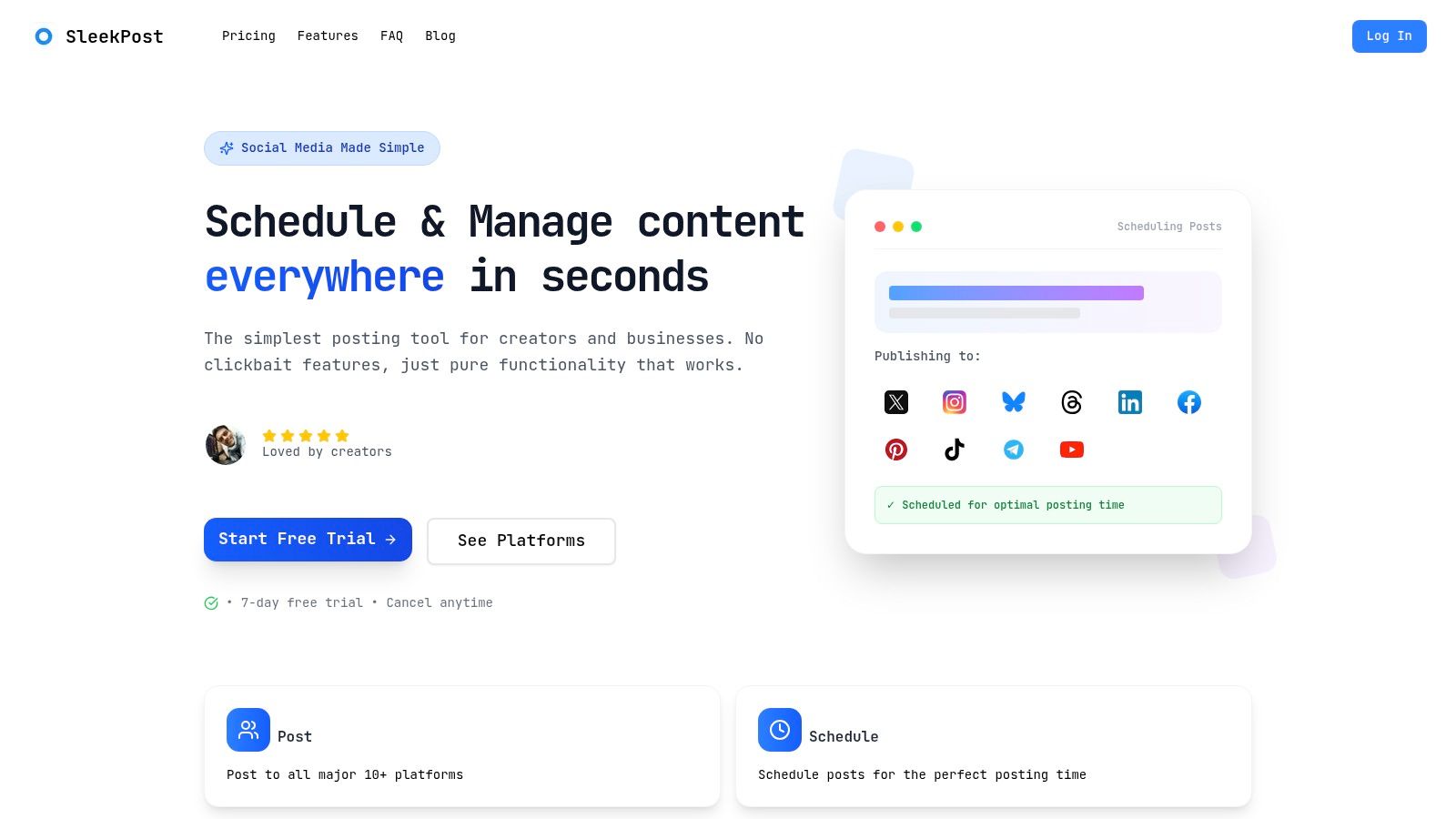
Use the dashboard as a production control surface, not just an upload form. The workflow should leave another team member able to identify the asset, destination, publication mode, and required follow-up without asking its creator.
The dashboard screenshot provides context for the scheduling environment.
Prepare and queue the finished asset
- Connect the destination account. After signing in, connect the intended Instagram Professional profile through the dashboard. Confirm the account identity and available publishing route before composing.
- Upload the final export. Add the approved media to the media library. Use filenames that distinguish the campaign, frame order, and final version.
- Select the Story placement. Don't assume a feed-post draft becomes a valid Story because it contains vertical media.
- Customize for the placement. Adapt available copy and media settings for Instagram. Put essential visible text into the creative rather than assuming a scheduler caption becomes a native Story overlay.
- Choose the publication time. Confirm the timezone and inspect surrounding queued content so the sequence appears in the intended order.
For eligible accounts, Meta's Story scheduling documentation indicates scheduling up to 30 days ahead, with suggested times informed by follower activity over the previous 28 days. Treat those suggestions as starting points, not instructions to publish every campaign at the same hour.
For teams comparing publishing approaches, Clepher's practical guide for social media teams is an additional resource to consult alongside the current options visible in your account.
Confirm what will happen at publication
Preview the rendered frame, verify the queue entry, and record whether the job will publish automatically or require a notification handoff. Keep a publishing log that includes the intended timestamp, asset version, destination, and eventual result.
The accompanying video offers another way to review the scheduling process.
Recurring posts or auto-reposts deserve a separate review. Use them only when the selected placement supports the feature and the asset remains accurate; an evergreen product image can still contain an expired offer or outdated link instruction.
What Survives Scheduling and What Does Not
A capability matrix is more useful than a blanket promise that Stories can be scheduled. The relevant variables are account type, publishing route, media format, and native element. A feature available through one route isn't automatically available through another.
The restrictions described in the publishing documentation cited earlier mean music, polls, quizzes, effects, and tags can be unavailable or limited in scheduled workflows. Business profiles may support automatic publishing, while Creator profiles can require notification-based completion. Neither label replaces a test on the actual account.
What survives scheduling versus what to post manually
| Element | Scheduled (Business) | Scheduled (Creator) | Post manually |
|---|---|---|---|
| Finished image or video | Auto-publish may be available | Auto-publish or reminder, depending on connection | Use when live assembly is needed |
| Text embedded in the media | Travels with supported media | Travels with supported media | Add native text when needed |
| Link sticker | Verify support; don't assume clickability | Verify support or finish through notification | Add and test the destination |
| Hashtag, mention, or location tag | Native functionality may be restricted | May require in-app completion | Use for functional native tags |
| Poll, quiz, or response sticker | Commonly restricted | Plan for an in-app handoff | Assemble before publishing |
| Music or trending audio | Native music functionality may be restricted | Plan for an in-app handoff | Select within available native tools |
| Effects and other stickers | Depends on the specific element and route | Depends on the specific element and route | Use when unavailable in the scheduler |
Visible isn't the same as functional. A hashtag baked into an image is text, not proof of a working native tag. A graphic designed to resemble a poll doesn't collect votes. Likewise, a written web address isn't a substitute for a verified clickable link.
Build the hybrid sequence correctly
Schedule the self-contained introduction or product visual. Then have the assigned publisher open Instagram, assemble the interactive follow-up, check it, and publish it while the surrounding context is still relevant.
Don't plan to attach a sticker to an already-published frame. If a frame itself needs interaction, finish that frame in-app before publication; otherwise, publish a separate interactive follow-up after the scheduled media.
Handoff rule: Every manual frame needs an owner, a ready asset, and a clear instruction for the native element.
This route preserves interaction without forcing the whole campaign back into manual production. It isn't completely hands-off, and the calendar should make that visible.
Cadence, Timing, and the Completion-Rate Sweet Spot
More frames can produce more exposure while also asking viewers to stay longer. Those outcomes need separate evaluation: a sequence can accumulate impressions without retaining people through its final action.
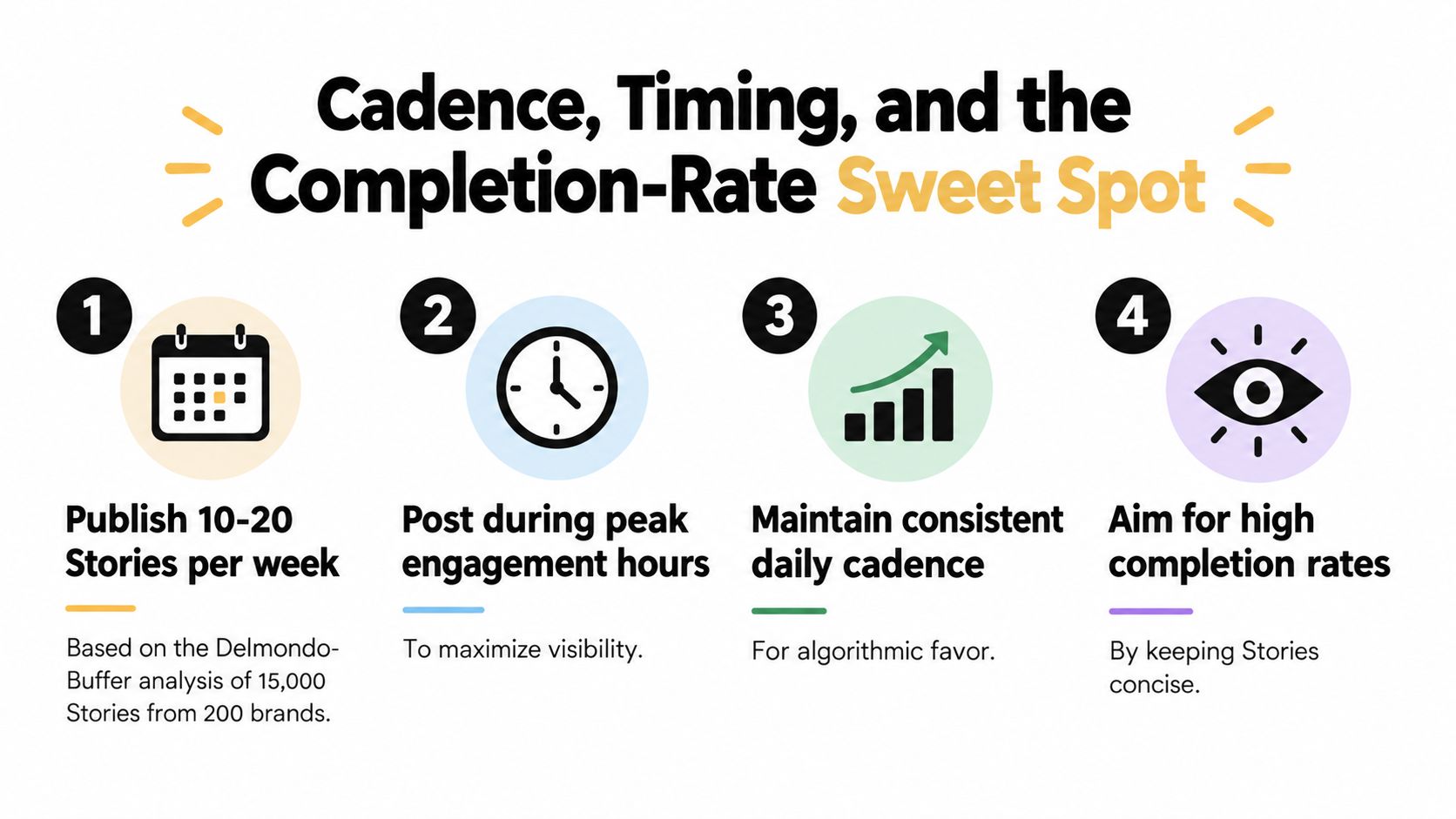
The Delmondo and Buffer analysis reported by Forbes examined more than 15,000 Stories from 200 brands. It found roughly twice the median impressions for accounts publishing 10 Stories, and about five times for those publishing 20, compared with non-Story accounts; average completion was approximately 75%, falling to about 60% for sequences containing 20 Stories.
Use historical findings as test hypotheses
The same analysis identified one to seven Stories as a practical range for full-series engagement. It also observed strong completion outside conventional U.S. working hours, including 4–6 a.m., 8–10 a.m., noon–2 p.m., and 8–10 p.m. Eastern Time, as reported in the analysis linked above.
These are historical observations from large brands, not universal appointments for your audience. They also describe relationships, not proof that adding frames caused the reported exposure.
Use the infographic as a planning prompt, not a prescriptive weekly quota or evidence of algorithmic preference.
Protect comprehension before adding volume
- Keep the opening self-contained. Viewers should understand the subject and reason to continue without waiting for later context.
- Group dependent frames. A demonstration and its explanation belong together; a separate announcement can occupy another audience-active window.
- Make longer sequences modular. Each module should have a recognizable purpose rather than extending the same point.
- Test audience-specific timing. Use your account's activity patterns and the Instagram Stories posting-time guide to develop comparable tests.
Don't increase cadence just because a larger account posted more. First establish whether your audience finishes the existing sequence and whether the final action is clear. Adding volume to a confusing opening creates more content to manage, not a better editorial argument.
A Weekly Hybrid Workflow and Quality Checklist
Build the week around approved assets and explicit handoffs. Keep a publishing calendar for finished media and a companion list of manual tasks, so nobody mistakes a queued campaign for a completed campaign.
At the planning session, separate reusable visuals from content that needs a current reaction or native interaction. For property marketing, Pinnacle Property Media's social post guide is a relevant topic-planning resource; turn selected ideas into placement-specific assets rather than copying the same treatment across formats.
Prepare, publish, and inspect
Batch the approved exports, attach instructions for interactive follow-ups, and identify who will monitor replies. The content batching workflow can help organize that preparation without collapsing every task into the publishing queue.
Use a short release checklist:
- Connection tested: The target account has passed a live publishing test.
- Files validated: Final exports meet the requirements already checked.
- Destination confirmed: The account and timezone match the approved calendar.
- Queue reviewed: Existing activity won't overwhelm the publishing allowance.
- Manual owner assigned: Each in-app task has an available publisher.
- Opening checked: The first frame explains enough to stand alone.
- Live result inspected: Media, order, and functional elements match the intended experience.
Judge the viewing experience, not just delivery
A MarketingCharts benchmark analysis covering more than 920 accounts, 28,700 Stories, and over 165,000 frames reported average completion above 70% for the first 20 frames, 100% completion for single-frame Stories, and overall reach of approximately 6.7%. It also identified the first frame as a vulnerable abandonment point.
Those historical benchmarks aren't targets every small account should adopt. A single-frame completion figure doesn't establish attention or persuasion, and a dataset weighted toward large accounts won't necessarily describe your clients.
Compare comparable sequences at different audience-active times across several posting cycles. Review first-frame exits, completion, forward taps, replies, and link clicks together. If viewers leave immediately, revise the opening before changing frequency; if they finish but don't act, inspect the proposition and next step.
SleekPost offers a dashboard for preparing assets, customizing content by platform, and scheduling Instagram Stories alongside other social posts. Visit SleekPost to queue your next approved Story sequence, then pair it with a clearly assigned in-app handoff for any interactive elements your publishing route doesn't support.