You've spent an afternoon turning a useful idea into a polished LinkedIn article. You click publish, share it once, and then watch the feed move on. The problem usually isn't the writing. It's choosing the right publishing surface, preparing the article for scanning, and treating distribution and measurement as part of the work rather than as an afterthought.
Learning how to post an article on LinkedIn is therefore more than finding the editor. You need a clear reader, a useful promise, a publish-ready draft, and a plan for what happens after the article goes live.
Table of Contents
- Why Publishing an Article on LinkedIn Still Matters in 2026
- Preparing Your Article Before You Open the Editor
- Walking Through the LinkedIn Article Editor
- Choosing Between a Personal Profile, a Page, and a Newsletter
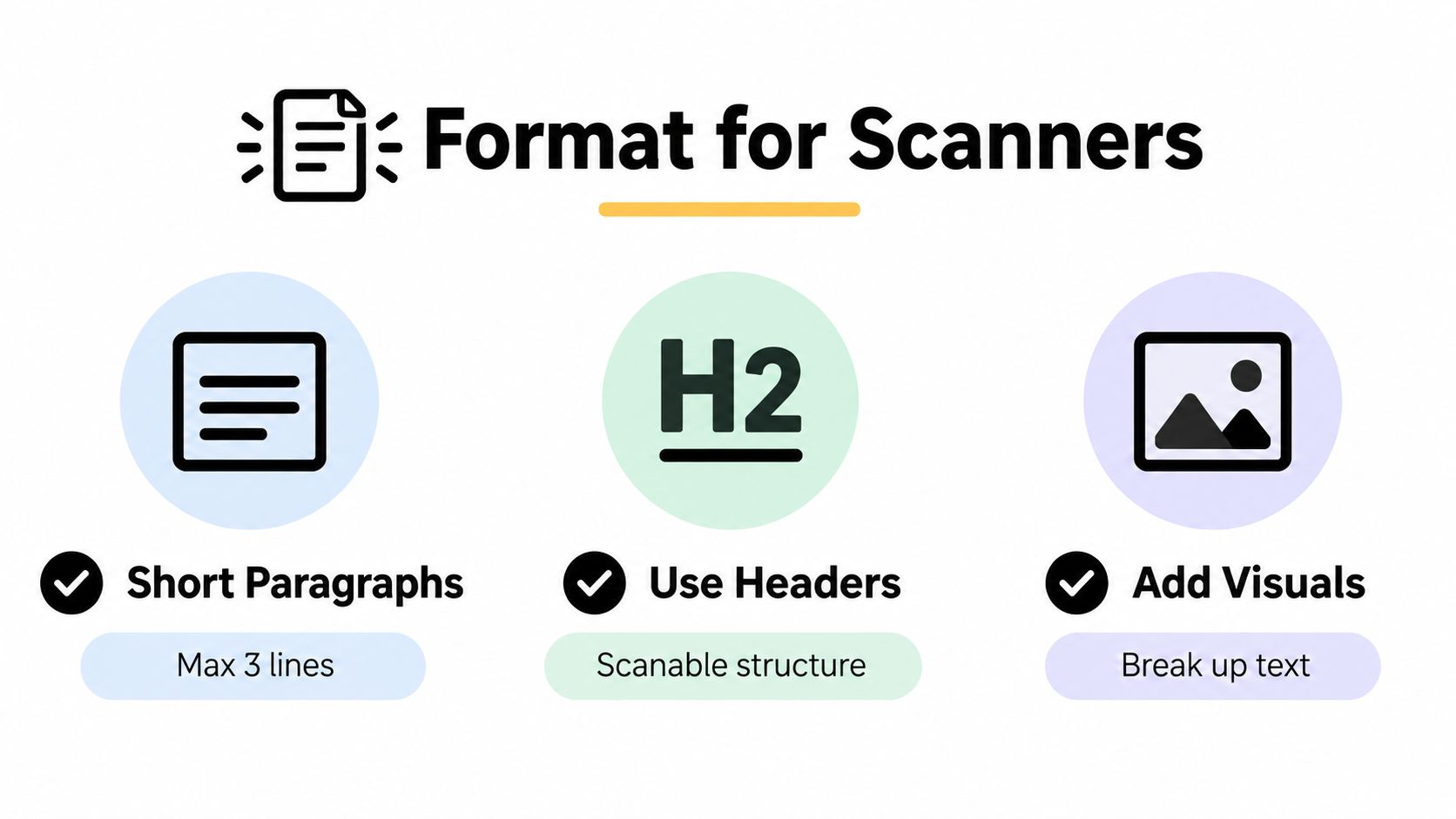
- Formatting for Scanners Without Killing Depth
- Distribution That Starts Before You Hit Publish
- Reading Analytics and Fixing Common Publishing Problems
Why Publishing an Article on LinkedIn Still Matters in 2026
LinkedIn articles are useful when the subject deserves more room than a feed post can provide. A feed post can start a conversation quickly. An article gives you a durable page for a complete argument, a practical guide, or a point of view that people may return to later.
LinkedIn reported that more than 1 million unique members had become publishers, generating more than 130,000 posts per week. The same announcement said approximately 45% of readers were managers, vice presidents, CEOs, or other senior and upper-management professionals, while the average post reached professionals across 21 industries and 9 countries. Those figures help explain why article publishing is often used for authority-building and professional discovery, not only for maximum impressions. LinkedIn's publisher milestone provides the historical context.
Practical rule: Publish an article when the idea needs sustained attention, not simply because you have something to post.
The useful operating model is a loop:
- Draft around a specific reader problem.
- Publish on the surface that owns the conversation.
- Distribute through native posts, documents, email, and relevant channels.
- Analyze reach, engagement, and reader demographics.
- Iterate on the topic, angle, and format.
| Metric | Feed Post | LinkedIn Article |
|---|---|---|
| Primary job | Start a quick conversation | Develop a complete idea |
| Lifespan | Often concentrated around early distribution | Can continue attracting readers through its URL and search discovery |
| Reader behavior | Fast scanning and commenting | Longer reading and reference use |
| Conversion role | Capture attention | Build trust before a response or inquiry |
| Best use | Announcements, opinions, short lessons | Guides, frameworks, analysis, and detailed experience |
The trade-off is production time. An article takes more editorial care than a short post, and its reach usually decays differently. It makes sense when the topic can support ongoing discovery, useful replies, or qualified conversations over time. For a practical foundation on building a consistent LinkedIn presence, see this LinkedIn growth guide.
Preparing Your Article Before You Open the Editor
The editor shouldn't be the place where you discover your argument. Draft the piece in Google Docs, Notion, or another workspace first. That gives you version history, easier collaboration, and a copy you control if the editor behaves unexpectedly.
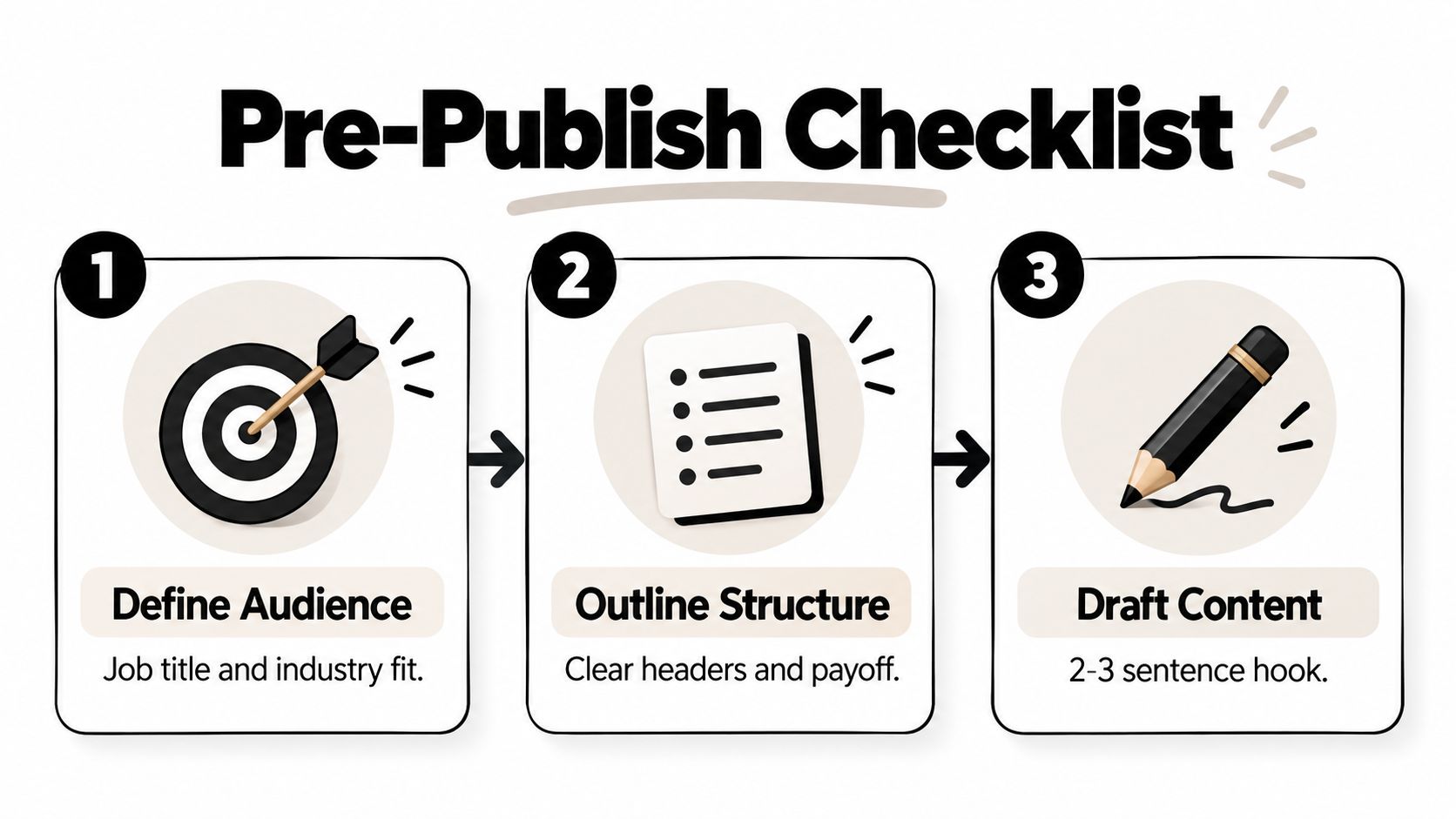
Start with the reader. Define the person by job title, industry, and buying or learning stage. A finance leader comparing reporting tools needs a different article from a junior marketer learning how to build a dashboard. Then phrase the headline around the question that reader would type or ask a colleague.
Before you open LinkedIn, prepare these elements:
- Working headline: Include the main topic and make the benefit obvious.
- Supporting angle: Write one sentence that explains what the reader will understand or do after reading.
- Opening: Put the practical payoff in the first few sentences, before the feed truncates the preview.
- Evidence: Queue relevant references, examples, screenshots, or original observations.
- Call to action: Decide whether you want a comment, subscription, consultation request, or a visit to another resource.
Avoid writing a generic introduction about how fast the industry is changing. Lead with the tension your reader recognizes, then state the consequence and the practical answer. A short article with a sharp promise is stronger than a longer piece padded with background.
Claims that contain data need supporting sources. A useful article can also include an original chart, process diagram, or product screenshot, provided the visual clarifies the explanation rather than decorating it. For a repeatable way to move from idea to finished draft, use a documented content creation workflow.
Walking Through the LinkedIn Article Editor
From the LinkedIn home feed, select Write article. If you have access to a company Page, use the publisher dropdown to choose whether the article belongs to your personal profile or that Page. That choice affects ownership and measurement, so make it before you start formatting.
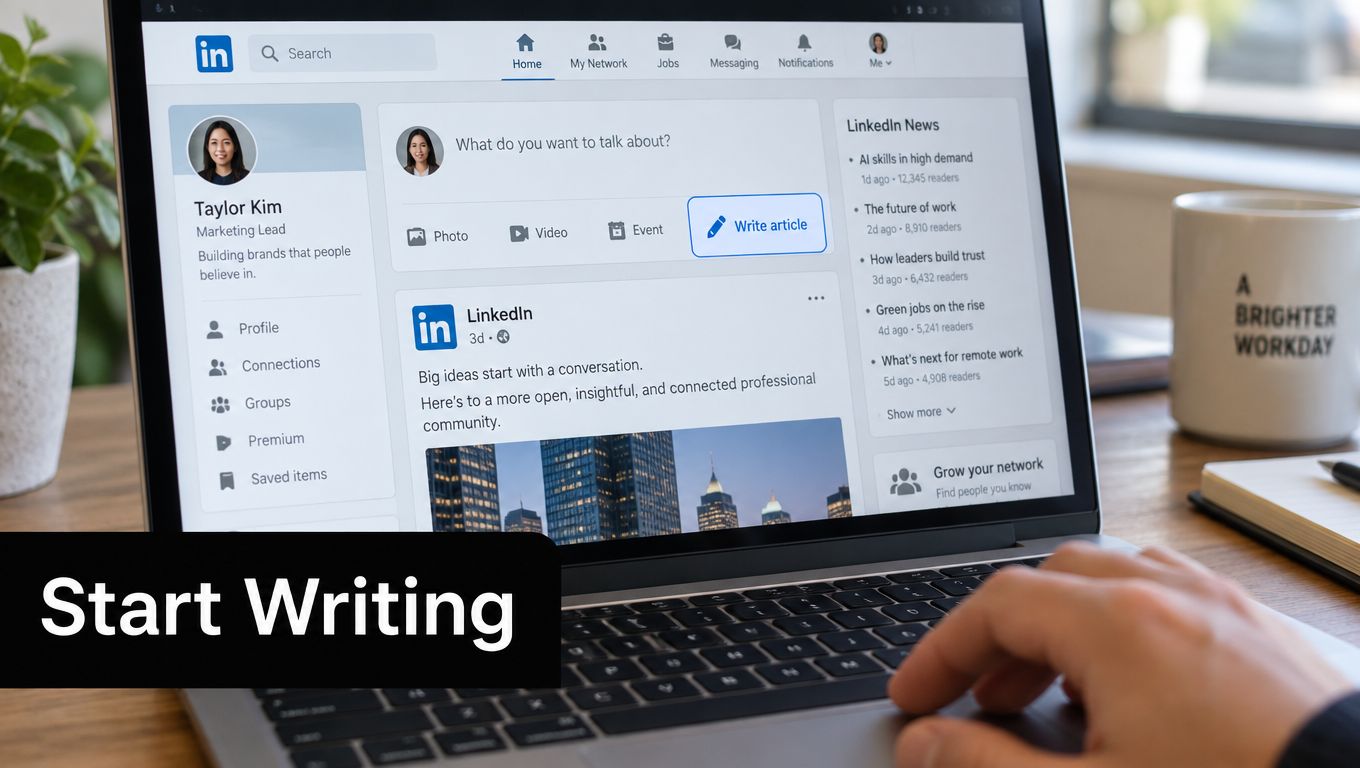
Work through the editor from top to bottom:
- Cover image: Choose a clear visual with the important subject away from the edges, since mobile crops can remove peripheral details.
- Headline: State the subject and reader benefit without clever wording that hides the topic.
- Subtitle or introduction: Use this space to sharpen the promise and provide context.
- Body: Add structure with headings, lists, links, images, documents, and pull quotes.
- SEO settings: Review the article title and description fields where LinkedIn makes them available. Keep them aligned with the article rather than writing a separate promise.
LinkedIn's official publishing guidance describes a workflow that includes a headline, cover image, direct publishing, optional SEO title, description and tags, followed by analytics review. The platform also recommends sharing the article with followers and promoting it through blogs, social posts, and email signatures. LinkedIn's article publishing guidance is the most useful reference for the current workflow.
Use the formatting toolbar deliberately. Apply H2 headings to major sections, H3 headings only when a section clearly divides, and lists for sequences or parallel choices. A pull quote can highlight the sentence you want readers to remember, while an embedded document can support a framework that would be cumbersome to explain in prose.
Preview the article on desktop and mobile before publishing. Check the cover crop, link placement, spacing, headings, and the first screen of text. Save a draft when you need another review. Publish only after checking that the selected author or Page, headline, image, body, links, and call to action are correct.
For image proportions and crop-safe placement, this cropping guide from Rooy Development offers a useful visual reference, even though it covers another social publishing context. You can also review this LinkedIn article image size guide before preparing the cover.
A short walkthrough can help you recognize the editor controls before you begin:
After publishing, make any URL adjustment promptly if LinkedIn offers that option. Don't assume every element remains freely editable after publication, so proofread the headline, cover, and opening before you click the final button.
Choosing Between a Personal Profile, a Page, and a Newsletter
The publishing surface determines who owns the article and how the audience encounters it. LinkedIn says members and Page admins can publish articles, while Page admins can publish individual articles or newsletter editions from the Page administration view. LinkedIn's help documentation distinguishes these publishing options and also notes that browser extensions can interfere with the editor.
| Surface | Audience | Analytics | Best For |
|---|---|---|---|
| Personal profile | Your professional network and followers | Personal article and audience signals | Thought leadership and expertise associated with your name |
| Company Page | The brand's followers and Page visitors | Page-level reporting and admin visibility | Brand-owned education, product perspective, and company commentary |
| Newsletter | Subscribers who opt into a recurring series | Edition and subscriber-oriented signals | A repeatable editorial relationship around one theme |
Choose a personal profile when your experience is the reason people should care. A founder explaining a hard-won lesson, a consultant breaking down a client problem, or a specialist teaching a method usually benefits from personal ownership.
Choose a Page when the company needs to own the message. That makes sense for product education, company research, hiring content, or a recurring brand editorial program. It also gives administrators a clearer content governance path.
Choose a newsletter when the topic warrants a continuing series, not a one-off article. A newsletter creates a stronger expectation of future editions, so don't use it for isolated announcements that won't support a consistent editorial promise. Personal and brand publishing can coexist, but duplicate the idea only when each version has a distinct audience and purpose. This personal branding guide offers additional context for deciding when the individual voice should lead.
Formatting for Scanners Without Killing Depth
LinkedIn articles need the depth of a blog and the visual discipline of a feed. Readers often arrive from a busy timeline, so the first paragraph must make the payoff clear before the body asks for sustained attention.
Open with two or three sentences that identify the problem, name the consequence, and promise a useful resolution. Then divide the article into sections that answer one question at a time. A heading should help the reader decide whether the next block deserves attention, not merely label a vague topic.
Use formatting according to the reader's task:
- Numbered lists: Use them for procedures, audits, and sequences where order matters.
- Bulleted lists: Use them for alternatives, criteria, or grouped observations.
- Pull quotes: Reserve them for a sharp conclusion or a sentence worth sharing.
- Inline links: Attach links to descriptive phrases rather than displaying bare URLs.
- Images: Place them beside the explanation they support, not in a decorative stack.
Keep paragraphs short enough to scan on a phone. Three sentences is a useful ceiling for most blocks, especially when the article includes technical or unfamiliar material. Dense prose can contain strong ideas and still lose readers because the screen offers no visual place to pause.
Readers don't need less substance. They need clearer signals about where each piece of substance belongs.
LinkedIn's content guidance says native document posts are currently its number one engagement format, with a reported 7% average engagement rate. The same guidance recommends consistency, thoughtful engagement, and regular posting. LinkedIn's writing guidance also cites research in which “How” headlines produced 45% higher click-through in one dataset, and identifies 40 to 49 characters as a useful title range in that research. Treat those figures as directional guidance from the cited material, not a guarantee for every article.
The article itself isn't the whole distribution plan. Pair it with a native post that frames the problem, a document post that extracts the central framework, and thoughtful replies to people who engage. This LinkedIn post formatting guide can help adapt the article into shorter, more scannable updates.
Distribution That Starts Before You Hit Publish
An article can go live to silence if its first readers are an afterthought. Draft the launch message before publishing, then use early responses to shape the next distribution move.
Choose the publishing route with distribution in mind. A personal profile suits an opinion or professional lesson that depends on the author's credibility. A company Page fits customer education and brand-led updates. A newsletter works when the topic deserves recurring coverage and subscribers should receive future issues. Each route changes who sees the article first and what follow-up feels natural.
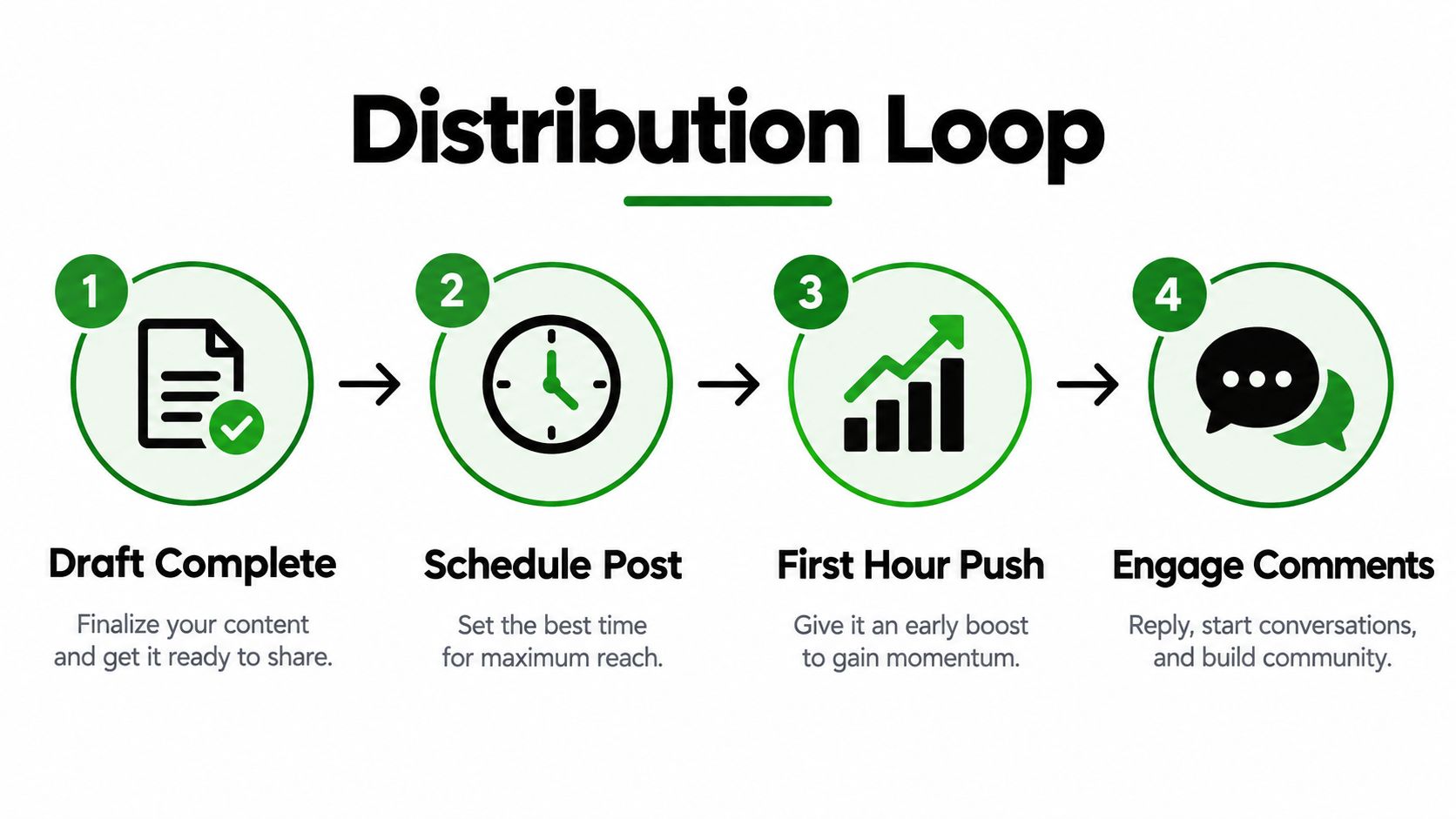
Build a simple sequence:
- Prepare the launch post: Open with the reader's problem or a useful observation, not “I just published an article.”
- Share the article directly: Add the URL and explain who will benefit from reading it.
- Watch the first responses: Reply to useful comments and ask questions that reveal the reader's situation.
- Repackage the core idea: Turn a framework, checklist, or sequence into a native document post.
- Extend the topic: Adapt the lesson for email, a company blog, or another social channel.
Share the article with relevant followers at publication, then repeat the idea in formats suited to each channel. Distribution belongs in the publishing workflow, alongside editing and scheduling, rather than being left to whoever remembers to promote the piece.
Do not paste the article's opening into every update. A personal post can explain the decision behind the article, a company Page post can focus on the customer problem, and a document post can present the process without requiring a click.
Set a review point after distribution and connect each result to a decision. If the article attracts the right job functions but few comments, publish a follow-up addressing likely objections. If it draws broad attention but little interest from target accounts, narrow the next headline, examples, and opening. This loop turns publishing into a repeatable system instead of a single post.
Reading Analytics and Fixing Common Publishing Problems
The first review should connect a metric to a decision. Don't collect dashboard numbers just to report them. Ask whether the article reached the intended audience, whether readers continued far enough to understand the argument, and whether the next action was clear.
| Metric | What It Shows | Next Action |
|---|---|---|
| Unique readers | The size of the article's readership | Compare audience fit with the topic and distribution sources |
| Read-through behavior | Whether the opening and structure hold attention | Rewrite the lead or add clearer section breaks |
| Job function, seniority, and industry | Who is consuming the article | Refine examples and future headlines for the strongest audience |
| Traffic source | Whether discovery comes from LinkedIn, search, or external sharing | Invest more effort in the channels that bring relevant readers |
| Follower or inquiry activity | Whether attention becomes an ongoing relationship | Strengthen the final call to action and make the next step specific |
Some publishing problems are simple browser problems, not content failures. LinkedIn's help documentation specifically warns that browser extensions can interfere with the publishing editor. If a draft won't save or a control doesn't load, disable extensions for LinkedIn, try a private browser window, clear cached site data, or switch browsers before rebuilding the article.
Cover images can also fail through poor framing. Keep faces and essential text away from the crop edges, and preview on a small screen. If an upload stalls, reduce the file size, rename the asset, or try a different browser rather than repeatedly clicking the upload control.
Recovery rule: Preserve the draft outside LinkedIn before troubleshooting the editor.
A weak article doesn't always need a rewrite. First check the promise. If the headline attracts the wrong readers, better formatting won't solve the mismatch. If readers engage but don't take the intended next step, the final paragraph may need a clearer invitation tied to the article's subject.
Turn the response into your next editorial queue. Reader comments can reveal objections, missing examples, and language your audience already uses. Analytics can show which audience segments deserve a dedicated follow-up. One article should create several informed ideas, not disappear into an archive after publication.
If you want to turn the article into a repeatable LinkedIn distribution workflow, SleekPost lets you schedule LinkedIn content, adapt copy and media for other platforms, and manage the follow-up posts from one dashboard. Use it to plan the native posts, document versions, and recurring editorial updates that keep a strong article working after launch.