What if the problem isn't finding a free generator, but finding one that's still useful on day five? Dozens of tools promise an AI social media post generator free of charge, then reveal a daily cap, a sign-up wall, or a dead end where you still have to copy, paste, format, and schedule everything yourself. The first draft is rarely the hard part. Keeping a posting routine alive is.
That gap matters because social publishing is now routine work for creators, small businesses, and lean marketing teams. DataReportal's Digital 2025 report estimated 5.24 billion social media user identities worldwide in February 2025, equal to 63.9% of the global population, even though identities can include multiple accounts for one person. You're not writing for a niche channel anymore. You're adapting one idea for several audiences, formats, and platforms, often in the same sitting.
This list vets each free tier against a real posting week. I look at daily quotas, sign-up friction, platform coverage, and whether drafting connects to scheduling or stops at copy and paste. You'll also need an editing pass, since AI drafts tend to sound generic without your own detail, and tools for making AI writing sound natural can help you spot flat phrasing before you publish.
Table of Contents
- 1. SleekPost - AI Content Generator
- 2. Buffer AI Social Media Post Creator
- 3. Hootsuite Free Social Media Tools
- 4. QuillBot AI Social Media Post Generator
- 5. Canva Magic Write
- 6. Ahrefs Social Media Caption Generator
- 7. CoSchedule Social Media Post Generator
- 8. Grammarly AI Social Media Generators
- 9. Postana AI Social Media Post Generator
- 10. RobinReach AI Post Generator
- Free AI Social Media Post Generators at a Glance
- How to Pick One and Start Posting This Week
1. SleekPost - AI Content Generator
SleekPost's AI Content Generator takes a pasted YouTube link, an article link, or a described topic and turns it into platform-optimized posts. You customize each version in the same dashboard. A LinkedIn draft can carry more context, an X draft stays short, and an Instagram caption can use a different call to action.
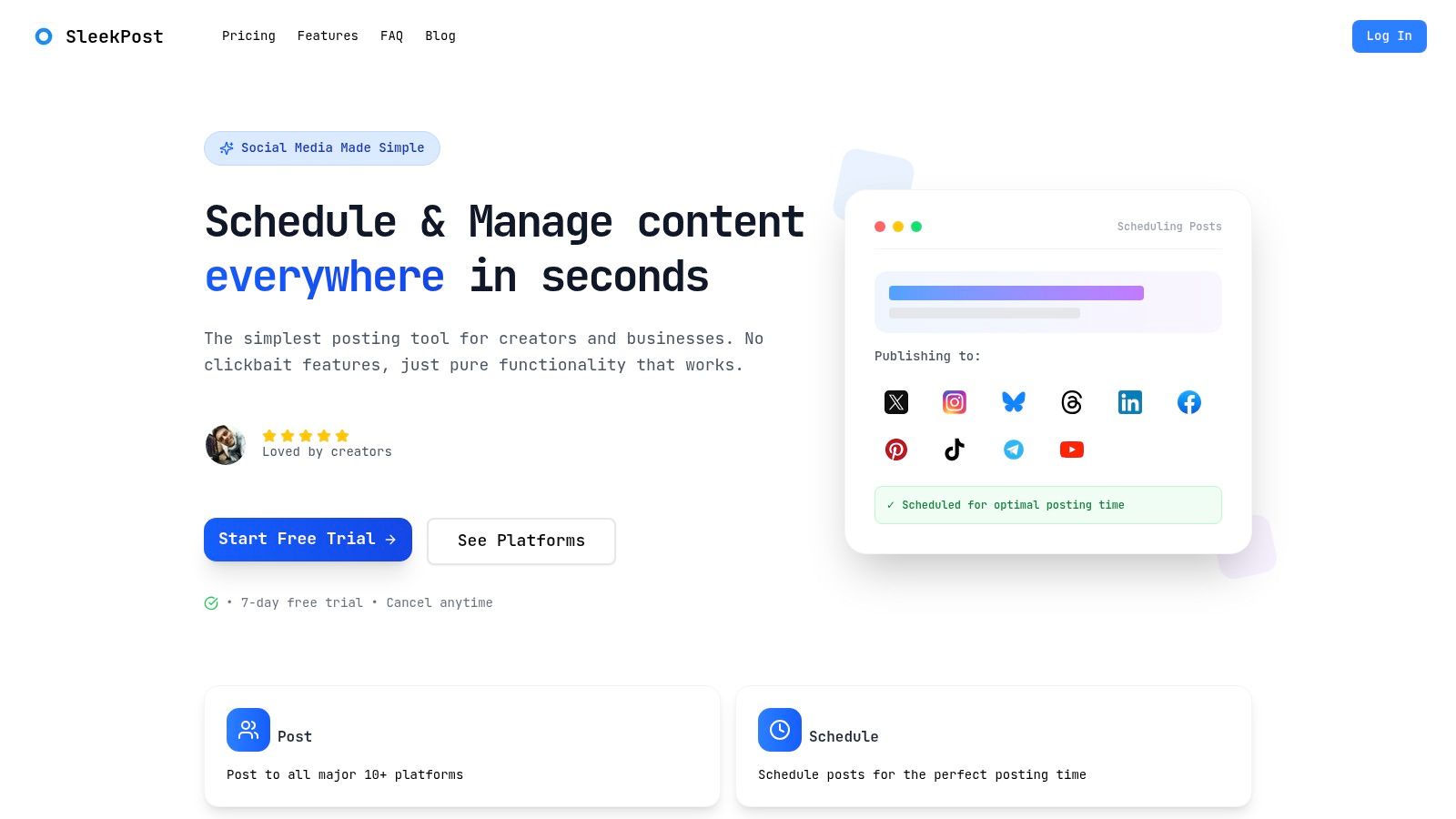
Topics, briefs, instructions, optional uploaded images, and links to TikTok or Instagram also work as inputs. Enable the writing style profile and the generator builds from your published posts, so drafts start closer to your voice than a default marketing tone. You still edit. You just rebuild less of the first line.
Where the Free Tier Bites
Free users can create and schedule five posts per month. Paying users get unlimited posts. Five posts will not cover a daily cadence, so the free allowance is a light test, not a full posting week. The 7-day free trial is the practical way to check it, during a week when you batch posts across platforms rather than writing one caption.
Creators, indie hackers, and small teams posting to several of the 10 supported platforms from one dashboard are the clearest fit. Drafts, a content calendar, per-platform variants, and a media library stay together, so generation is not a separate job from scheduling.
Practical rule: Test the generator with a link you actually plan to promote, not a throwaway topic. One real post shows more than ten demos.
For a one-off caption, this is more tool than you need. For a weekly batch, drafting and publishing sit in one place, which is the part that matters once the free quota runs out.
2. Buffer AI Social Media Post Creator
Say you need three posts today and a queue for the rest of the week. Buffer's AI Social Media Post Creator is built for that shape of work. You draft from a topic or brief in the browser, adjust tone, rephrase, or regenerate, then move into Buffer's scheduling workflow instead of exporting text to another app.
That bridge from drafting to scheduling is the main reason to pick Buffer over a pure generator. It supports scheduling across Instagram, Facebook, X, TikTok, LinkedIn, Pinterest, and YouTube, so one idea can become several scheduled variants. If you're comparing approaches, this breakdown of an AI social media content generator workflow shows why the handoff to publishing matters as much as the draft itself.
The Limit to Plan Around
The no-account generator allows up to five recommendations per day. That's enough for a light posting day, but it's tight if you generate multiple variants per idea, which is common when refining posts. A free Buffer account adds access to its AI Assistant and scheduling features, which makes the account worth creating if you'll use it more than twice.
- Strength: Drafting and a publishing calendar live together.
- Weakness: It generates copy, not finished visual posts.
- Non-negotiable: Review every draft for accuracy before it enters your queue.
Choose Buffer when scheduling is half the problem. Skip it if you only want fast, anonymous caption ideas with no account at all.
3. Hootsuite Free Social Media Tools
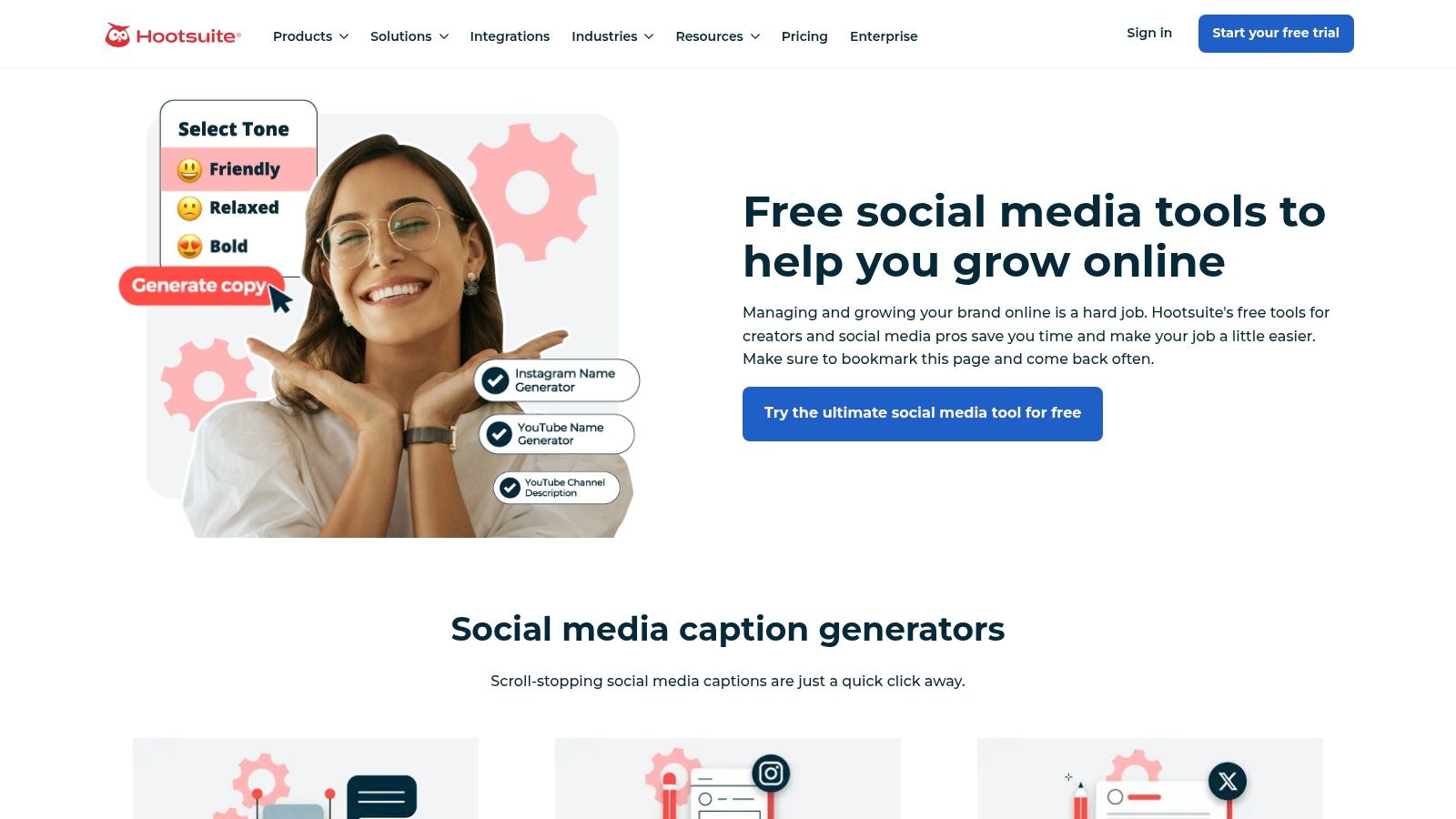
Hootsuite doesn't give you one generator. It gives you a shelf of small tools. Hootsuite's free social media tools include AI helpers for captions, post ideas, hashtags, and bios, with platform and style selections to shape each draft.
That breadth is useful for odd jobs. You might need a bio rewrite in the morning, hashtag ideas at noon, and a caption angle in the afternoon, and you can do all three without opening a full social suite. For a broader comparison of what free management software adds on top of drafting, see this guide to free social media management software.
Useful, but Not a Calendar
These standalone tools are separate from Hootsuite's paid social-management platform, and no stable usage allowance is stated. That's the trade-off. You get quick browser access, but you can't plan a quota-dependent workflow around an unstated limit, and you'll need a separate process or a paid plan to run a full publishing calendar.
- Best for: One-off drafts and adjacent tasks like hashtags.
- Not built for: Batching and scheduling a full week in one sitting.
- Editing note: Fact-check names, dates, and claims. A polished caption can still be wrong.
I recommend Hootsuite's free tools as a utility drawer, not as your main production line.
4. QuillBot AI Social Media Post Generator
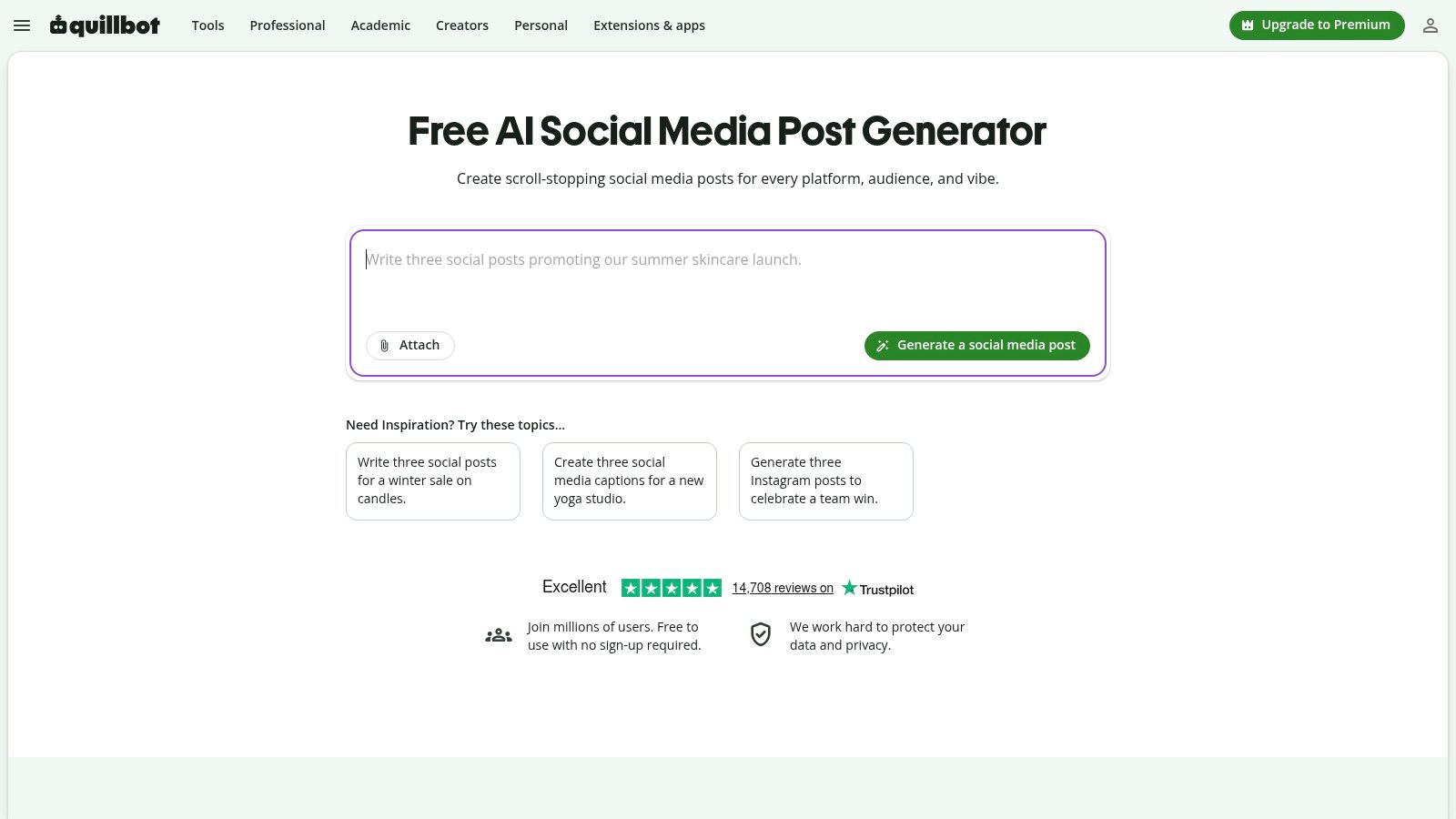
No sign-up is the pitch, and it's a good one. QuillBot's AI Social Media Post Generator turns a prompt into drafts for Instagram, X, LinkedIn, Facebook, and TikTok, and QuillBot says it's free with no sign-up required. You can give follow-up directions to refine a draft instead of starting over with a new prompt.
That follow-up loop is where the value sits. A first draft that says "exciting news" becomes usable when you tell it to name the product, cut the hype, and end with a question. If you're still building that prompting habit, this primer on using AI for content creation covers how to supply audience, goal, and tone in one brief.
What You Give Up for Zero Friction
There's no scheduling or publishing, so every accepted draft travels by copy and paste. Brand consistency also depends entirely on the context you paste into each prompt, since there's no account holding your voice guidelines. Keep a short voice brief in a notes file and reuse it.
The tool is labeled beta, so features and limits may change without much warning. For brainstorming angles from one idea, that's an acceptable risk. For a client workflow with approvals, it isn't enough on its own.
5. Canva Magic Write
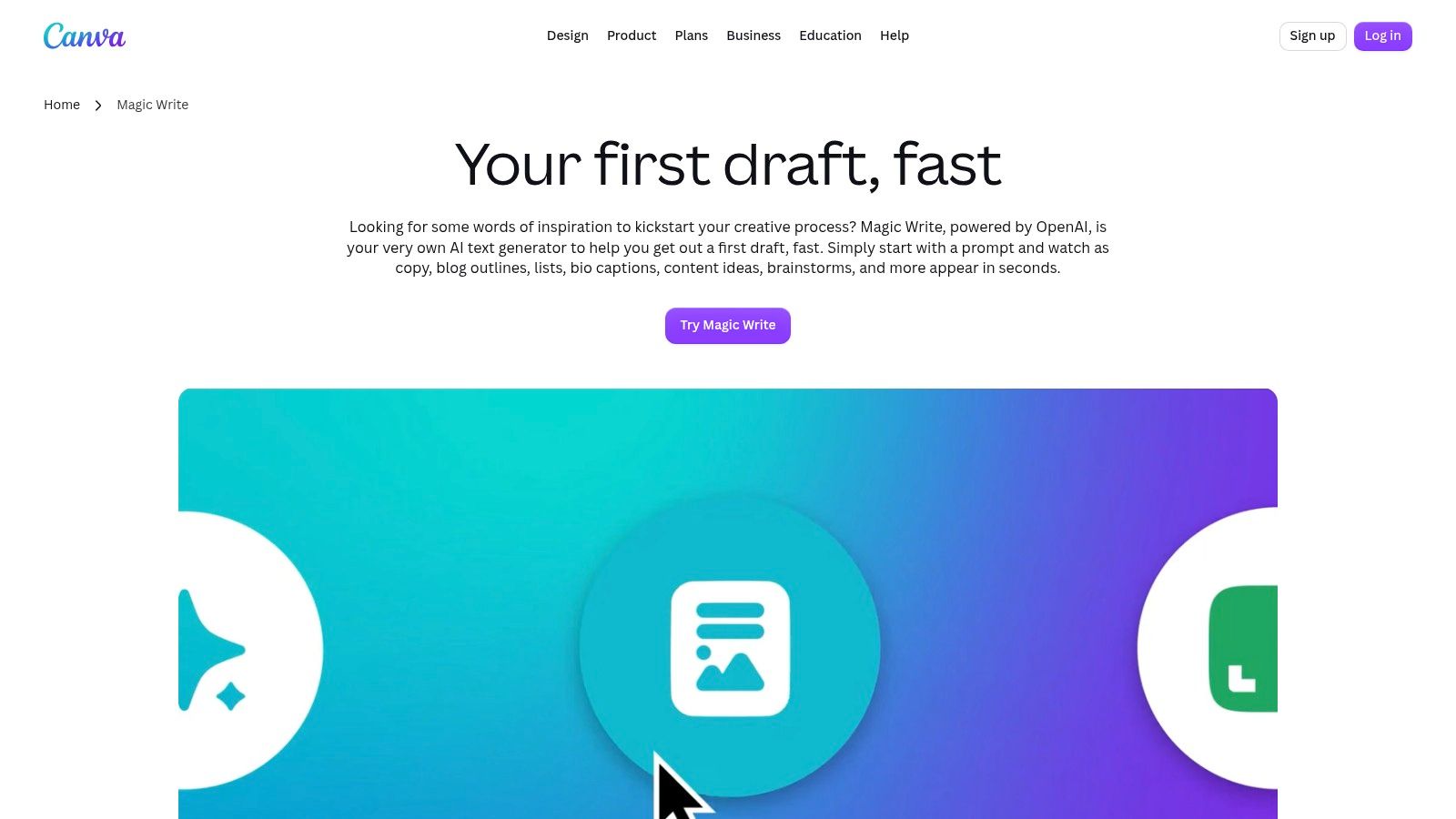
When the visual is the post, writing inside the design tool saves real time. Canva's Magic Write drafts captions, bios, and other text within Canva designs, so you can adjust copy length while looking at the layout it has to fit. A headline that's two words too long is obvious in the design and invisible in a separate doc.
Canva says Magic Write supports 20 languages, which helps if you adapt one campaign for more than one market. It also sits inside Canva's broader design environment, so templates, brand assets, and the draft caption stay together. If you're weighing dedicated generators against design-led tools, this roundup of the best AI content generator options maps the differences.
The Cap That Ends the Argument
Canva Free users get up to 25 Magic Write uses total. Not per month. Total. Spend them on posts you intend to publish, and draft throwaway variants somewhere else.
- Strength: Copy and visual design in one workspace.
- Limit: It's a general writing feature, not a dedicated social generator.
- Best fit: Creators who already build every post in Canva templates.
Magic Write is excellent for a small number of designed posts. It won't carry a daily posting habit on the free tier.
6. Ahrefs Social Media Caption Generator
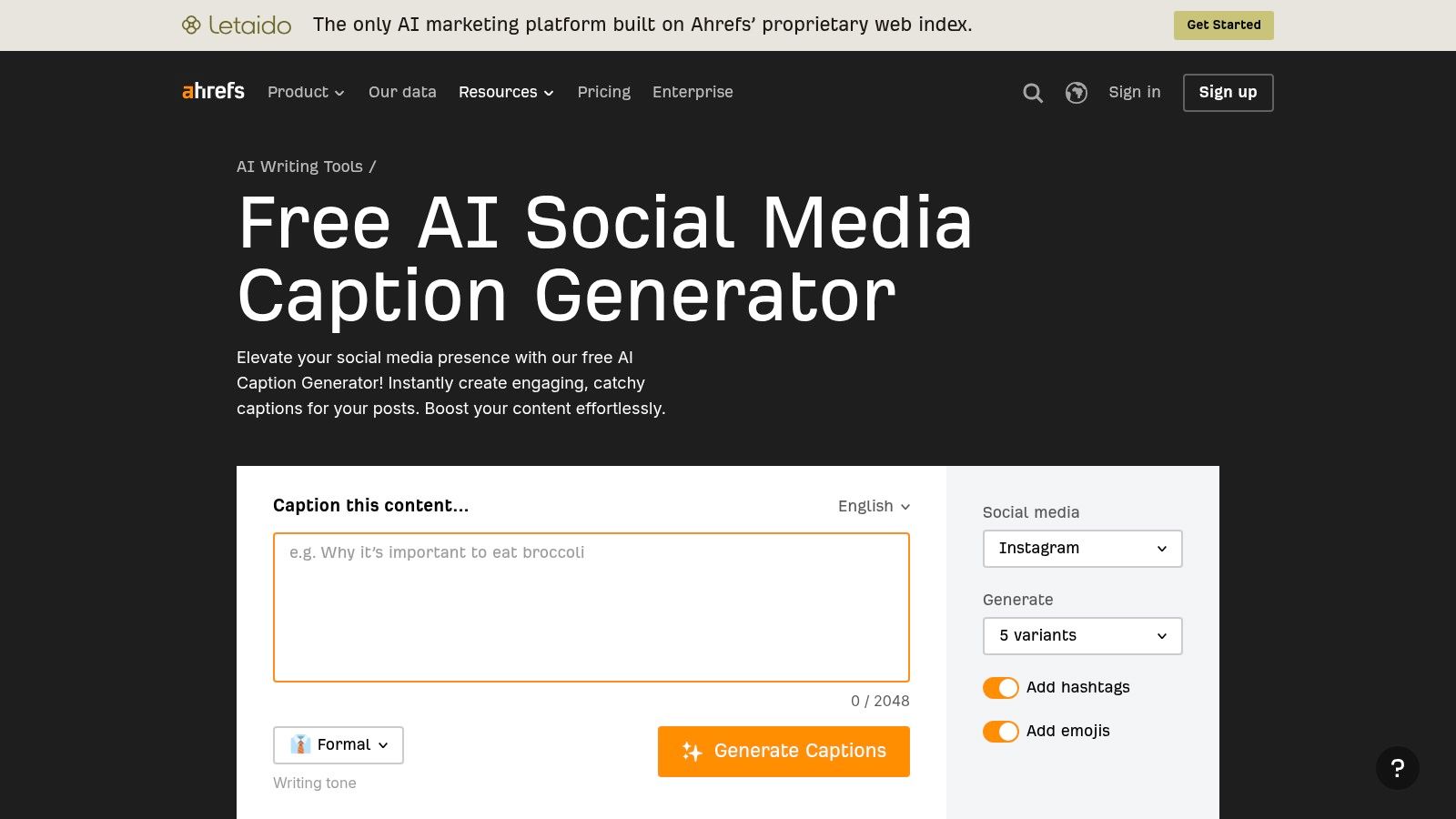
Sometimes you don't need a post. You need five ways to say the same thing. Ahrefs' Social Media Caption Generator generates multiple caption variants from your content or prompt, with choices for social network, tone, hashtags, and emojis. Comparing variants side by side is faster than regenerating one caption five times.
Ahrefs says its free writing tools do not require a subscription, which keeps the friction low for occasional use. Tone controls matter more than they sound, because a caption that's right for a product launch will read wrong on a behind-the-scenes photo. This guide to an AI social media caption generator explains how to brief tone and hashtags so variants differ in substance, not just punctuation.
A Caption Tool, Nothing More
There's no scheduling or publishing, and the output is a draft caption, not a complete campaign or visual post. No firm public usage quota is stated on the tool page, so don't build a high-volume routine on the assumption that access stays unlimited.
Generate variants, pick one, then rewrite the first line in your own words. The opening line is where generic AI phrasing shows most.
For short caption ideas without a content calendar, Ahrefs does the job cleanly.
7. CoSchedule Social Media Post Generator
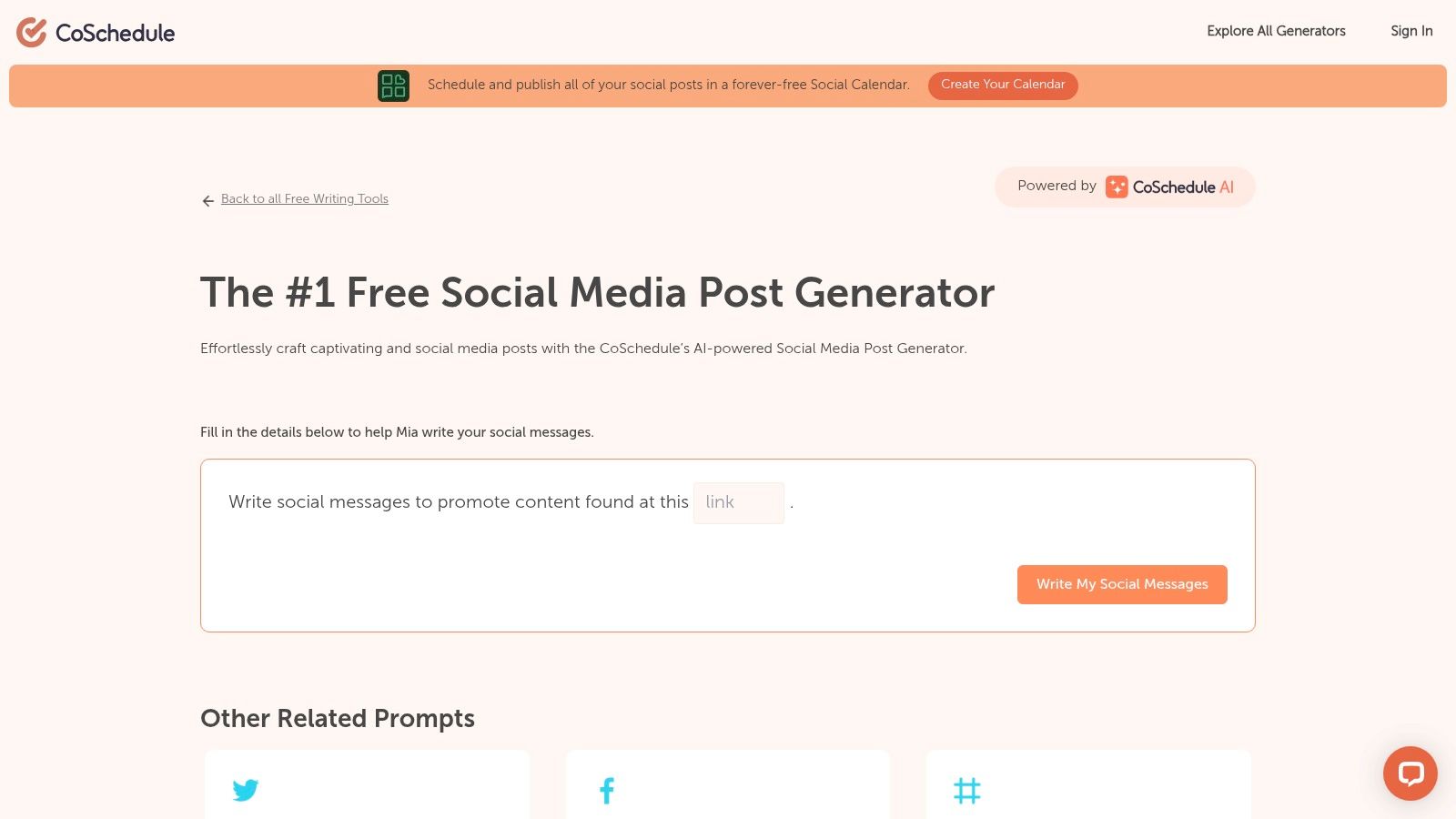
A blank prompt box isn't helpful if you don't know what to say yet. CoSchedule's Social Media Post Generator uses guided prompts built from details you provide, which forces you to clarify the audience and message before the AI writes anything. That structure suits small business owners more than power users with a prompt library.
CoSchedule also offers related generators for individual platforms and captions, plus a free social calendar. The calendar is limited to one social profile and up to 15 scheduled messages at a time. For a single-profile business posting a few times a week, that ceiling is workable. For anyone managing three platforms, it isn't.
Watch the Seam Between Free and Paid
The free generator and the full publishing workflow are separate features. AI drafting inside CoSchedule's publishing composer is a paid-plan feature, so the free path still involves moving copy from one place to another. That seam is easy to miss when you sign up, and it's where the time saving leaks away.
- Best for: Guided drafting plus a basic single-profile calendar.
- Limit: One profile and 15 unsent messages on the free calendar.
- Skip if: You publish across several profiles every day.
8. Grammarly AI Social Media Generators
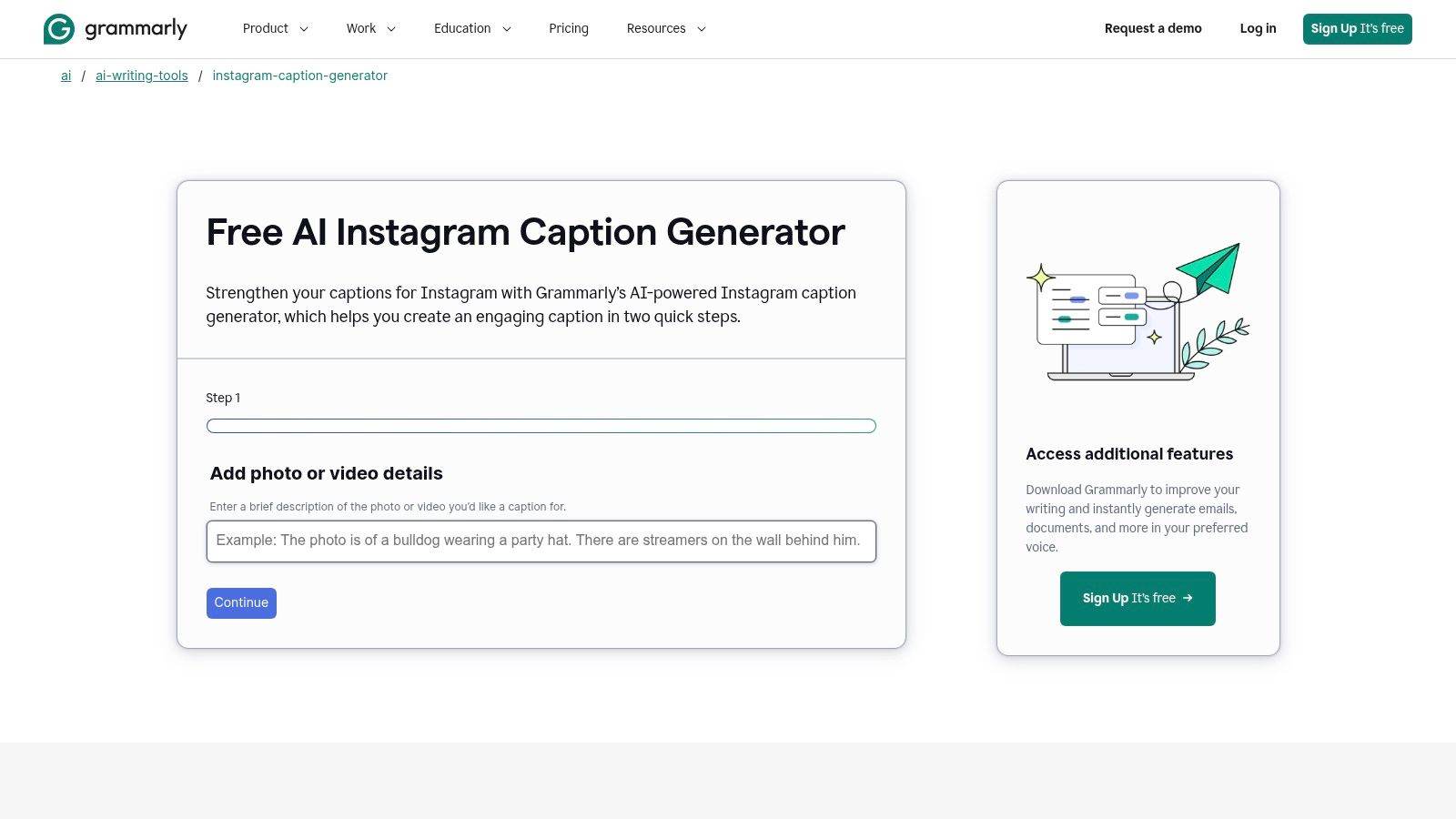
Plenty of people don't need more ideas. They need their draft to stop sounding clumsy. Grammarly's AI social media generators include tools for Instagram captions and LinkedIn posts, where you provide a topic or describe a photo or video, specify a tone, and get a draft you can then polish with Grammarly's writing suggestions.
That pairing of generation and editing is the differentiator. Most generators hand you text and leave. Grammarly flags unclear phrasing, correctness problems, and awkward wording in the same pass, which is useful if English isn't your first language or if a client will read the post before it goes live.
Platform by Platform, Not All at Once
The generators focus on individual platforms rather than a universal workflow, so a campaign across four networks means four separate drafting sessions. Scheduling and publishing require another tool entirely. Some additional writing features also require a sign-up or paid plan, even though free generator pages are available.
- Strength: Draft generation plus proofreading in one place.
- Weakness: No cross-platform variants from a single prompt.
- Best fit: Solo creators who post mainly to Instagram or LinkedIn.
Pick Grammarly when polish is your bottleneck. Pick something else when volume is.
9. Postana AI Social Media Post Generator
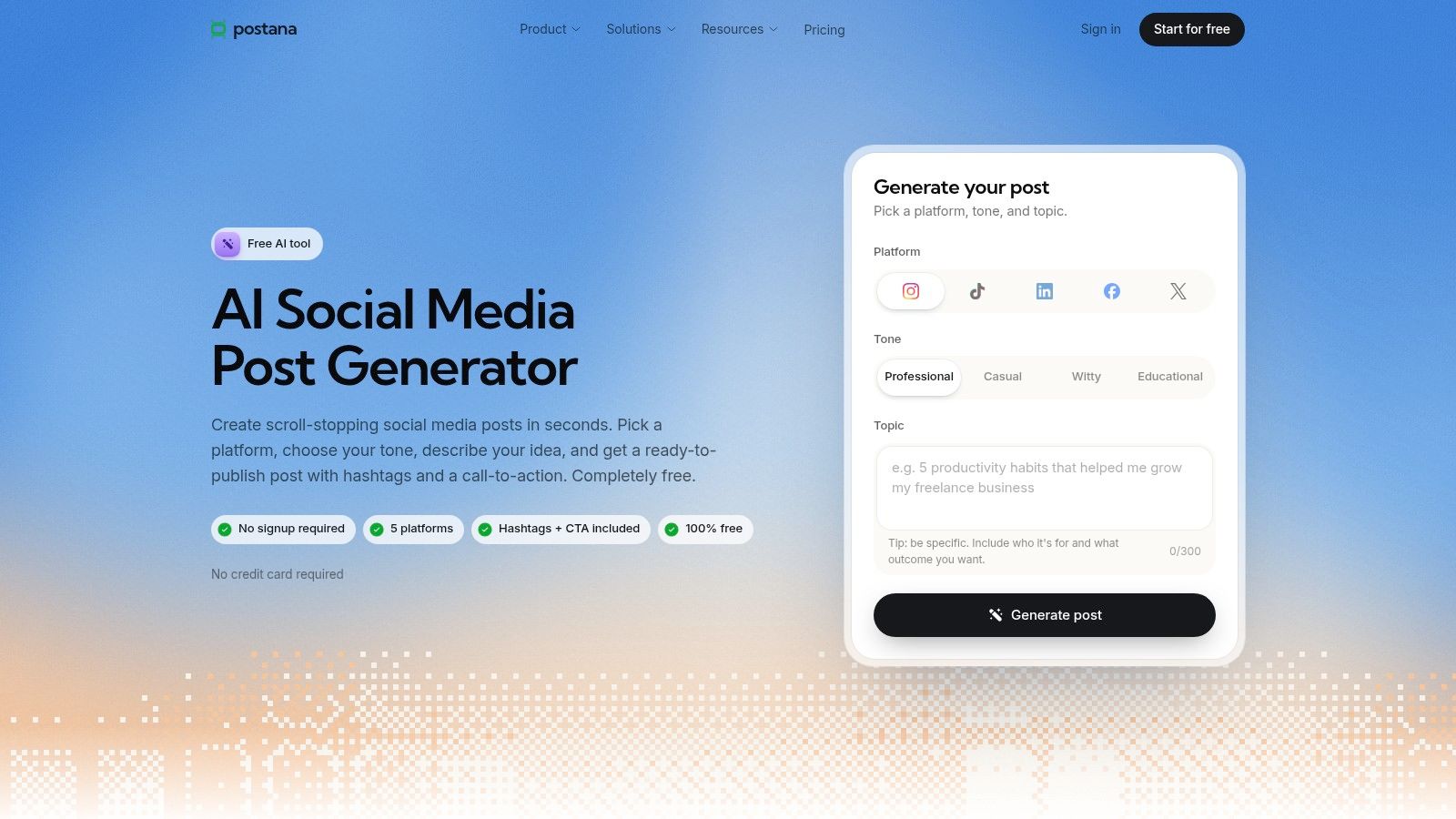
Postana keeps the form short. On Postana's AI Social Media Post Generator, you select a platform, tone, and topic and get a draft with a suggested call to action and hashtags. It supports Instagram, TikTok, LinkedIn, Facebook, and X, and Postana says the free generator requires no sign-up.
Tone choices include professional, casual, witty, and educational, which gives you a quick way to test the same announcement in two registers. Run a product update as educational for LinkedIn and witty for TikTok, then compare what you'd publish. The output is a ready-to-edit draft rather than a blank page, which is the whole point of a tool like this.
Where It Stops
The standalone generator does not publish directly to social accounts. Planning and publishing features belong to the wider Postana product, so the free path ends at copy and paste. Platform coverage is also narrower than some multi-network tools, so check your channels are on the list before you settle in.
For fast, no-account drafts with a call to action already attached, Postana is a sensible bookmark. It isn't a publishing system, and it doesn't pretend to be one.
10. RobinReach AI Post Generator
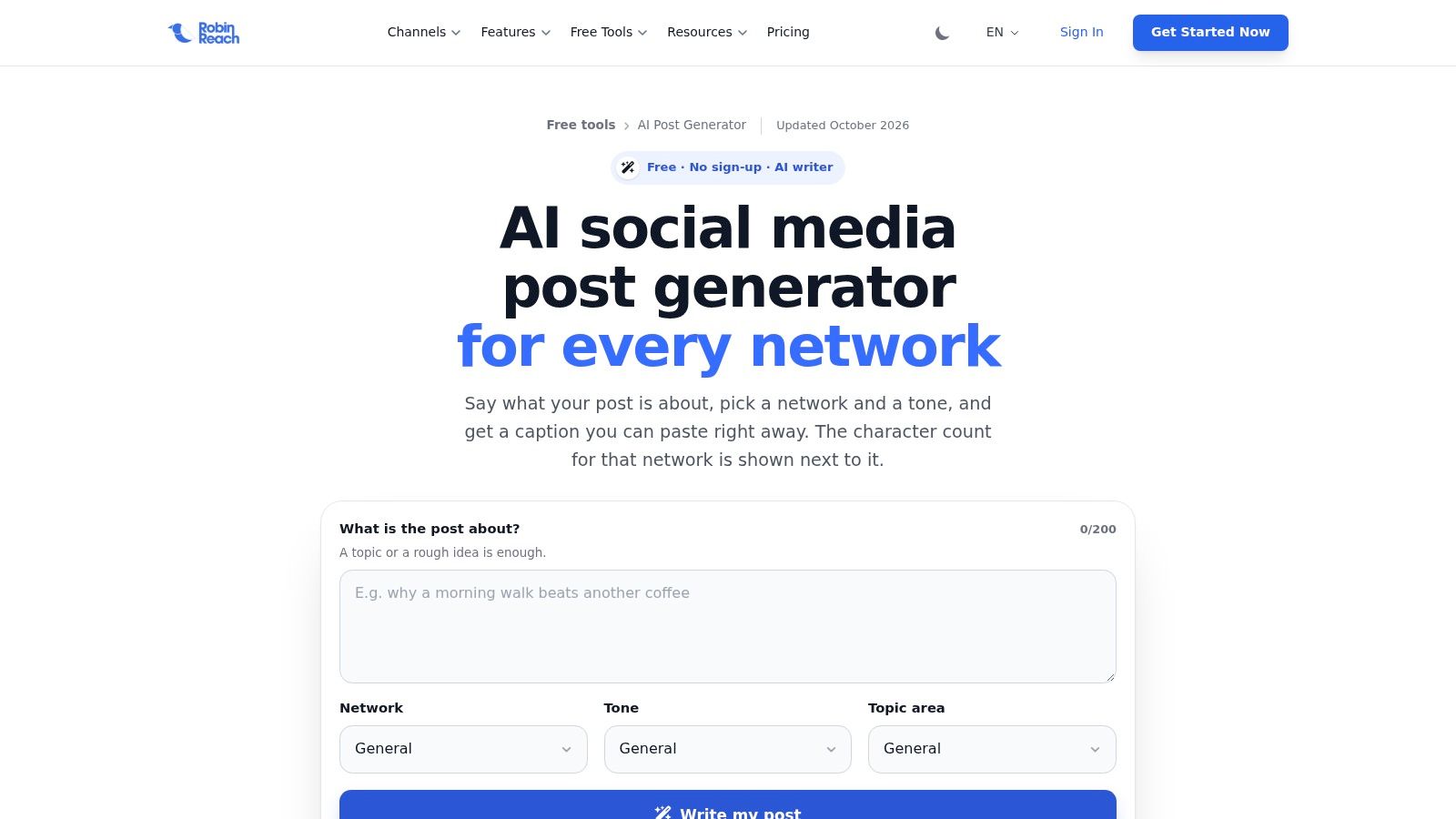
RobinReach does something rare in this category. It states its free limits plainly. On RobinReach's AI Post Generator, you can create five drafts daily without an account or 15 daily with a free account, according to the company. You can plan a real week around numbers like that.
Coverage is the other strength. The generator supports Instagram, Facebook, X, LinkedIn, TikTok, YouTube, Pinterest, Threads, Bluesky, Mastodon, and Google Business Profile, plus a general option, with tone controls, hashtags, and a call to action where appropriate. A free account includes two social accounts and 20 scheduled posts per month, according to RobinReach, which moves it closer to a workflow tool than most standalone generators get.
Two Cautions Worth Taking Seriously
Without an account, drafts must be copied and pasted rather than published directly. AI output may also exceed platform character limits, so check length before you post, especially on X.
Privacy check: Prompts are sent to OpenAI, so don't paste confidential client information, unannounced launch details, or customer data into the generator.
If transparent limits matter more to you than polish, RobinReach is the easiest free tool here to evaluate.
Free AI Social Media Post Generators at a Glance
A free generator only earns a slot in the week if you can draft every day and still get the post out. Daily caps, sign-up walls, and a missing calendar are the filters. Copy tools that stop at a draft stay in the drafting column. Tools that also queue posts sit closer to publishing.
| Tool | Free Access / Limits | Platform Coverage | Scheduling Included? | Best For |
|---|---|---|---|---|
| SleekPost - AI Content Generator | Free users can create and schedule 5 posts per month. The AI generator turns a link or topic into platform-optimized posts. 7-day free trial. | 10 platforms: Facebook, Instagram, Twitter, YouTube, TikTok, LinkedIn, Bluesky, Threads, Pinterest, and Telegram | Yes, through SleekPost | Generating platform-tailored copy and managing posts in one tool |
| Buffer AI Social Media Post Creator | Up to five recommendations daily without an account; free account available | Instagram, Facebook, X, TikTok, LinkedIn, Pinterest, YouTube, and more | Yes, through Buffer | Drafting posts and planning them on a publishing calendar |
| Hootsuite Free Social Media Tools | Free browser tools; no stable usage allowance stated | Multiple social networks | No; full calendar requires a separate workflow or paid plan | Quick social copy, captions, hashtags, and post ideas |
| QuillBot AI Social Media Post Generator | Free, no sign-up required; limits not specified | Instagram, X, LinkedIn, Facebook, TikTok | No | Quickly generating and refining prompt-based drafts |
| Canva Magic Write | Canva Free includes up to 25 total uses | General social copy; works within Canva designs | No | Creating copy alongside social graphics |
| Ahrefs Social Media Caption Generator | Free, no Ahrefs subscription required; no firm quota stated | Social network selectable; specific coverage not stated | No | Comparing caption variations with tone and hashtag options |
| CoSchedule Social Media Post Generator | Free generator; calendar supports one profile and up to 15 scheduled messages | Social media; specific platform coverage not stated | Yes, via free calendar with limits | Guided drafting and basic post organization |
| Grammarly AI Social Media Generators | Free generator pages; some features require sign-up or a paid plan | Instagram and LinkedIn tools | No | Drafting and polishing captions or LinkedIn posts |
| Postana AI Social Media Post Generator | Free, no sign-up required; limits not specified | Instagram, TikTok, LinkedIn, Facebook, X | No for the standalone generator | Creating platform-specific drafts with calls to action and hashtags |
| RobinReach AI Post Generator | Five drafts daily without an account; 15 daily with a free account | 11 named networks, including Instagram, Facebook, X, LinkedIn, TikTok, YouTube, Pinterest, Threads, Bluesky, Mastodon, and Google Business Profile | Yes, with a free account | Broad platform coverage and free scheduling options |
Read the Scheduling column before you commit. No means you still copy, paste, and post by hand. Yes means the free tier can carry a short queue, with the caps in the Free Access column. Five posts a month on SleekPost covers a light week, not a daily multi-platform cadence. RobinReach's daily draft counts and CoSchedule's 15-message calendar are the other free paths that include a schedule. Everything else is a drafting step you pair with a separate publisher.
How to Pick One and Start Posting This Week
Need drafts, or posts that publish? That question decides the tool before you compare feature lists.
If you only need occasional captions, the no-sign-up tools win on friction. QuillBot, Postana, and Ahrefs get you from idea to editable text in under a minute, and copy and paste is the cost. That setup holds if you post twice a week on one platform. It fails a real week once a daily quota runs out, a signup wall appears, or the generator stops at a draft and leaves scheduling somewhere else.
Post daily across several platforms and the cost shifts. Context switching eats the time: you reformat the same idea five times and then try to remember which version went where. A trial of an all-in-one scheduler like SleekPost beats pairing a standalone generator with a separate calendar. Free users can create and schedule 5 posts per month, while paying users get unlimited posts. Its AI generates platform-optimized posts from a pasted YouTube link, an article link, or a described topic, and each active user saves about 3.6 hours per week on average. A caption tool that only drafts copy will not close that gap.
Adoption is already past the experiment stage. McKinsey's 2025 State of AI research reported that 71% of respondents used generative AI regularly in at least one business function. Marketers are adopting generative AI quickly, and many still need a plain review habit so drafts stay accurate and safe to publish. The drafting step is easy to justify. The edit is the part that still earns its place.
A Five Step Start for This Week
- Pick one tool: Match it to the bottleneck, drafting speed or publishing friction, and check whether the free tier covers a full week of posts.
- Generate five drafts: Use one real topic, link, or product update, not test prompts.
- Edit for voice: Cut generic openers, add one specific detail only you would know, and check every factual claim.
- Schedule the batch: Put all five into a calendar at once so publishing stops being a daily decision.
- Measure and adjust: Note which edited drafts earned replies or clicks, then feed that angle back into next week's prompts.
Keep a clean copy of your final text outside any single tool, and know what plain-text conversion removes before you paste formatted drafts between apps, since stray formatting can break line breaks and links. Whichever generator you choose from this list of AI social media post generator free options, judge it after seven days of real posts. Watch the daily quota, the signup step, and whether scheduling is available. A tool that survives that week is worth more than one that impresses you once.
Stop paying for your posting routine with copy and paste. SleekPost turns a link or topic into platform-optimized drafts and schedules them across 10 platforms from one clean dashboard, so you can batch a week of posts in a single sitting. Start the 7-day free trial, generate your first five posts from content you already have, and see how much of your week you get back.