You have a strong post ready, three platforms selected, and an audience spread across several time zones. Then the routine starts: open one app, resize the creative, rewrite the caption, publish, switch accounts, and repeat. By the time you reach the last network, the original idea has consumed an afternoon.
To schedule a post effectively, treat publishing as an operating system rather than a calendar reminder. You need a platform-aware workflow, a reliable queue, clear review points, and enough flexibility to respond when a live moment matters more than automation.
Table of Contents
- What Scheduling a Post Actually Means Today
- Scheduling a Single Post on One Platform
- Cross-Posting to Multiple Platforms at Once
- Using Queues, Recurring Posts, and Auto-Reposts
- Picking the Best Time to Post Without Guessing
- Staying Consistent Without Burning Out
- Quick Fixes When a Scheduled Post Goes Wrong
What Scheduling a Post Actually Means Today
Social media scheduling used to mean choosing a date and clicking publish later. That definition no longer matches the work. The average internet user spends approximately 2 hours and 21 minutes per day on social media, or about 16 hours and 27 minutes per week, and typically interacts with around 6.5 social networks each month, according to DataReportal-based social media statistics cited by Hootsuite. A creator, small business, or agency therefore manages a distributed publishing operation, not one isolated feed.
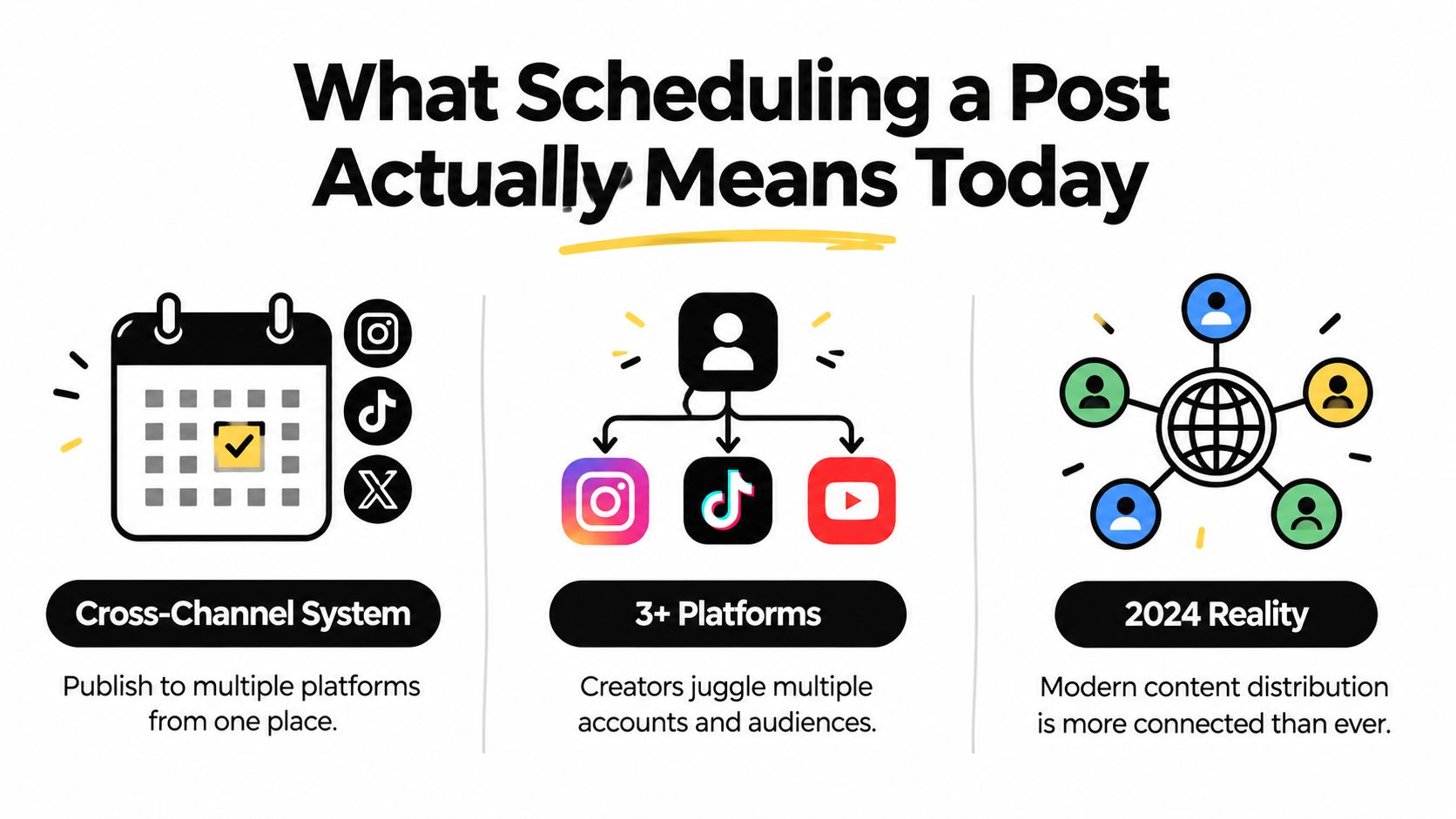
A workable system has four layers:
- Plan the message. Define the audience, purpose, format, and desired action before opening a composer.
- Adapt the asset. Prepare platform-specific copy, crops, links, captions, and calls to action.
- Assign the publication route. Choose an immediate post, a fixed time, or an open queue slot.
- Monitor what happens afterward. Scheduling handles distribution, but people still need to answer comments, check errors, and respond to context.
A single dashboard can reduce the repeated account switching involved in publishing to X, Instagram, LinkedIn, YouTube, TikTok, Threads, Pinterest, Bluesky, Facebook, and other channels. The advantage isn't only speed. It gives you one place to inspect the calendar, compare variants, identify gaps, and see whether a post is a draft, queued, scheduled, or already live.
That distinction matters for creators juggling several platforms, lean businesses without a dedicated social team, and agencies batching work for multiple clients. A useful guide to content scheduling should lead to a repeatable process: prepare once, customize deliberately, approve carefully, and publish without relying on memory.
Scheduling a Single Post on One Platform
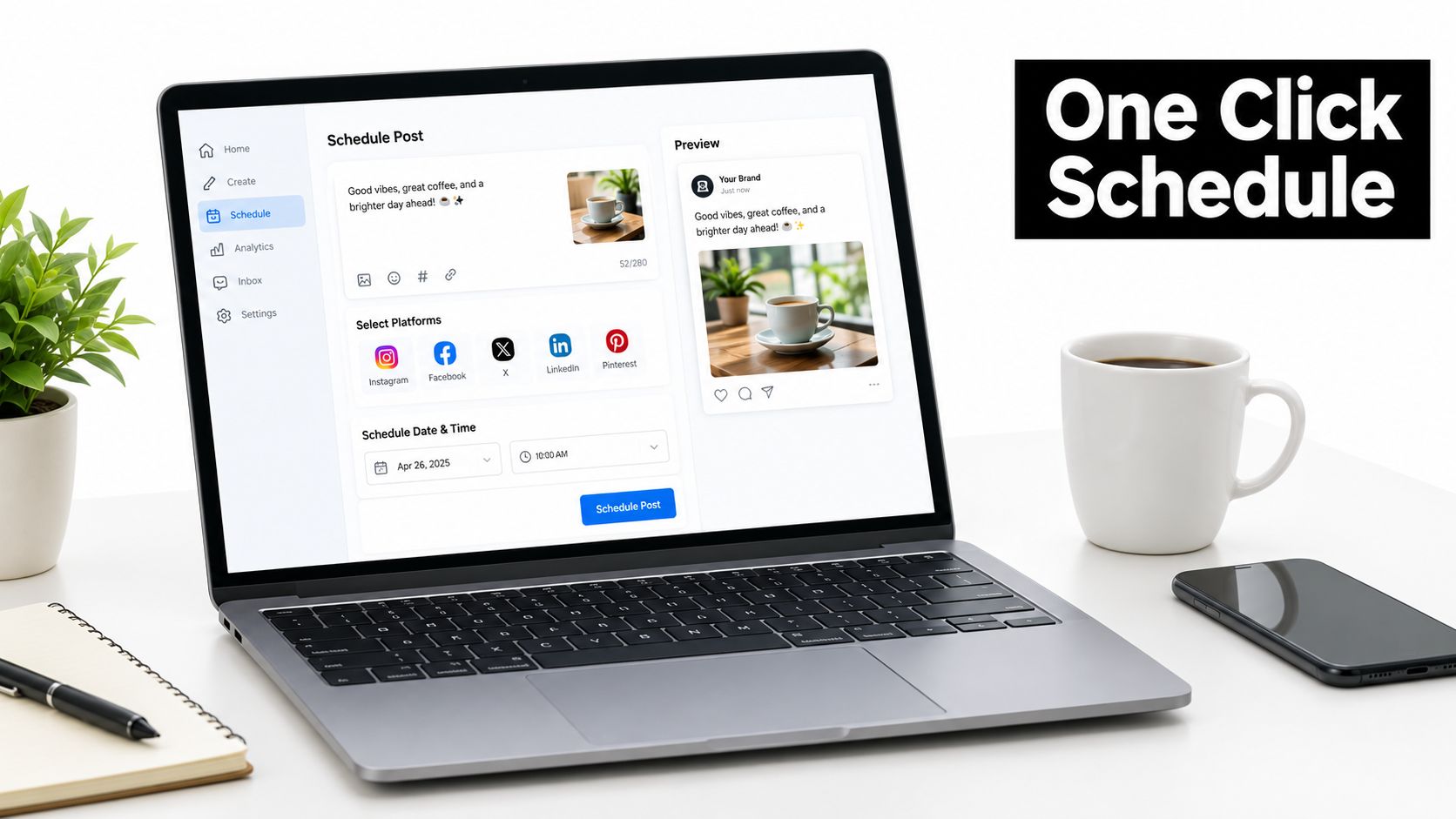
Start with one account and one clear objective. Using SleekPost as the working example, connect the relevant social profile, open the composer, and select that account before writing. Choosing the account first helps you see the correct media options, preview behavior, and publishing restrictions for that network.
Upload the image or video, write the caption, and set the account's time zone. Don't assume the time zone shown on your laptop matches the account or audience. A post scheduled for a morning audience window can appear at the wrong local hour if the account uses a different regional setting.
Choose the right publishing state
Beginners often confuse three separate actions:
- Save as draft: Keep the unfinished post in the workspace. Nothing is sent and no publication time is assigned.
- Add to queue: Place the completed post into the next available time slot defined by your schedule.
- Schedule: Choose a specific date and time for that individual post.
- Publish now: Send the post immediately, subject to the platform's publishing process.
Before confirming, preview the post as the audience will see it. Check the crop, line breaks, link treatment, thumbnail, tags, alt text where available, and whether the call to action remains understandable without the surrounding campaign context. A clean preview is more useful than rereading the caption in the editor because each platform renders content differently.
For a channel-specific walkthrough, use this guide to scheduling Instagram posts. The same logic applies elsewhere, but the available media types and account permissions can vary.
When you click the final confirmation, the scheduler records the post and sends it through the platform's supported API at the selected moment. That handoff can fail because of an expired authorization, a platform outage, unsupported media, or a permission change, so reliable workflows include a scheduled-post view and a notification or review habit.
Practical rule: Never treat the confirmation screen as the end of the job. Treat it as the point where monitoring begins.
Cross-Posting to Multiple Platforms at Once
A campaign can reach several platforms without becoming a copy-and-paste exercise. In the shared composer, select the connected accounts, build the core idea, then adapt each version before assigning it to the calendar. The operational goal is one coordinated campaign with platform-specific posts.
Use this sequence:
- Start with the channel that supports the most context and write the complete explanation.
- Reduce the central point for shorter, text-first networks.
- Replace media when the original asset does not suit the platform.
- Match the call to action to the action each network supports.
- Preview every variant independently before scheduling.
An Instagram carousel may need a square or vertical sequence and a caption that encourages saves. A LinkedIn document can support a structured explanation. Threads often suits a concise conversation starter, while TikTok depends heavily on the video, its opening seconds, caption, and sound context. Keep the campaign subject consistent, but change the packaging.
Per-platform customization cheat sheet
Use this table as a workflow reference, not as a replacement for checking current specifications. Limits and supported formats change, so confirm the final requirements in the connected publisher.
| Platform | Copy limit | Media ratio | Hashtag norm |
|---|---|---|---|
| Caption-led copy with a concise opening | Square, portrait, or horizontal depending on the asset | Focused and descriptive | |
| Longer professional context with a clear opening | Horizontal, square, or document-friendly formats | Limited, relevant tags | |
| TikTok | Short caption supporting the video | Vertical video is usually the practical default | Trend and topic-aware tags |
| Flexible explanatory copy | Square, horizontal, or portrait | Light use | |
| X | Concise text with a direct hook | Horizontal, square, or portrait | Selective use |
| Threads | Conversational, text-first copy | Images or video where useful | Minimal and contextual |
| Search-oriented title and description | Vertical creative is usually the practical choice | Descriptive keywords | |
| Bluesky | Concise text with supporting media | Square, horizontal, or portrait | Selective use |
Treat links as a platform decision. LinkedIn, Facebook, or Pinterest may support a direct website visit as the main action. An Instagram post may work better with a profile path or comment prompt. The scheduler should reduce repetitive uploading while leaving editorial choices with the person managing the calendar.
A coordinated omnichannel content strategy centralizes the campaign and distributes the execution. One idea can produce several scheduled posts, but each version should reflect its audience, format, and expected action. Build the variants before scheduling, because automation can publish the wrong crop, tone, or call to action just as efficiently as the right one.
Using Queues, Recurring Posts, and Auto-Reposts
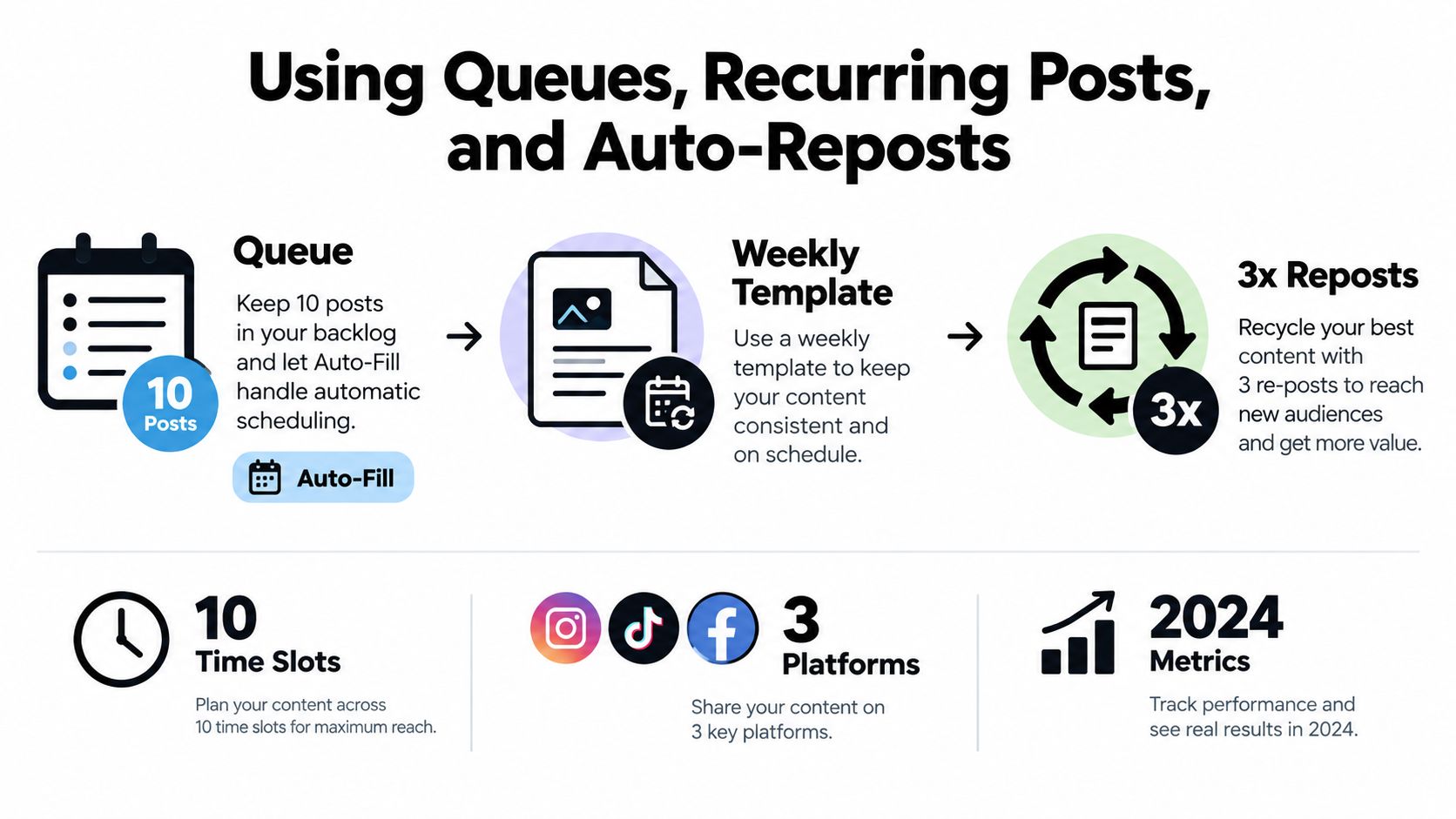
A queue replaces the daily question, “What should I publish right now?” with a prepared sequence of time slots. In SleekPost, assign publishing windows for each account, then add finished posts to the next available opening instead of manually selecting a date for every item.
That arrangement helps when your content arrives in batches. You can write several posts during a weekly planning session, place them into a platform-specific backlog, and let the queue distribute them according to the schedule. A queue still needs review. It shouldn't become a storage bin for anything that hasn't been edited.
Match the automation type to the content
Recurring posts use a repeatable template for content that remains relevant, such as a weekly tip, a recurring feature, or an evergreen reminder. Review the wording and creative periodically. A template that was accurate last season can become stale, insensitive, or disconnected from current priorities.
Auto-reposts recycle useful content after it has had time to leave the immediate feed. Use them for durable educational posts, resource reminders, or evergreen promotions. Don't automatically repost every item. A post with a time-sensitive offer, outdated reference, or sensitive topic should leave the recycling pool.
Queues manage the cadence between those two categories. They help maintain coverage, but they don't decide whether a post deserves another appearance.
Useful benchmark cadences cited in marketing research place Instagram at roughly 3 to 5 feed posts per week, LinkedIn at 2 to 5 posts per week, TikTok at 2 to 5 posts per week, and Facebook business pages at approximately 1 to 2 posts per day. These are starting points, not obligations, and the platform-specific recommendations are summarized by Sixth City Marketing's social media statistics.
Queue rule: Set a minimum cadence you can sustain, then leave room for timely content, approvals, and pauses.
A queue becomes more useful when you combine it with a media library, naming conventions, campaign labels, and a review date. For broader workflow ideas, these automation tips from FLYP LTD can help you think beyond one-off publishing.
Use recurring social media posts only where repetition serves the audience. A predictable series can build recognition. Unchecked repetition can make the account look unattended.
Picking the Best Time to Post Without Guessing
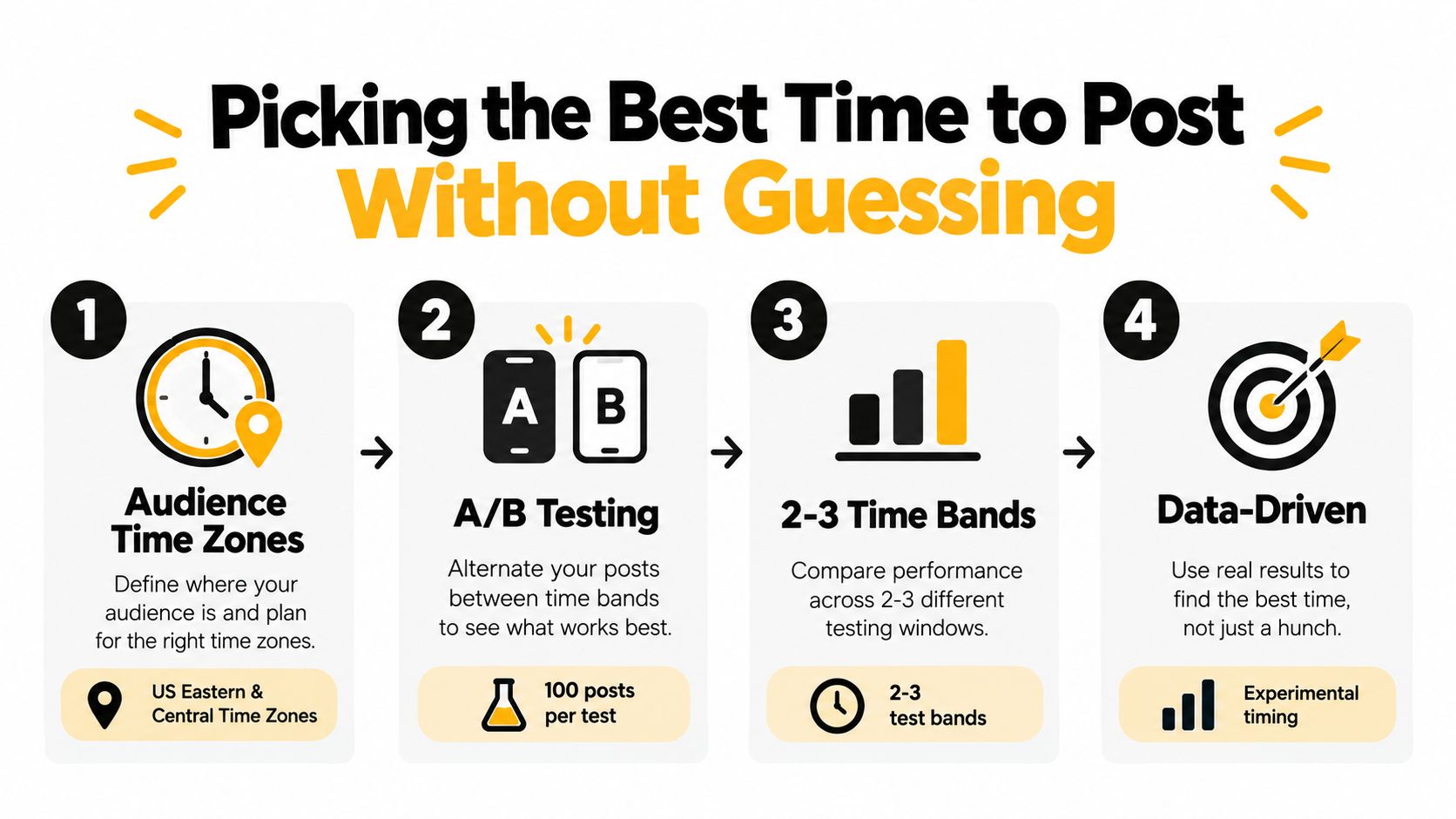
A universal “best time to post” chart is a starting hypothesis, not a publishing strategy. Begin with the audience's local time zones. If followers are concentrated in more than one region, choose two or three practical windows that represent those audiences instead of forcing everyone into one clock.
Run a controlled timing test
Use otherwise comparable posts and alternate them between the selected windows. Keep the format, topic strength, creative quality, and call to action as consistent as practical. If you change the post type and the publication time together, you won't know which variable caused the result.
A cross-platform content-strategy study uses at least 50 posts per platform as a reliability threshold for timing comparisons. Its recommended approach is to measure engagement as interactions divided by reach, while recording click-through rate and retention separately. You can find the underlying methodology in this study of optimal social media posting time.
Track each test in a simple sheet or reporting dashboard:
- Engagement rate: Interactions divided by reach.
- Click-through rate: Whether the time window attracts meaningful site or destination visits.
- Retention: Whether video or audience attention continues beyond the initial exposure.
- Qualitative response: Comment quality, questions, objections, and signs of purchase intent.
Start with broad behavioral patterns, then replace them with your own evidence. Instagram is often associated with weekday daytime activity, LinkedIn with business-hour usage, particularly Tuesday through Thursday, and TikTok with stronger midweek afternoon and evening periods. These patterns can guide the first test, but they shouldn't override your account data.
A guide to the best time to post on social media is useful for forming initial hypotheses. The winner is the time band that repeatedly produces qualified attention for your audience, not the slot that generates the largest number of shallow reactions on one post.
Staying Consistent Without Burning Out
More scheduled content isn't automatically better content. Adobe Express surveyed 433 business owners and found that 44% felt pressure to post more often, 70% felt burned out by content creation, and 68% had taken a posting break because of fatigue, according to its research on posting frequency and burnout. The same research reports especially high pressure among TikTok-using business owners, with 88% reporting posting burnout and 81% feeling pressure to post daily.
Build a schedule around capacity rather than guilt:
- Set a minimum viable cadence. Choose the smallest reliable publishing rhythm that supports the account.
- Batch in weekly sprints. Prepare core content together, then leave editing and approval time before publication.
- Reserve 10% to 20% of slots for reactive content. This range is part of the recommended operational playbook, not a requirement to fill every opening.
- Add a kill switch. Pause queued posts during a crisis, major news event, product issue, or brand-sensitive moment.
- Review with a rolling four-week median. A single post can be unusually strong or weak and shouldn't dictate the entire calendar.
A sustainable schedule protects the human work that automation can't replace. Someone still needs to notice when a joke is inappropriate, a promotion has ended, or the audience needs a direct answer rather than another prewritten caption.
Quick Fixes When a Scheduled Post Goes Wrong
When a post never publishes, check the account connection, authorization, media requirements, and platform status first. Reauthorize the account if needed, then reschedule the post after confirming that the file and permissions are valid.
If the wrong image appears, inspect the platform variant rather than the campaign draft. Replace the media, preview that specific version, and add a naming convention that separates crops and formats before the next batch.
A wrong publication time usually points to an account time-zone mismatch. Compare the scheduler setting with the intended audience region, then correct future slots instead of editing each post manually.
If the post publishes but performs poorly, don't blame the scheduler automatically. Review the hook, creative, format, audience fit, and timing evidence. Automation can deliver weak content efficiently.
Manual publishing still has a place when a post depends on a live comment, fast-moving trend, breaking news, or an interaction that must happen immediately. Scheduled publishing improves coordination, but judgment decides when not to use it.
SleekPost provides one dashboard for scheduling and publishing across platforms, with per-platform customization, queues, recurring posts, and auto-reposts for the workflows described above. Build a small platform-specific queue, review every variant, and visit SleekPost to turn that process into a repeatable publishing routine.